General
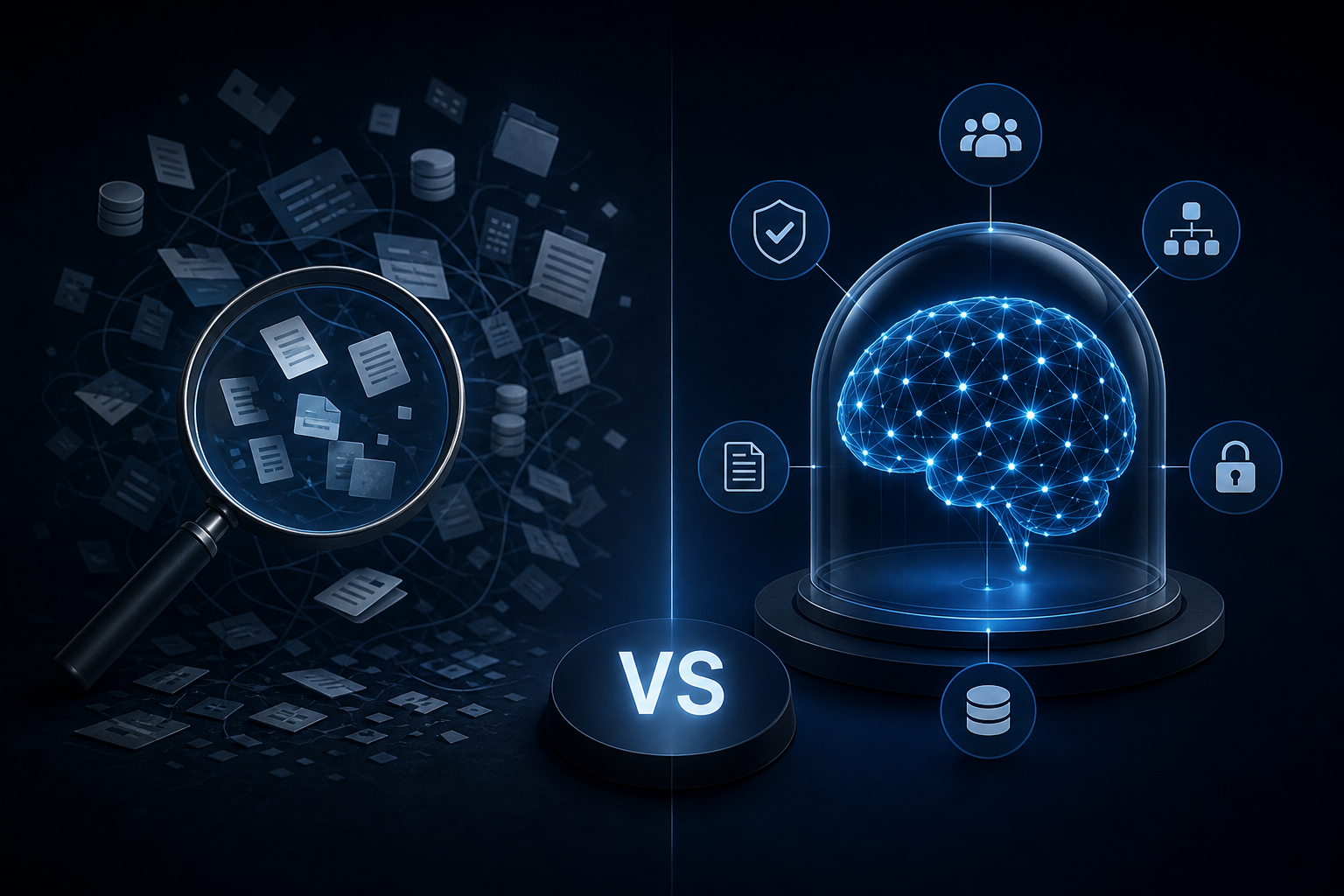
Enterprise AI Search vs. a Governed Company Brain: Key Differences
Discover how enterprise ai search differs from a governed company brain and which knowledge approach your team actually needs to act on trusted data.
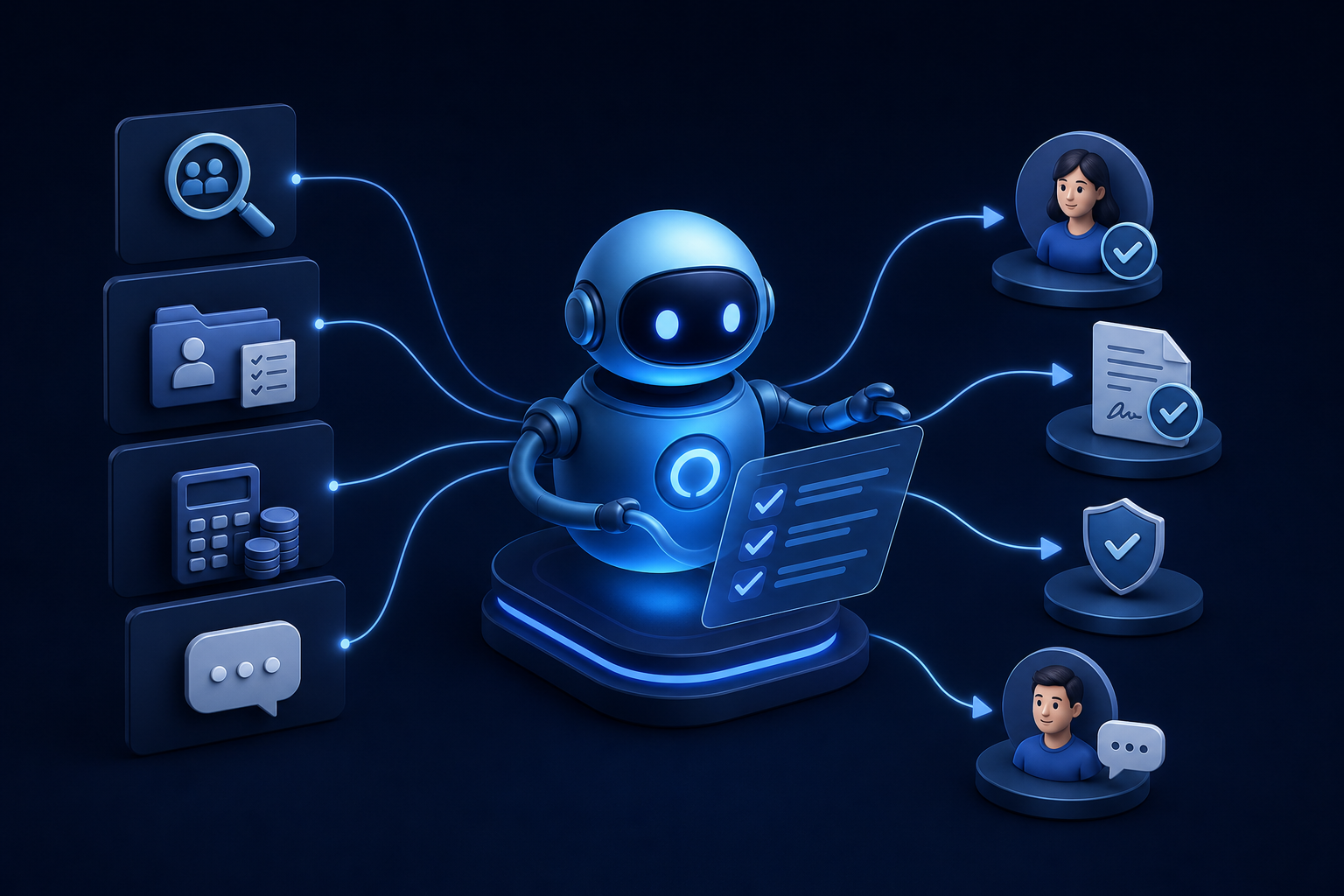
Discover how ai for hr automation handles recruiting, onboarding, payroll checks, and employee Q&A so your team can focus on work that matters.
AI for HR automation covers recruiting screening, onboarding paperwork, payroll compliance checks, and employee Q&A, freeing HR teams from the administrative tasks that consume the majority of their workday. The key is matching the right tool to each task, setting human approval gates for sensitive decisions, and establishing clear data governance before you begin.
Most HR teams aren't short on work. They're short on time to do the work that actually matters. Interviews, culture decisions, manager coaching, and conflict resolution all require human judgment. But those tasks keep getting crowded out by resume sorting, benefits FAQs, and new-hire paperwork that follows the same script every single time. AI agents can take that script and run it without you.
This guide maps which tasks are ready to offload, which tools handle them, and how to wire them into your existing stack without creating a compliance problem.
An AI HR agent does more than answer questions. That distinction matters before you spend a dollar on any tool.
A chatbot responds. You ask it something, it retrieves an answer from a document or FAQ database, and it sends that back. It doesn't take action. It doesn't update a record, trigger a workflow, or move a candidate to the next stage. It's a search bar with a friendlier interface.
An AI HR agent acts. It reads inputs, makes decisions based on defined rules, and executes tasks across the systems you already use. It can screen a resume, score it against a job description, send a calendar invite to a qualified candidate, update your ATS, and notify the hiring manager, all without a human touching the queue. That's not a chatbot. That's an AI worker with a job description.
The underlying difference is agentic architecture. Generative AI drafts content. Agentic AI takes action across systems. A generative tool helps you write a job posting faster. An agentic tool posts it, screens applicants, and schedules interviews automatically.
This gap is closing fast. According to Gartner data cited by warp.co, only 17% of companies currently use AI agents, but over 60% expect to by 2028. The companies moving now aren't doing it because it's trendy. They're doing it because the administrative load on HR is unsustainable, and agents are the first tool that actually removes work rather than just organizing it differently.
For a deeper look at how agentic systems differ from standard automation, the explanation of AI agents for business covers the architecture in plain terms. The agentic framework details how those systems are structured end to end.
The practical implication: when you evaluate any tool marketed as "AI for HR," ask whether it takes action or just generates output. The answer determines whether you're buying a faster typewriter or an actual AI worker.
Not every HR task is a good candidate for automation. The ones that are share two traits: they follow a repeatable rule, and they run at high volume. Here's where AI earns its keep today.
Recruiting and candidate screening is the most prevalent application for AI in HR, used by 27% of organizations according to 2026 SHRM data cited by deskferry.com. An AI worker can parse resumes, score candidates against defined criteria, send rejection or advancement emails, and schedule interviews without a recruiter touching the queue for the first three stages.
Onboarding paperwork and task routing follows a fixed checklist every time. A new hire needs an offer letter, an I-9, benefits enrollment, equipment provisioning, and a first-week schedule. An AI agent can trigger each step on day one, chase missing signatures, and confirm completion without an HR coordinator manually tracking a spreadsheet.
Payroll compliance checks involve comparing hours, classifications, deductions, and tax rules against current regulations. An AI worker can flag anomalies before payroll runs, reducing the chance of a costly correction after the fact.
Employee Q&A and policy lookups consume more time than most HR leaders track. Questions about PTO balances, parental leave eligibility, and benefits deadlines arrive constantly. An AI agent connected to your policy documents answers them accurately and instantly, at any hour.
Offboarding workflows mirror onboarding in structure. Revoking system access, processing final pay, sending COBRA notices, and scheduling exit interviews all follow the same sequence. Automation handles the sequence; a human reviews the output.
Rippling AI handles several of these tasks in a single platform. It automates end-to-end workflows including onboarding, payroll runs across 185 countries, and device management by connecting live business data across apps, per rippling.com. It inherits existing platform permissions to maintain data security and requires explicit human confirmation before executing any proposed action.
According to a 2026 SHRM survey of over 1,900 HR experts cited by deskferry.com, 39% of organizations have already integrated AI into their HR functions. Meanwhile, SAP reports that 38% of HR leaders have either researched or integrated AI tools to improve operational efficiency. The adoption gap between those researching and those actually running automated workflows is where most teams are stuck right now.
HR automation cuts administrative time significantly, and the numbers are specific enough to build a business case.
Research cited by Spinnable shows that HR teams dedicate 60% of their workday to repetitive administrative tasks. For a two-person HR team each working 40 hours a week, that's 48 hours every week spent on work that follows a script.
Automation doesn't eliminate all of that. Depending on how many workflows you connect, a meaningful share of those repetitive hours becomes recoverable time each week.
The recruiting impact is sharper. Research also cited by Spinnable shows organizations using AI in their recruitment processes see a 73% decrease in time-to-hire. If your average hire currently takes 30 days from posting to offer, AI-assisted screening and scheduling can compress that to roughly eight days. Multiply that across 20 hires a year and you recover significant recruiter capacity.
These gains don't require replacing your HRIS or rebuilding your processes from scratch. They require connecting an AI worker to the workflows you already have, defining the rules it follows, and setting the approval gates where human judgment is non-negotiable. The framework for measuring automation ROI walks through how to put a number on that before you commit to a build.
Getting AI into your HR workflows is not a technology problem. It's a sequencing problem. Most teams stall because they try to automate everything at once, or they connect a tool before they've defined the rules it should follow. The five steps below run in order for a reason.
Step 1: Identify a high-volume, rule-based workflow. Start with the task your team repeats most often and hates most. Resume screening, PTO request routing, and new-hire document collection are common starting points. If the task follows the same logic every time and happens more than ten times a week, it's a candidate.
Step 2: Describe the specific task and logic. Write out every decision the AI worker needs to make. For candidate screening: what criteria qualify a resume, what triggers a rejection, what triggers an interview invite. The more precisely you define the rules, the less you'll need to correct the output. Vague instructions produce vague results.
Step 3: Connect the AI agent to your existing software stack. This is where most implementations slow down. Your AI worker needs read and write access to the systems involved: your ATS, your HRIS, your calendar, your payroll platform. Rippling AI handles this natively for the workflows it covers, connecting live business data across apps without requiring custom API work. For tools outside that ecosystem, confirm that your HRIS exposes the endpoints the agent needs before you commit to a build.
Step 4: Set mandatory human-in-the-loop approval gates. Define which outputs the AI executes automatically and which require a human to confirm before anything happens. Scheduling a screening call: automatic. Advancing a candidate to a final round: human confirms. Sending an offer letter: human approves the terms first. Rippling AI requires explicit human confirmation for any proposed action, per rippling.com. Build that same gate into any agent you deploy, regardless of platform.
Step 5: Establish data privacy and governance boundaries. Decide which data the AI worker can access, where it can write, and how long it retains candidate or employee information. Document those boundaries before the agent goes live. This step protects you legally and makes future audits straightforward.
A note on legacy HRIS systems: if your platform predates modern API architecture, connecting an AI agent may require middleware or a custom integration layer. Confirm your system's integration capabilities before you select a tool in step 3.
Some HR decisions carry legal, financial, or human consequences that no rule-based system should own end-to-end. Removing the human from these decisions doesn't save time. It creates liability.
Final hiring decisions belong to a human. AI can screen, score, and rank candidates. It should not make the call on who gets the offer. Hiring decisions touch anti-discrimination law, and an automated final decision with no human review is a legal exposure most companies can't afford.
Terminations and performance-based actions require human judgment and documented process. An AI worker can flag a performance pattern or generate a summary of attendance data. The decision to terminate, place someone on a performance plan, or issue a formal warning must involve a manager and HR lead who can weigh context the data doesn't capture.
Compensation changes sit in the same category. Salary adjustments, promotion decisions, and equity grants involve factors that aren't fully visible in a dataset: internal equity, retention risk, market context, and negotiation history. An AI worker can surface relevant data to support the decision. It should not set the number.
Workplace investigations involving harassment, discrimination, or safety complaints require human oversight at every step. These processes carry legal obligations around confidentiality, documentation, and impartiality that an automated system cannot meet.
For one-person HR departments, this distinction matters most. You may automate the administrative volume to free up your time, but the decisions that carry legal weight still land on your desk. That's not a limitation of the technology. It's the correct design.
Compliance in AI-assisted HR is not optional, and the regulatory environment is tightening. Here's what you need to have in place before your AI worker touches a hiring or employment workflow.
Understand the EU AI Act's intent. The EU AI Act classifies AI systems used in employment, worker management, and access to self-employment as high-risk. High-risk systems face requirements around transparency, human oversight, and bias testing. If you operate in or hire from EU member states, your AI hiring tools fall into this category.
Know NYC Local Law 144 if you hire in New York City. This law requires employers using automated employment decision tools in hiring or promotion decisions affecting NYC candidates or employees to conduct annual bias audits and disclose their use of those tools to candidates. The intent is to prevent AI from encoding discriminatory patterns into hiring at scale.
Apply Title VII to your AI outputs. Title VII of the Civil Rights Act prohibits employment discrimination based on race, color, religion, sex, or national origin. If your AI screening tool produces outcomes that disproportionately exclude a protected class, that's a disparate impact problem regardless of whether a human made the final call.
Audit your training data. AI tools trained on historical hiring data can encode historical bias. Before deploying a screening tool, ask the vendor how the model was trained and whether it has been tested for disparate impact across protected categories.
Document every automated decision point. Keep a record of what the AI worker did, what data it used, and what human reviewed the output. This documentation is your defense in a dispute and your evidence in a regulatory audit.
Check multi-state and multi-entity payroll rules separately. Payroll compliance rules vary by state, and some local jurisdictions add their own requirements on top. An AI worker running payroll across multiple states needs rules configured for each jurisdiction. Confirm with your payroll platform which jurisdictions it covers and where manual review is still required.
Point tools work until they don't. When you run separate AI workers for recruiting, onboarding, payroll, and employee Q&A, each one operates on its own slice of data. None of them share context. A candidate who accepted an offer in your ATS is still a stranger to your payroll platform until someone manually bridges that gap.
That's the ceiling of point-tool automation. Each tool does its job. No tool knows what the others know.
Gartner data shows that over 60% of companies expect to use AI agents by 2028, up from just 17% today. The ones who will hit that ceiling fastest are the ones adding agents one at a time without a shared data layer underneath.
Singular Innovation is an AI operating system company that consolidates scattered data sources into a single governed knowledge layer and deploys AI workers inside the tools your team already uses. The result is a Company Brain: one source of truth that every agent and every team member draws from, auto-updating, and fully owned by you from day one.
If your HR automation is already producing data silos, that's the signal. The answer isn't more point tools. It's a unified layer connecting them.
Prices and plan limits verified as of October 2026.
Can AI handle multi-state or multi-entity payroll and tax filings? AI-assisted payroll tools can run calculations and flag compliance issues across multiple states, but the rules vary enough by jurisdiction that you need to verify coverage before you rely on automation. Rippling AI, for example, supports payroll runs across 185 countries and connects live business data across apps. For any jurisdiction your platform covers, confirm which rules are automated and which still require manual review. Multi-entity structures with separate EINs add another layer of complexity that typically needs human configuration upfront.
What is the best free AI tool for a one-person HR department? Most capable HR AI tools do not publish pricing, and the ones with free tiers tend to limit the workflows that matter most, such as payroll automation or ATS integration. For a one-person department, the better question is which task consumes the most time. If it's candidate screening or employee Q&A, a free-tier generative AI tool can reduce the drafting load. If it's payroll or onboarding workflows, you need a platform with real integrations, and those carry a cost. Start with one workflow, prove the time savings, then build the case for a paid tool.
How do I audit an AI system's hiring decisions for bias? Start by asking the vendor how the model was trained and whether it has been tested for disparate impact across protected categories including race, sex, and national origin. Then pull your own output data: look at pass rates by demographic group across a meaningful sample of applications. If one group clears the AI screen at a significantly lower rate than others, that's a signal worth investigating before it becomes a legal problem. Document every audit, including the date, the data reviewed, and who approved the findings.
Does using AI in recruiting require employee or candidate disclosure? In some jurisdictions, yes. NYC Local Law 144 requires employers using automated employment decision tools in hiring or promotion decisions affecting New York City candidates to conduct annual bias audits and disclose that use to candidates. The EU AI Act classifies AI tools used in hiring as high-risk, which carries its own transparency requirements for employers operating in EU member states. Outside those jurisdictions, disclosure isn't always legally required, but it is increasingly expected. Candidates who discover undisclosed AI screening after the fact tend to view it as a trust issue.
How long does it typically take to implement an AI HR automation workflow? A single, well-defined workflow, such as resume screening or new-hire document collection, can go live in two to four weeks if your existing systems have accessible APIs and your rules are clearly documented before you start. The steps that take the most time are rarely the technical ones. Defining the decision logic, setting approval gates, and establishing data governance boundaries before connecting anything are where most implementations slow down. Multi-workflow builds that connect several systems take longer and benefit from a governed architecture rather than a series of independent point-tool connections.
AI can take over the repetitive, rule-based work that consumes the majority of an HR team's week: screening candidates, routing onboarding tasks, running compliance checks, and answering policy questions at any hour. The tasks that require human judgment, final hiring calls, terminations, compensation decisions, and workplace investigations, stay with a person. That boundary isn't a limitation. It's the correct design for both legal compliance and sound management.
Your next step is concrete: pick one high-volume workflow your team repeats more than ten times a week, write out the decision logic it follows, and confirm whether your current HRIS exposes the integrations an AI worker would need. That audit takes an afternoon and tells you exactly where to start.
Discover how enterprise ai search differs from a governed company brain and which knowledge approach your team actually needs to act on trusted data.
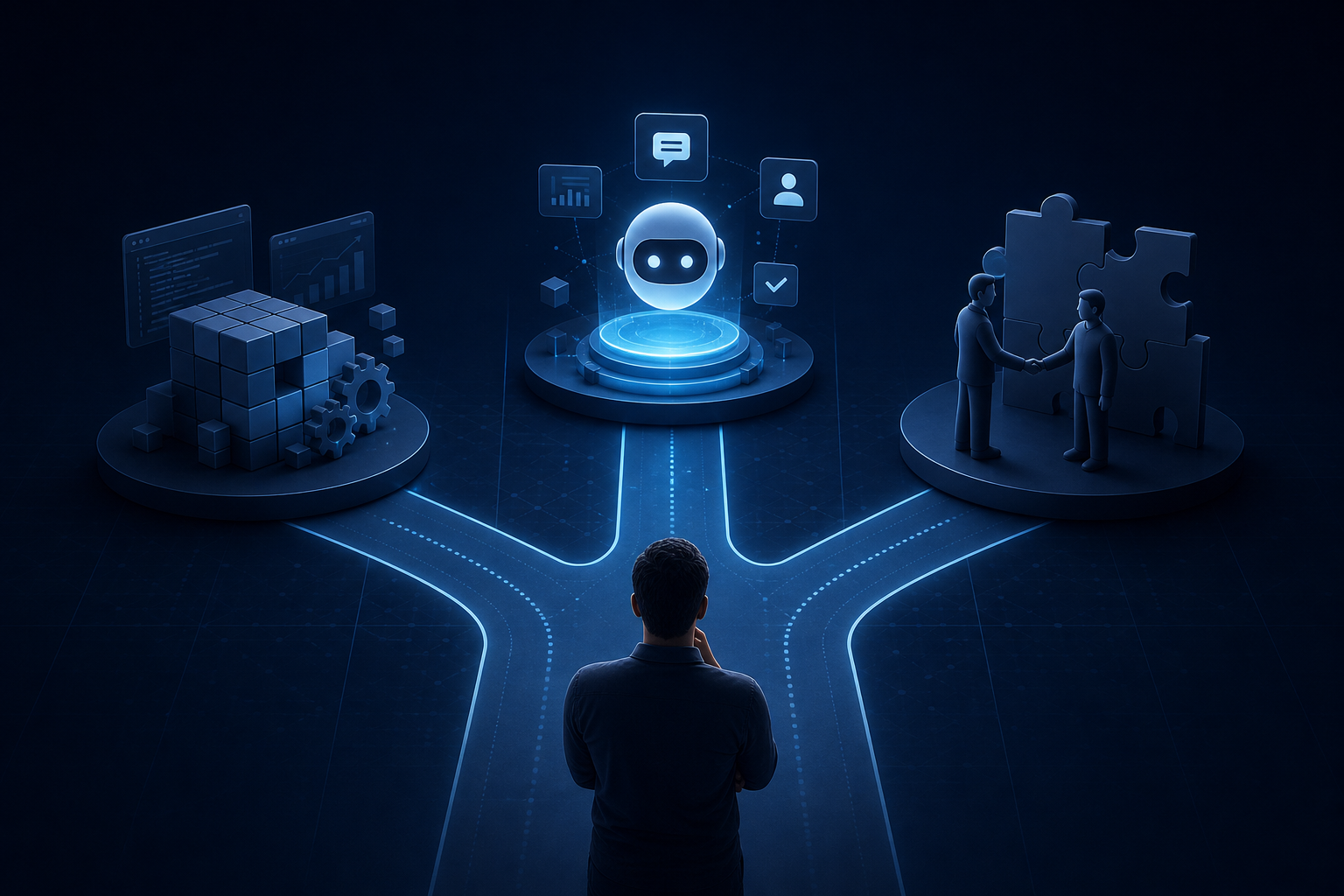
Explore custom ai agent development paths: build in-house, buy pre-built, or partner with a specialist. Find the right fit for your team today.
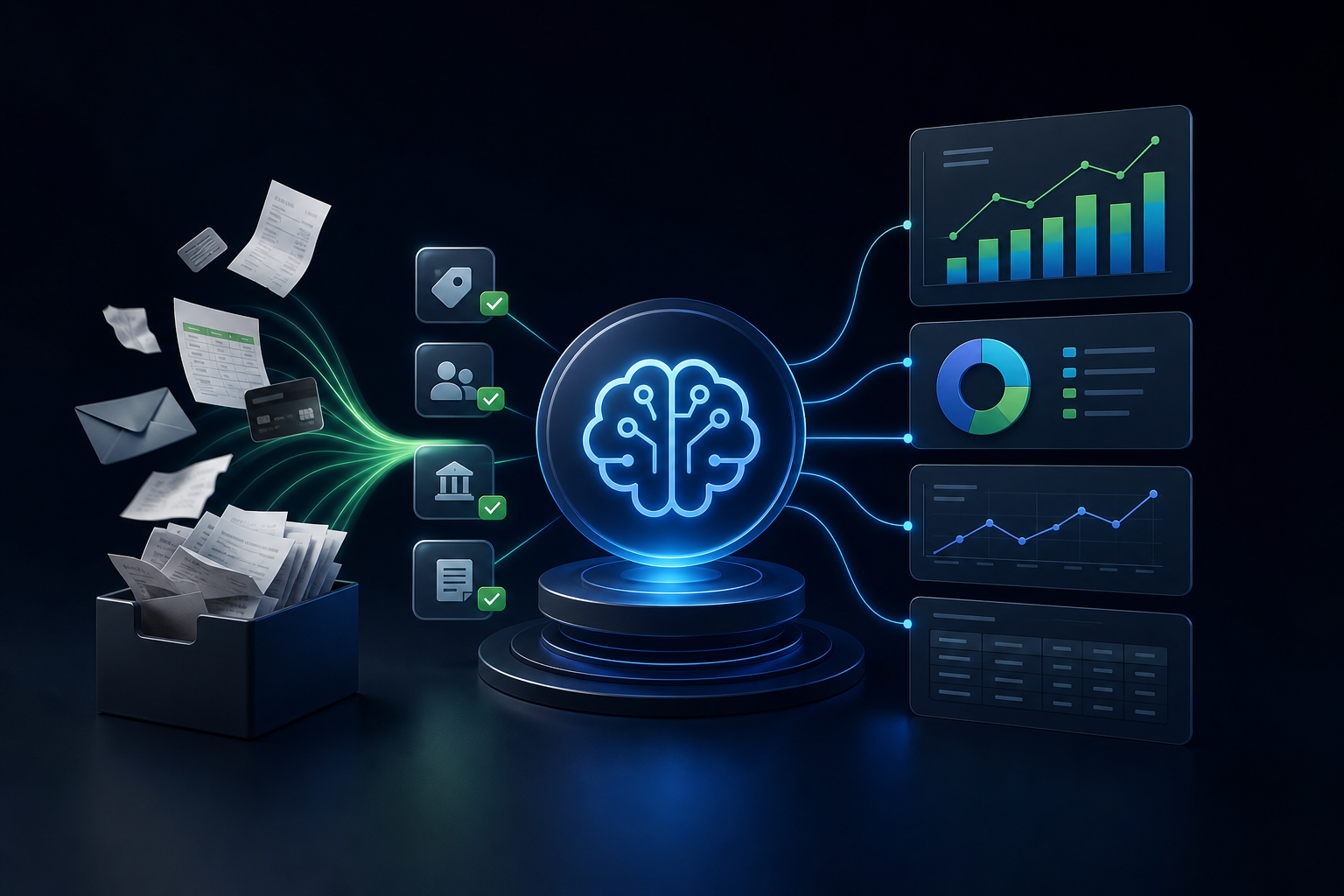
Learn how quickbooks ai automation with Intuit Assist eliminates manual data pulls so your finance team gets faster, cleaner, and more accurate reports.


