General
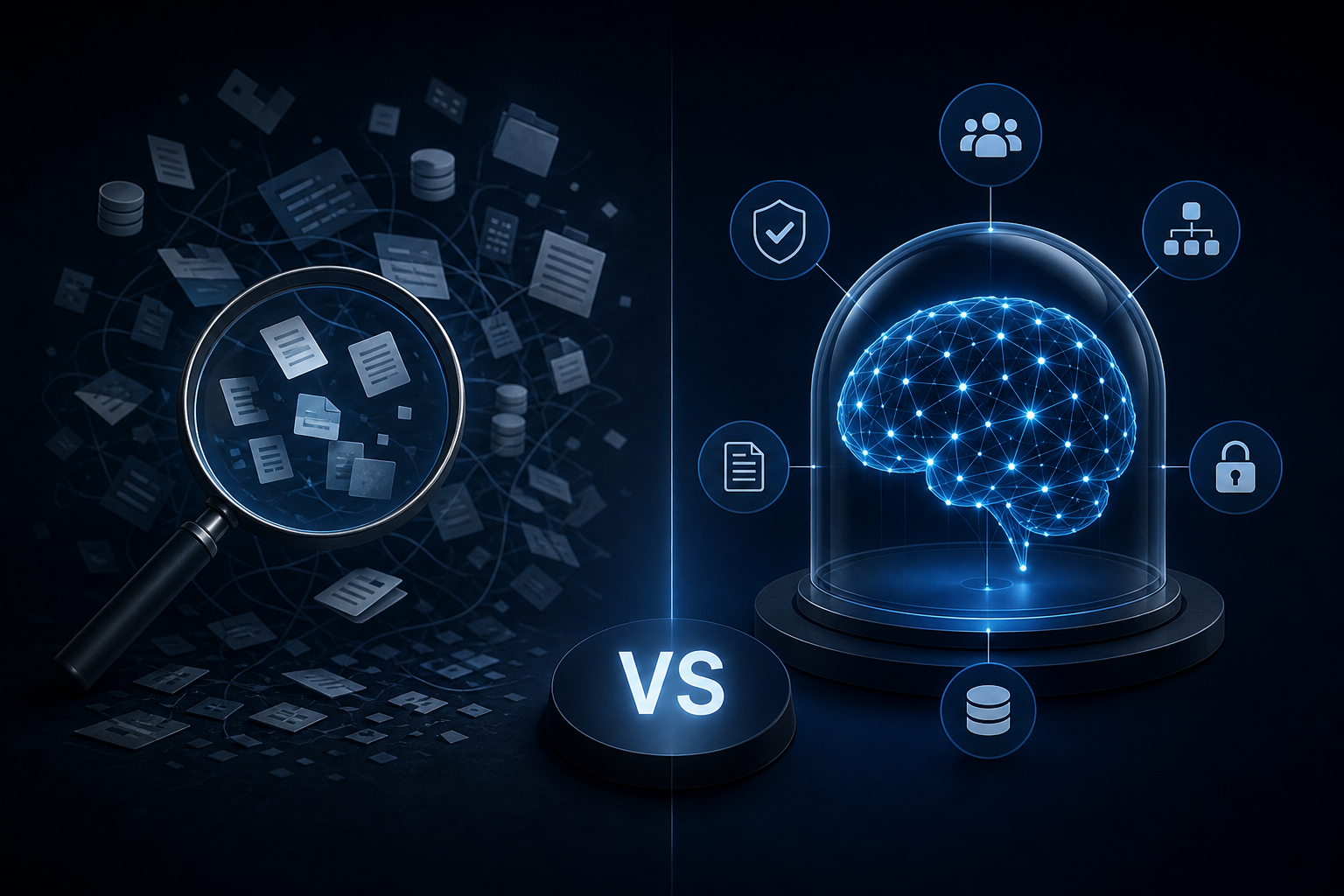
Enterprise AI Search vs. a Governed Company Brain: Key Differences
Discover how enterprise ai search differs from a governed company brain and which knowledge approach your team actually needs to act on trusted data.
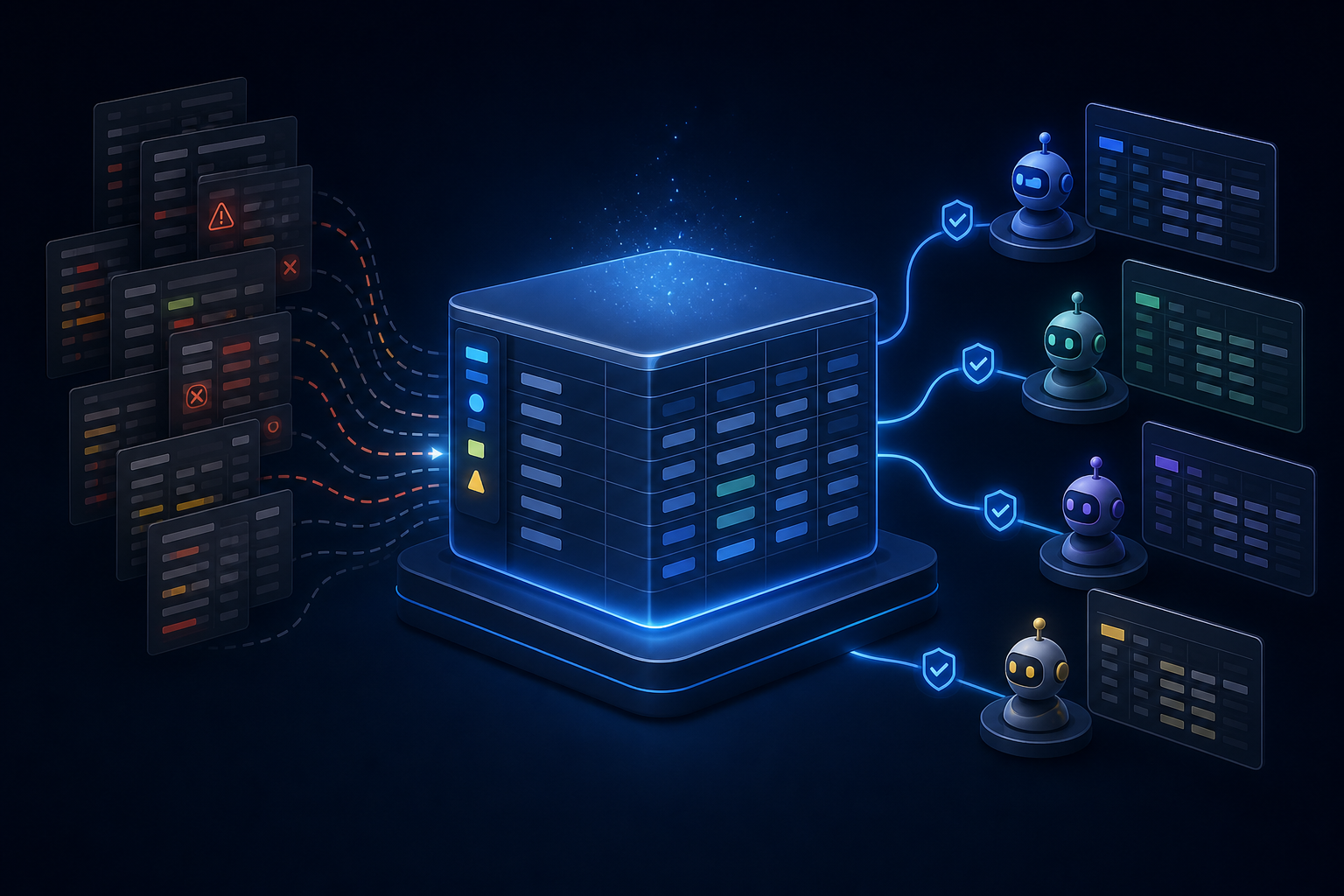
Learn how to build an airtable ai agent using Field Agents, Omni, or MCP so you pick the right path before you ever touch a single setting in your base.
You can wire an AI agent into Airtable three ways: native Field Agents for cell-level automation, Airtable Omni for natural-language queries, or an MCP server that lets Claude or ChatGPT read and write your base directly. Each path takes a different setup, and choosing the wrong one wastes hours of configuration.
Most operations teams hit this problem after the base is already live. The data is there, the workflows are real, but no agent can use any of it reliably because nobody chose an integration path deliberately. This guide maps the full decision tree so you pick the right path before touching a single setting.
Airtable ships two distinct native AI layers, and confusing them is the most common setup mistake. They do different things, live in different parts of the product, and serve different use cases. Pick the wrong one and you spend hours configuring something that cannot do what you need.
Airtable Field Agents are cell-level workers. You assign one to a specific field in a table, give it natural-language instructions, and it generates or analyzes data for each record based on the fields you reference as context. A Field Agent on a "Summary" field might read the "Project Brief" and "Status" fields and write a one-sentence update for every row. It runs at the record level, on demand or triggered by a change, and it stays inside the base.
Airtable Omni is a conversational layer that sits above your base. You type a question or a request in plain language, and Omni queries your data, generates formulas, or builds interface components in response. It's useful for ad hoc analysis, building views quickly, or asking questions like "which clients have open deliverables past their due date." Omni cannot reach external systems like Slack or email directly, per support.airtable.com.
The practical distinction: Field Agents write structured data into your base on a per-record basis. Omni answers questions and helps you build. They are not versions of each other, and one does not replace the other.
If your goal is to enrich records automatically, classify incoming data, or generate summaries at scale, Field Agents are the right path. If your goal is to query your base conversationally or generate formulas without writing them by hand, Omni handles that. If you need an external AI assistant like Claude or ChatGPT to read and act on your base, neither native layer covers it. That's the MCP server path, covered two sections down.
Both tools require AI credits and workspace-level enablement, per support.airtable.com. Airtable publishes the AI credits included with each plan and the price of additional credit packs in its Airtable AI billing article, so check your plan allowance before you start configuring anything.
Field Agent setup follows a fixed sequence. Skipping steps or reordering them produces a broken agent that either returns blank cells or ignores the fields you intended it to use.
Select the base and table. Open the base where the agent will run. Field Agents are table-scoped, so this decision sets the boundary for everything that follows.
Open the field creation menu and choose a template or build custom. Click the "+" icon to add a new field and select an AI field type. Airtable offers templates for common tasks (summarization, classification, sentiment analysis) or a blank custom option.
Write specific natural-language instructions and add context tokens. Vague instructions produce vague output. Write the instruction the way you'd brief a junior analyst: "Read the 'Project Brief' field and the 'Current Status' field. Write one sentence summarizing the key risk for this project." Then insert the relevant fields as context tokens.
Assign the field type and create the agent. Choose whether the output is text, a number, a single select, or another field type. Match it to what downstream views or automations expect, then save.
Test against real records before enabling at scale. Run the agent on five to ten records manually. Check for blank outputs (missing context token), generic outputs (instruction too vague), and type mismatches. Fix before enabling auto-generation on the full table.
Using structured data as input matters here. A Field Agent reading clean, typed fields with consistent values will outperform one reading freeform text every time.
The common factor in reliable setups is instruction specificity: the agent knows exactly which fields to read and exactly what to produce.
The Airtable MCP Server lets external AI assistants read and modify your base through tool-calling. Claude and ChatGPT can then query records, create rows, update fields, and trigger automations directly, without a custom API integration. The setup requires a personal access token with the right scopes before any assistant can connect.
Follow these steps in order:
Generate a personal access token inside Airtable account settings. Go to your Airtable account page, find the developer hub, and create a new token. Name it clearly (for example, "Claude MCP Access").
Grant the token all seven required scopes. The MCP server needs scopes covering workspace access, schema reads, record reads, record writes, and automation access. Skipping any scope produces silent failures where the assistant appears connected but cannot complete certain actions, per aisuperthinkers.com.
Configure the token to cover all current and future bases. Choose the option that includes future bases so the token does not break when you add a new base.
Once the token exists, add the MCP server to your AI assistant's tool configuration. In Claude Desktop, this goes into the MCP settings file with the token as an environment variable. In ChatGPT with a custom GPT, it connects via the actions configuration.
Two limits to know: the MCP server does not currently support creating or editing custom script actions, per aisuperthinkers.com. Any new automation the assistant creates starts in a paused state for manual review. Both constraints affect what you can delegate without a human in the loop.
Use the MCP path when you want an external AI assistant to act on your Airtable data as part of a larger workflow. If the assistant only needs to read data for a summary, Omni covers that without the token setup. If it needs to write records or trigger automations, MCP is the right path.
All three native paths hit real ceilings once you move from a test base to production. Know where those ceilings sit before you build, not mid-deployment.
Field Agents process records individually. That works for a table with a few hundred rows, but large-scale updates run into Airtable's API rate limits. Documentation on exactly where those limits trigger for AI field operations is sparse, so treat high-volume batch processing as a risk area. Test the throughput ceiling on a sample before committing the full table.
Omni is designed for conversational, ad hoc queries, not recurring autonomous execution. It does not run on a schedule, monitor a table for changes, or push results to another tool. Teams that expect Omni to behave like a workflow automation will be disappointed.
The MCP server adds external assistant access but introduces its own constraints. New automations created through the MCP connection start in a paused state and require manual review before they run, per aisuperthinkers.com. That limits how much you can delegate without a human in the loop.
Field Agents, Omni, and MCP access each require a paid plan and consume AI credits. Airtable publishes per-plan credit allowances and add-on credit prices in its Airtable AI billing article, but credits consumed per action vary with input, model, and output, and community discussions on Reddit consistently flag confusion about how they add up. Budget for AI credit usage as an unknown variable until you have real consumption data.
All three tools handle moderate workloads in production. None of them replace a governed, multi-source agent architecture at scale. They are the right starting point, not the final destination.
Simple automation handles one trigger, one action, one outcome. An Airtable automation that fires when a record status changes to "Approved" and sends a Slack notification is simple automation. It is reliable, fast to build, and the right tool for linear, well-defined tasks.
Multi-agent coordination involves two or more agents with distinct roles passing context between each other to complete a task no single agent could handle alone. One agent monitors a project table for overdue records, a second pulls the relevant client context from a linked CRM, and a third drafts an escalation message with the combined context.
The decision point is task complexity and data scope. Use simple automation when the trigger is clear, the action is singular, and all the data lives in one place. Use multi-agent coordination when the task requires reasoning across multiple data sources, when the output depends on context no single table holds, or when the workflow branches based on conditions that vary by record.
Reliable results come from a focused, well-scoped agent workflow, not a sprawling multi-agent architecture. Start with the simplest agent that solves the actual problem. Add coordination layers only when the single-agent approach demonstrably cannot handle the task.
The right question is not "how many agents do I need?" but "what is the smallest agent setup that produces the outcome I need?" For more on keeping existing tools in place while adding automation, see workflow automation without replacing existing software. Multi-agent coordination earns its complexity cost when the workflow requires it, not before.
n8n is a visual workflow builder that connects Airtable to AI models and third-party apps for multi-step autonomous logic. It sits between Airtable and the rest of your stack, routing data and triggering actions across tools without custom code.
A practical example: an n8n workflow watches an Airtable table for new records with a status of "Ready for Outreach." When one appears, n8n pulls the contact details, sends them to an AI model that drafts a personalized message, and posts the draft to a Slack channel for review. No single native Airtable feature covers that full sequence.
This guide covers n8n specifically because it supports self-hosting for teams with GDPR or security requirements, per aisuperthinkers.com. That matters for any base holding client data, financial records, or personal information. Zapier covers similar territory for teams that prefer its interface, but without the self-hosting option.
The setup requires more technical configuration than native Airtable features. You connect Airtable as a trigger or action node using your API key, add an AI model node (OpenAI, Anthropic, or others), and chain the steps in the visual editor. For teams already using Airtable as their operational data source, pairing it with n8n is covered in detail in Simplify Your Ops: AI Agents for SMBs Using Airtable + n8n.
Structured data in Airtable is what makes n8n workflows reliable. Consistent field types and clean linked records mean the AI node receives predictable input.
The integration path you choose matters less than the state of your base. A Field Agent, an MCP-connected Claude instance, and an n8n workflow all fail the same way when the underlying data is inconsistent.
Run through this checklist before connecting anything:
These six steps apply regardless of which agent path you choose. They are not optional polish. They are the prerequisite.
DIY setup works well when the scope is narrow: one agent, one table, one workflow. The native tools cover that cleanly, and the configuration is manageable for an ops lead with a few hours to spend.
The threshold shifts when the workflow requires coordination across multiple data sources, when governance matters (audit logs, role-based access, review gates on write operations), or when the agent needs to stay current as your base evolves. At that point, the configuration overhead compounds quickly and the risk of a poorly governed agent writing bad data into production records becomes real.
That is the context where Singular Innovation builds what it calls a Company Brain: a governed, auto-updating knowledge layer that connects Airtable alongside Slack, HubSpot, QuickBooks, and email into a single context layer that agents can query reliably. The HyperAgents that run on top of it handle recurring workflows autonomously, inside the tools a team already uses, without replacing anything. The architecture behind that approach is covered in AI That Runs Operations: From Agents to Autonomous Workflows.
If you have cleaned the base, picked the right integration path, and the agent still returns unreliable results, the problem is likely architecture rather than configuration.
Prices and plan limits verified as of October 2026.
What is Airtable used for in an AI agent workflow?
Airtable holds the structured operational data that AI agents read and act on. Projects, tasks, clients, pipelines, and inventory records are already managed there for most SMBs, which makes it a natural input for agents that need reliable, typed data. When the base is clean and properly linked, agents can query it, update records, and trigger downstream actions without a separate database.
Is there an AI agent that works natively inside Airtable without a third-party tool?
Yes. Airtable Field Agents run inside your base at the cell level, generating or analyzing data per record based on your instructions. Airtable Omni provides a conversational interface for querying base data and building interface components. Both are native. Both require AI credits and workspace-level enablement, and neither connects to external tools like Slack or a CRM without an additional integration layer.
How do I turn on Airtable automation for an AI-powered workflow?
Start by enabling AI features at the workspace level, then add a new field and select an AI field type to create a Field Agent. For automation-triggered workflows, build a standard Airtable automation and add an AI step that calls a Field Agent or sends a prompt to a connected model. The automation fires on your chosen trigger and the AI step runs as part of the sequence.
Does Airtable Omni cost extra compared to standard AI credits?
Airtable publishes per-plan AI credit allowances and add-on credit prices in its Airtable AI billing article, but credits consumed per action vary with input, model, and output. Both require a paid plan. Treat AI credit usage as an unknown variable until you have real consumption data from your own base. Community discussions on Reddit consistently flag this opacity as a planning challenge.
Can an Airtable AI agent trigger actions in external tools like Slack or a CRM?
Not through native Field Agents or Omni alone. Field Agents write data into your base; Omni answers questions about it. To trigger external actions, you need either the MCP server (which lets Claude or ChatGPT act on your base as part of a larger workflow) or a no-code tool like n8n that routes data from Airtable to other apps.
What scopes does a personal access token need for full Airtable MCP server access?
The token needs all seven scopes covering workspace access, schema reads, record reads, record writes, and automation access. Skipping any scope produces silent failures where the assistant appears connected but cannot complete certain actions, per aisuperthinkers.com. Configure the token to cover all current and future bases so it does not break when you add a new base to your workspace.
You have three practical paths for connecting an airtable ai agent to your base: Field Agents for cell-level record generation, Omni for conversational base queries, and the MCP server for giving Claude or ChatGPT direct read-write access. Each path requires a different setup, and none of them work reliably on a base built without agent access in mind. Clean field names, proper linked records, and scoped views are the prerequisite for all three.
Run the six-point base checklist before you configure anything. If your highest-priority workflow involves one table and a clear trigger, start with a Field Agent. If it requires coordination across multiple tools or data sources, the MCP server or n8n path is the right starting point. If the base cleanup reveals that the data architecture itself needs work, that is the problem to solve first.
Discover how enterprise ai search differs from a governed company brain and which knowledge approach your team actually needs to act on trusted data.
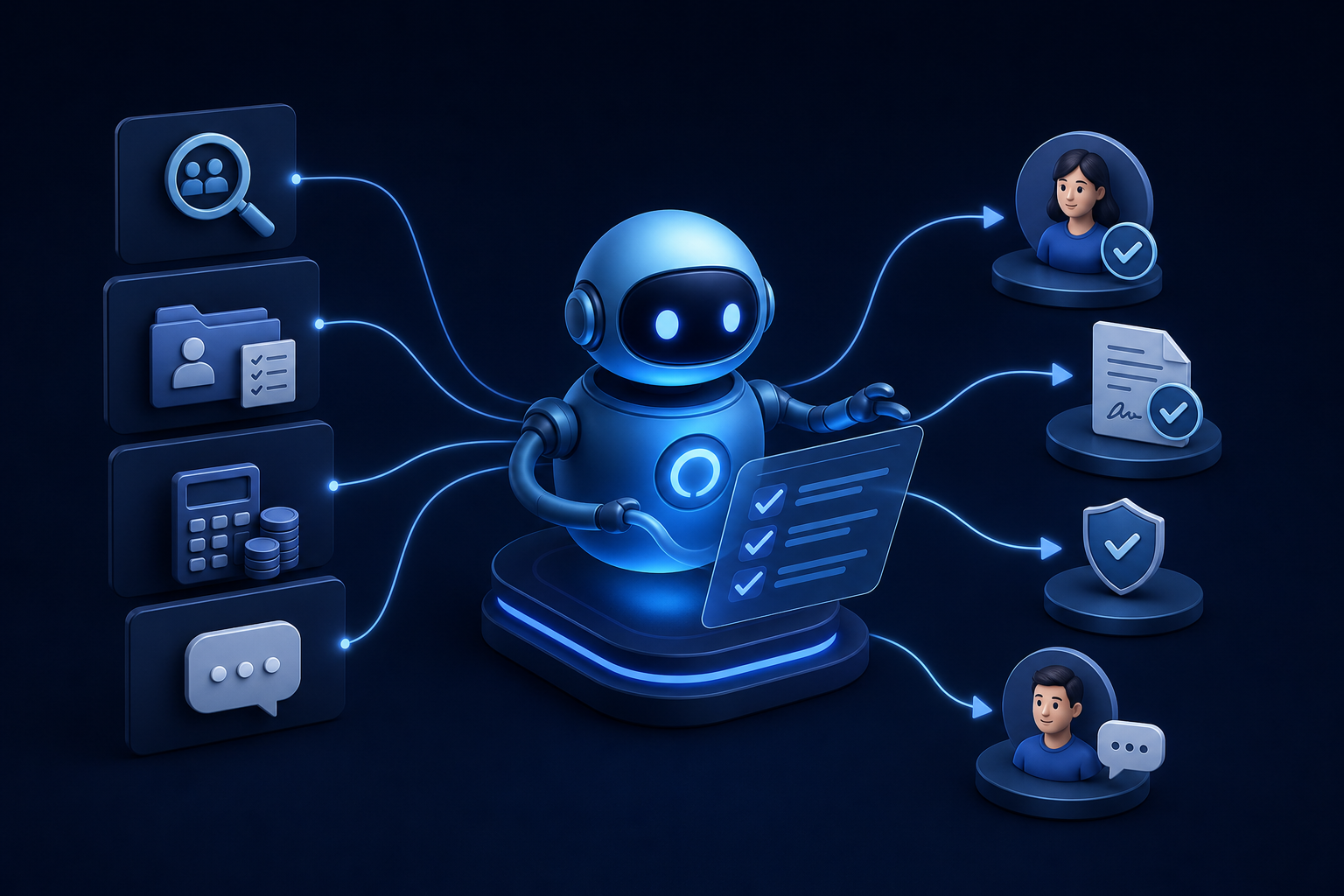
Discover how ai for hr automation handles recruiting, onboarding, payroll checks, and employee Q&A so your team can focus on work that matters.

Explore custom ai agent development paths: build in-house, buy pre-built, or partner with a specialist. Find the right fit for your team today.


