General
What Is an Agentic Workflow? How AI Agents Replace Manual Process Steps
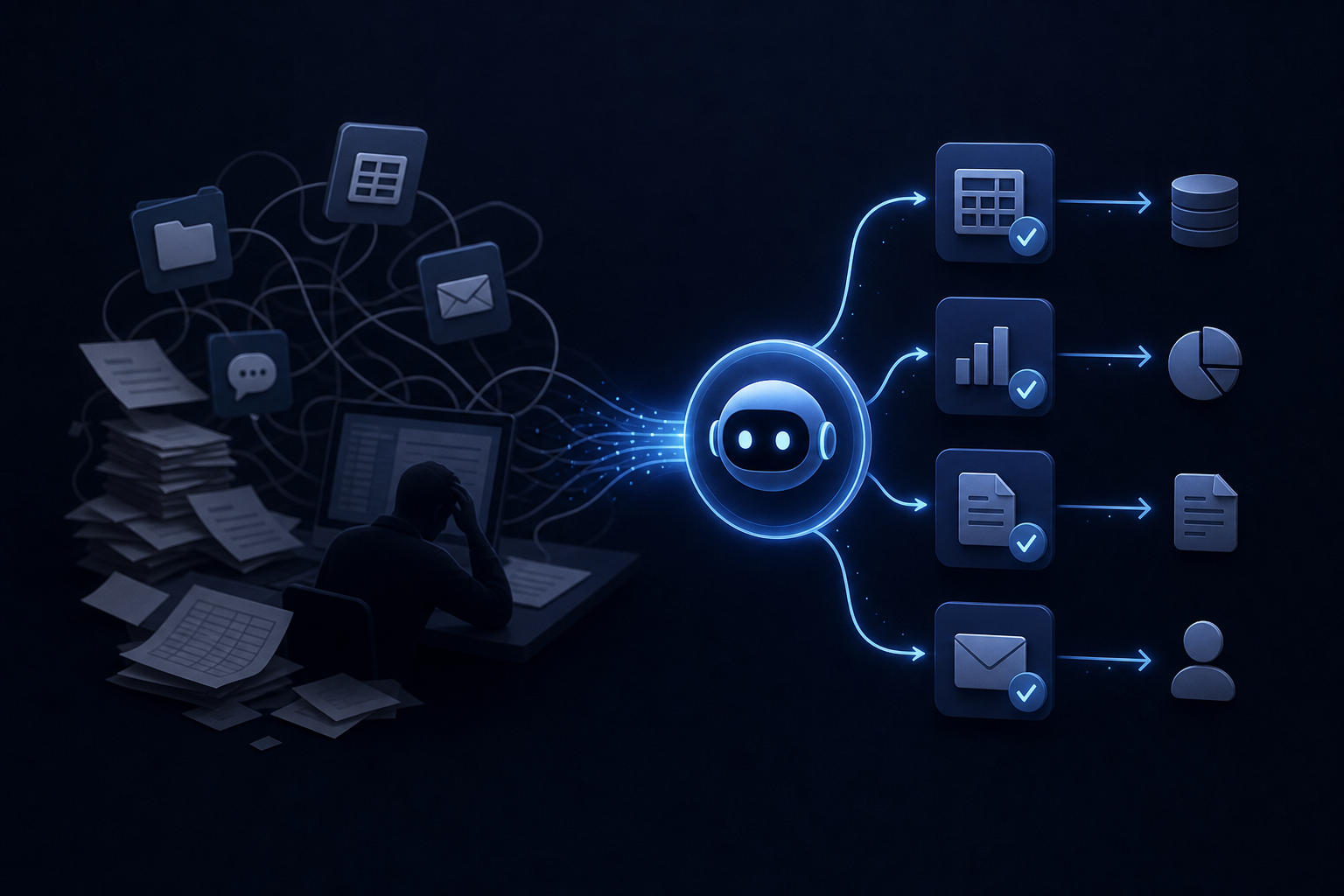
An agentic workflow lets AI agents plan and execute tasks without manual triggers. See how SMBs use them to replace repetitive process steps.
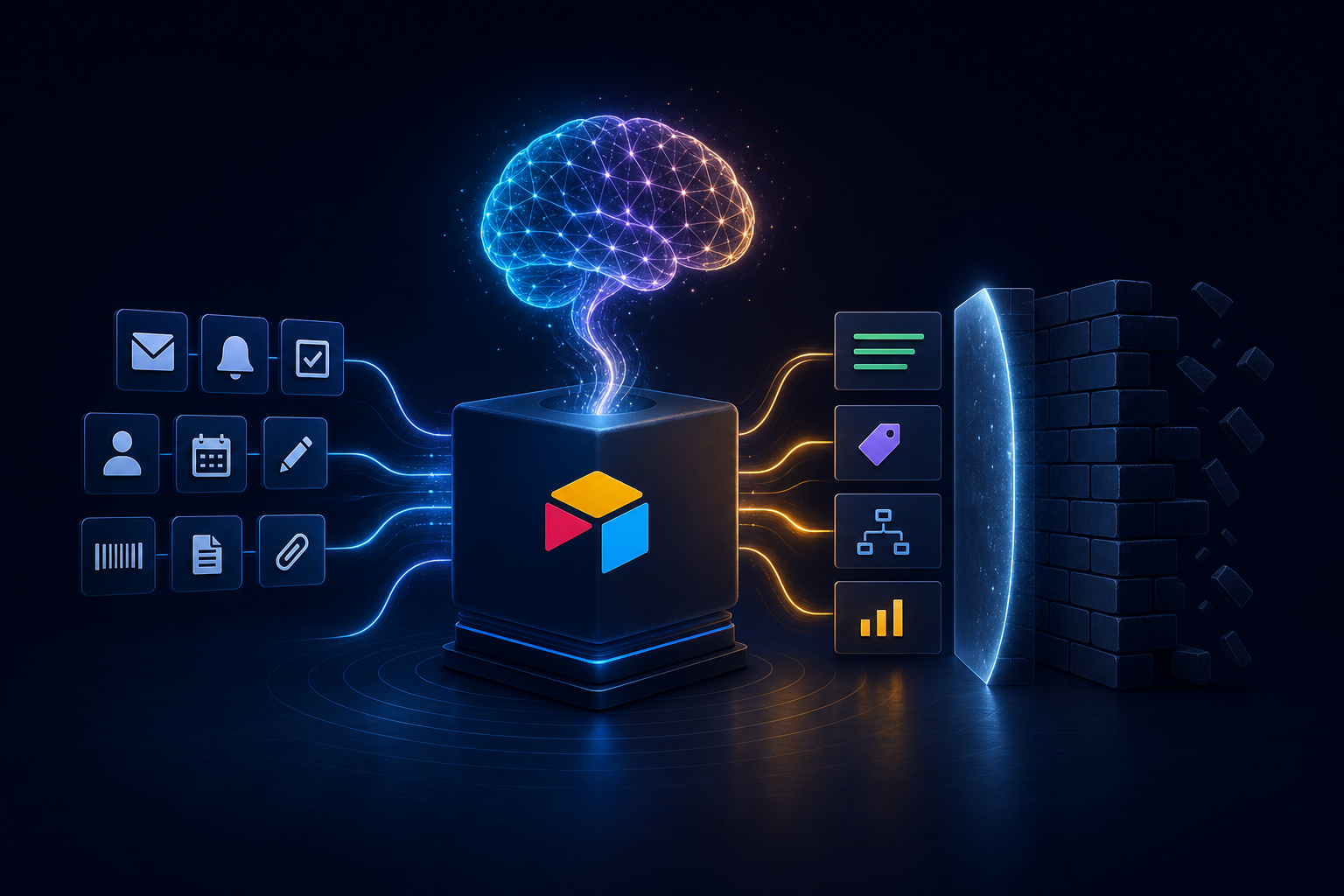
Airtable automation with AI can eliminate repetitive work — but it has real limits. Learn what's possible, where it breaks down, and how to plan around it.
You built your operations in Airtable. Bases for projects, pipelines for clients, tables for everything your team tracks. And now someone on your leadership team is asking why there's still a person manually updating status fields, copying records between bases, and generating the same weekly summary every Friday afternoon.
Airtable automation is the honest answer to that question — and AI is what separates automations that actually reduce work from ones that just move it somewhere else. This article covers what Airtable's native tools can handle, where AI genuinely extends those capabilities, and where the hard limits are — so you can plan around them rather than run into them.
Before layering in AI, it's worth being clear about what Airtable handles on its own. Native automations are trigger-and-action workflows. A record changes status, a form gets submitted, a date arrives — and the automation fires.
Common use cases that work reliably without any AI: sending a Slack or email notification when a record moves to a new stage; creating a new record in another table when a form is submitted; updating fields based on conditions (if status = "Closed," set close date to today); syncing data between bases using Airtable Sync; and generating documents via integrations like Formstack or DocuSign.
These are deterministic workflows. The output is predictable because the logic is fixed. For many teams, they're the right starting point.
The limitation is that deterministic logic only works when every case follows the same path. The moment your workflow requires judgment — interpreting a client note, classifying an ambiguous request, summarizing a thread of comments — native automation hits a wall.
AI adds a reasoning layer on top of Airtable's trigger-action structure. Instead of "if field equals X, do Y," you get "read this text, decide what it means, then take the appropriate action."
Airtable's AI fields (available on certain plan tiers) let you run a prompt against any text field in a record. You can summarize a long notes field, classify a support ticket by category, extract key dates from a freeform description, or score a lead based on form submission text.
This is useful and low-friction to set up. The output lives inside Airtable as a regular field, which means it flows into views, filters, and downstream automations like any other value.
The constraint: AI fields run on demand or when a record is created or updated. They're not scheduled. They don't act on other systems. They generate text inside a cell, and what happens next still depends on you building the downstream logic.
The more capable path is using Airtable's automation scripts or webhook actions to call an external AI model — Claude, GPT-4o, or others — and pass the response back into Airtable or forward it to another tool.
A practical example: a new client intake form populates a record in Airtable. An automation fires, sends the form data to an AI model with a structured prompt, and receives back a categorized brief, a suggested project template, and a priority score. That output writes back into Airtable fields, triggers a Slack notification to the right team member, and creates a linked project record — all without a human touching it.
This is where Airtable automation starts doing real work. The AI handles the interpretation; Airtable handles the routing and storage.
One pattern that SMB operations teams find particularly useful is scheduled summarization. Every morning, an automation pulls records that meet certain conditions — open tasks past due, deals that haven't moved in seven days, invoices pending approval — passes them to an AI model, and delivers a plain-language summary to a Slack channel or email inbox.
The operations lead wakes up with a prioritized view of what needs attention rather than opening four different bases and building that picture manually. It's not a complicated build, but it does require connecting Airtable's automation layer to an external AI call — which is exactly where most teams without a technical resource get stuck.
Understanding the ceiling matters as much as understanding the capability.
Airtable stores and organizes data well. It doesn't execute tasks in other systems on a recurring schedule by itself. When people describe wanting "AI to run their operations from Airtable," what they usually mean is an agent that reads Airtable, reasons about what to do, and then acts in HubSpot, Slack, QuickBooks, or their email. Airtable is the data source in that picture — not the executor.
This distinction shapes what you build. If your goal is a daily executive briefing that pulls from Airtable, HubSpot, and QuickBooks, you need an orchestration layer outside of Airtable. The automation lives in the agent, not in the base.
AI cannot fix a messy base. If your records have inconsistent naming conventions, empty required fields, or duplicate entries, the AI will work with what it has — and the output will reflect that. Before investing in AI-powered automations, a base audit is worth the time. Standardizing field types, enforcing required fields, and cleaning up dropdown options pays dividends across every automation you build afterward.
AI automations are not set-and-forget in the same way a simple trigger-action rule is. The prompts that drive AI behavior need to be reviewed when your data structure changes, when your business logic shifts, or when the underlying model is updated. Teams that treat AI automations as permanent infrastructure without a maintenance plan tend to find that outputs drift over time. Building in a review cadence from the start prevents that.
Running AI calls on every record update in a large base gets expensive quickly. A base with thousands of active records and frequent updates can generate a significant number of API calls per day. Designing automations to run on filtered subsets — only records that meet specific criteria, only during business hours, only when a human review flag is set — keeps costs manageable and reduces noise.
The teams that get the most from Airtable automation with AI are typically not treating Airtable as their entire operations stack. They use it as one node in a connected system.
A common architecture for a $5M–$20M SMB: Airtable holds project and client data. HubSpot manages the sales pipeline. Slack is where the team communicates. QuickBooks tracks financials. An AI layer sits across all of them — reading from each, reasoning about what matters, and writing outputs back to the right place.
This is the kind of system that Singular Innovation builds for operations teams. As an official Airtable Partner, Singular connects Airtable to the rest of a client's stack through a Company Brain — a governed context layer that indexes data from Slack, HubSpot, QuickBooks, CRMs, and more into one searchable source of truth. On top of that, HyperAgents execute recurring tasks on a schedule: daily briefings, dashboard generation, triage, and task coordination. A first working capability is delivered in 10 business days from signed MSA, and clients own all workflows, prompts, and automations from day one — no vendor lock-in, no SaaS dependency.
The difference between that and a standalone Airtable automation is scope. Airtable automation handles what happens inside Airtable. An agentic system handles what needs to happen across your entire operation.
When deciding where to start, the highest-value targets tend to share a few characteristics: they happen on a predictable schedule, they involve reading and summarizing information rather than creating it from scratch, and they currently require someone to open multiple tabs and compile a view manually.
Good first candidates: weekly project status summaries delivered to Slack or email; lead scoring or categorization on new form submissions; overdue task or deal alerts with context — not just "this is overdue" but "this has been stuck for 12 days and the last note was X"; invoice or approval queue summaries for finance review; and new client onboarding records pre-populated based on intake responses.
Worse first candidates: anything that writes to a system of record without human review, anything involving financial transactions, and anything where an error would be invisible until it caused a downstream problem.
Start with read-and-summarize. Move to write-and-act once you have confidence in the output quality.
There's a version of this conversation where Airtable automation with AI is genuinely sufficient. If your operations live primarily in Airtable, your team is comfortable maintaining automations, and your workflows are mostly self-contained, the native tools plus an external AI call or two can take you a long way.
But there's another version where the honest answer is that Airtable is one piece of a larger problem. If your operations span five or more tools, if you need AI that acts rather than just summarizes, or if you want scheduled intelligence delivery without building and maintaining the infrastructure yourself — that's a different scope of work.
The free AI Readiness Audit at Singular Innovation is a practical starting point for figuring out which situation you're in. It maps your current stack, identifies the highest-value automation opportunities, and tells you whether a contained Airtable build or a broader agentic system is the right fit. Pricing depends on scope; book a call to get a number.
Can Airtable automate tasks using AI without coding? Yes, to a point. Airtable's built-in AI fields let you run prompts on record data without writing code. For more complex automations that call external AI models, Airtable's scripting block requires some JavaScript — or you can use a no-code middleware tool to bridge the connection. The more powerful the automation, the more likely some technical configuration is involved.
What is the difference between Airtable's native AI fields and connecting to an external model? Native AI fields run inside Airtable on a per-record basis and generate text output into a cell. Connecting to an external model via a script or webhook lets you send richer context, receive structured responses, and trigger actions in other systems based on the AI's output. External connections are more flexible and more capable, but require more setup.
Does AI automation in Airtable require a specific plan? Airtable AI is included on every current plan (Free, Team, Business, and Enterprise Scale), with a monthly credit allowance that grows with the tier, according to Airtable's AI billing docs. The Run a script automation action, which is how you call an external AI model, is available on all plans with plan-specific limits (Airtable support). Heavier AI usage may need a higher tier for more credits and automation runs.
What are the biggest mistakes teams make with Airtable automation? The most common ones are automating a messy base (AI output reflects data quality), building automations without a maintenance plan, and treating Airtable as an execution layer when it's fundamentally a database. A close second is automating low-value tasks first because they're easy, rather than starting with the workflows that actually consume the most time.
How long does it take to build a working AI automation in Airtable? A simple AI field or trigger-action automation can be configured in under an hour. A more involved automation that calls an external model, processes the response, and routes outputs to multiple tools typically takes a few days of build and testing, plus iteration based on real data. A full agentic system connecting Airtable to the rest of your stack is a larger engagement.
Can Airtable AI automations run on a schedule without a trigger? Airtable's native automations require a trigger — record creation, field change, form submission, or a time-based trigger. Time-based triggers let you run automations at a set time each day or week, which covers most scheduled use cases. For more complex scheduling logic, an external orchestration layer gives you more control.
When should I bring in an agency instead of building Airtable automations myself? When the automation needs to span multiple tools, when you want AI that acts rather than just summarizes, or when the cost of a failure — a missed deal, a skipped invoice, a broken onboarding flow — is high enough that you want a professional build with audit logs and review gates. An agency also makes sense when your team's time is worth more than the cost of having someone else do it right the first time.
Book your free 30-minute AI Audit at singular-innovation.com to map your current Airtable setup, identify where AI adds real value, and get a clear picture of what a working system would look like for your operation.
An agentic workflow lets AI agents plan and execute tasks without manual triggers. See how SMBs use them to replace repetitive process steps.
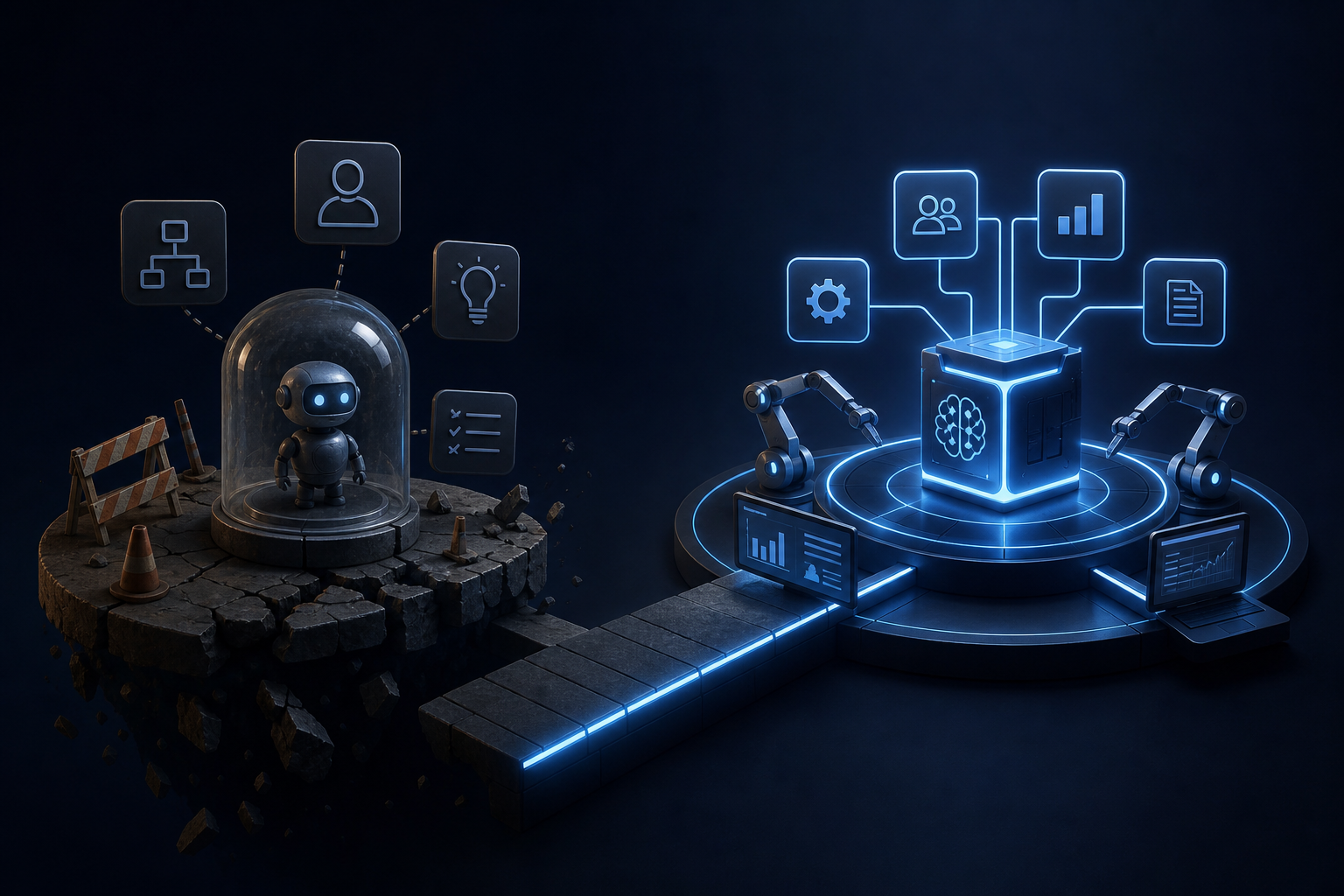
AI pilot program failure is almost always structural, not technical. Learn the four root causes and how embedded AI systems are built to avoid them.
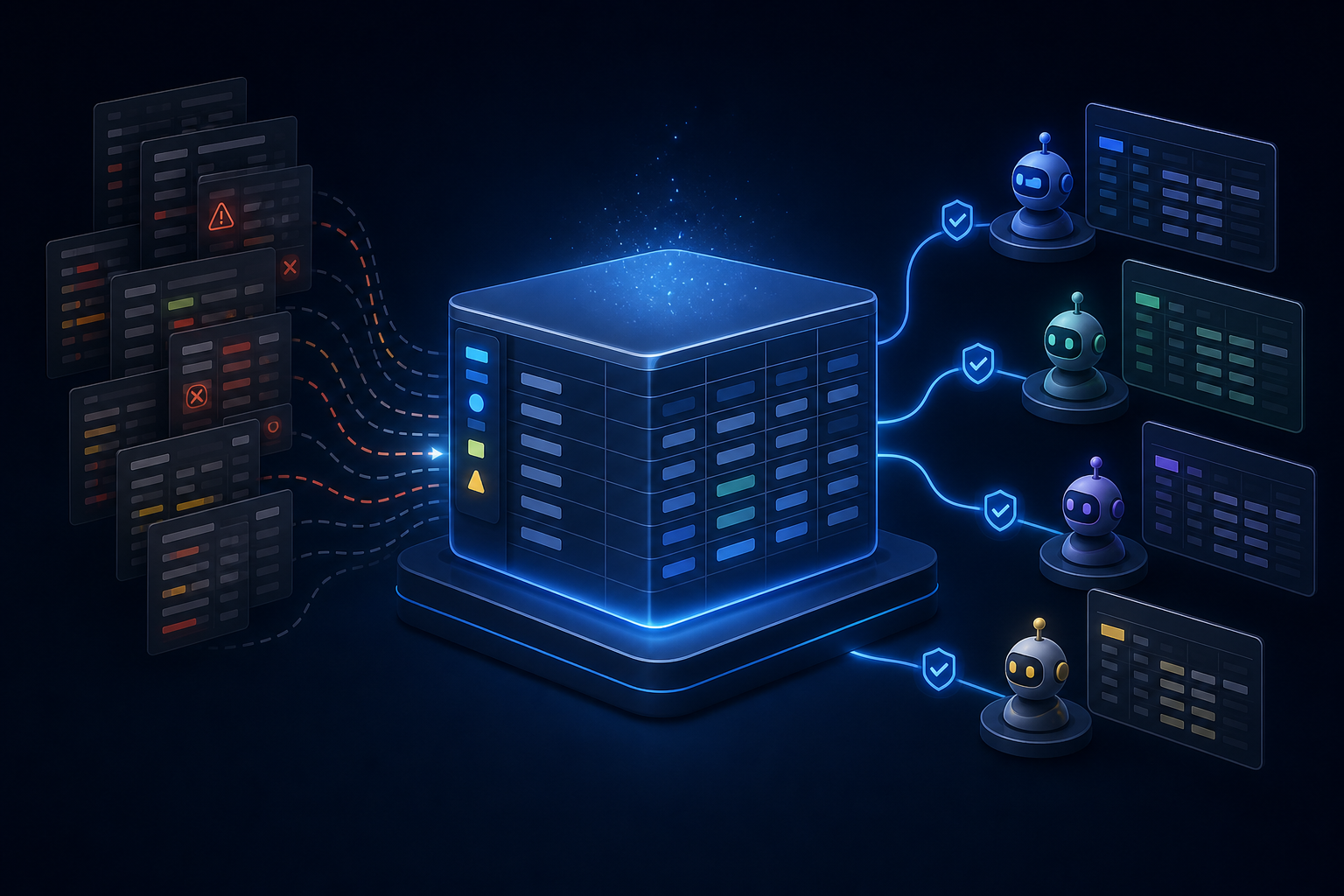
Airtable AI integration works best when your base is built for it. Learn how to structure your data so AI agents can read, reason, and act reliably.


