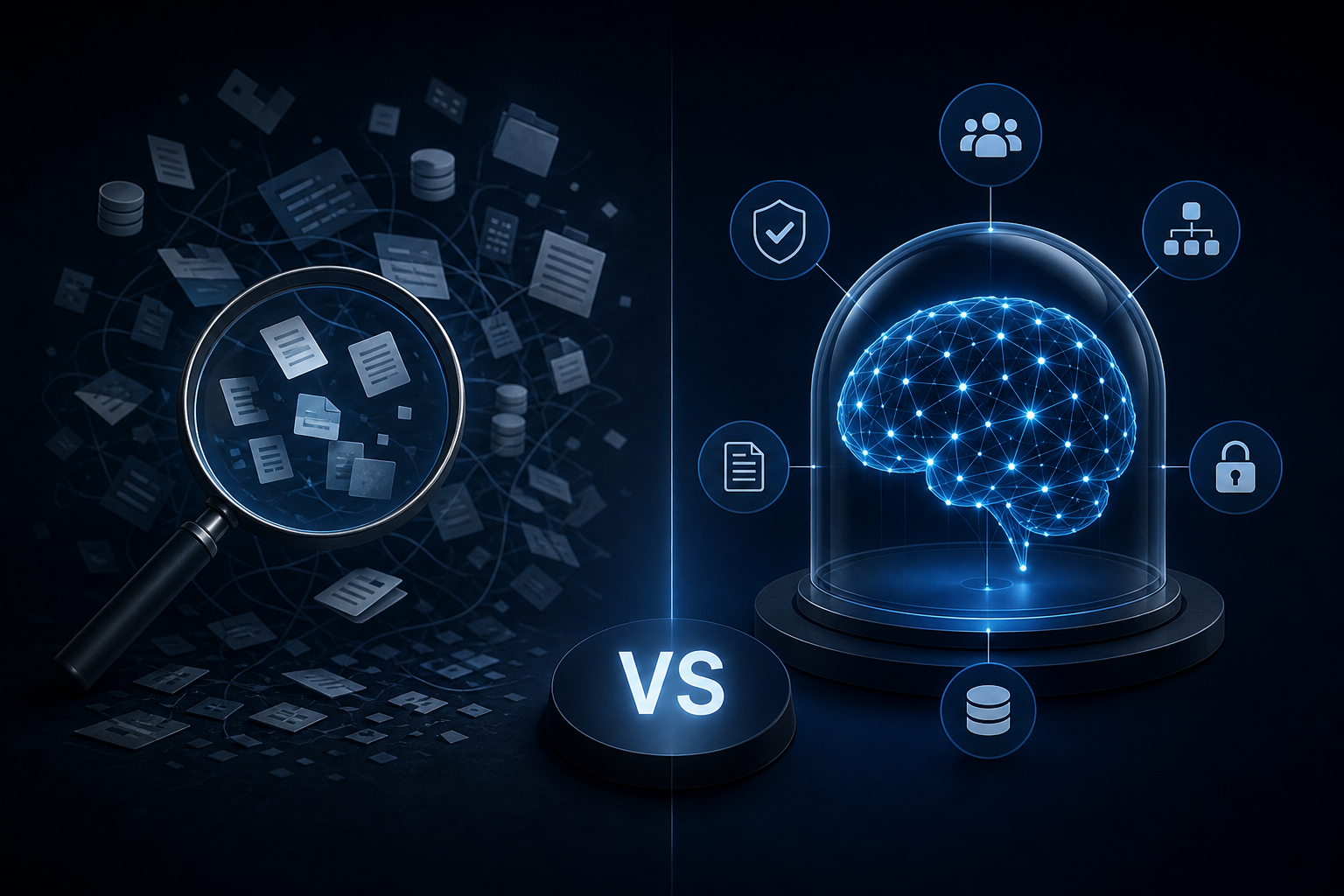
General
Enterprise AI Search vs. a Governed Company Brain: Key Differences
Discover how enterprise ai search differs from a governed company brain and which knowledge approach your team actually needs to act on trusted data.
FlutterFlow AI lets growing businesses ship intelligent mobile apps without a native dev team. See how Singular Innovation connects it to real business data.
Hiring a native iOS developer, a separate Android developer, and hoping they collaborate well enough to ship something consistent used to be the only path to a mobile app. For a growing SMB, that's a six-figure commitment before you've touched a single piece of business logic. FlutterFlow AI changes that equation in ways that matter for operators who need working software, not additional headcount.
This article covers what FlutterFlow AI actually does, how to connect it to real business data, and where a partner like Singular Innovation fits when you need the app to do more than look good on a screen.
FlutterFlow is a visual development platform built on Flutter, Google's cross-platform UI framework. You design screens, configure logic, and export production-ready code that runs natively on iOS, Android, and web from a single build. No separate codebases. No platform-specific quirks to manage for each OS.
The AI layer accelerates the build process itself. Describe a screen or component in plain language and the platform generates the layout, wires up basic navigation, and scaffolds data connections. It handles the repetitive structural work so builders can focus on logic that's specific to their business.
For a team without a dedicated mobile developer, that's a real shift. You're not replacing engineering judgment — you're removing the bottleneck of writing boilerplate before you can even test whether an idea works.
Here's the problem operators run into: FlutterFlow makes it easy to build a screen that displays data. It doesn't, on its own, make that data intelligent.
A field service company might build a solid technician-facing app in FlutterFlow. The app shows job assignments, captures signatures, syncs back to Airtable. Genuinely useful. But the app has no awareness of what's happening across the business. It can't surface that a particular job type has a 40% callback rate. It can't flag that a technician's schedule conflicts with a high-priority account. It shows what it was told to show, nothing more.
That's the gap between a connected app and an intelligent one. FlutterFlow handles the first part. The second requires a context layer that understands the business, not just the database schema.
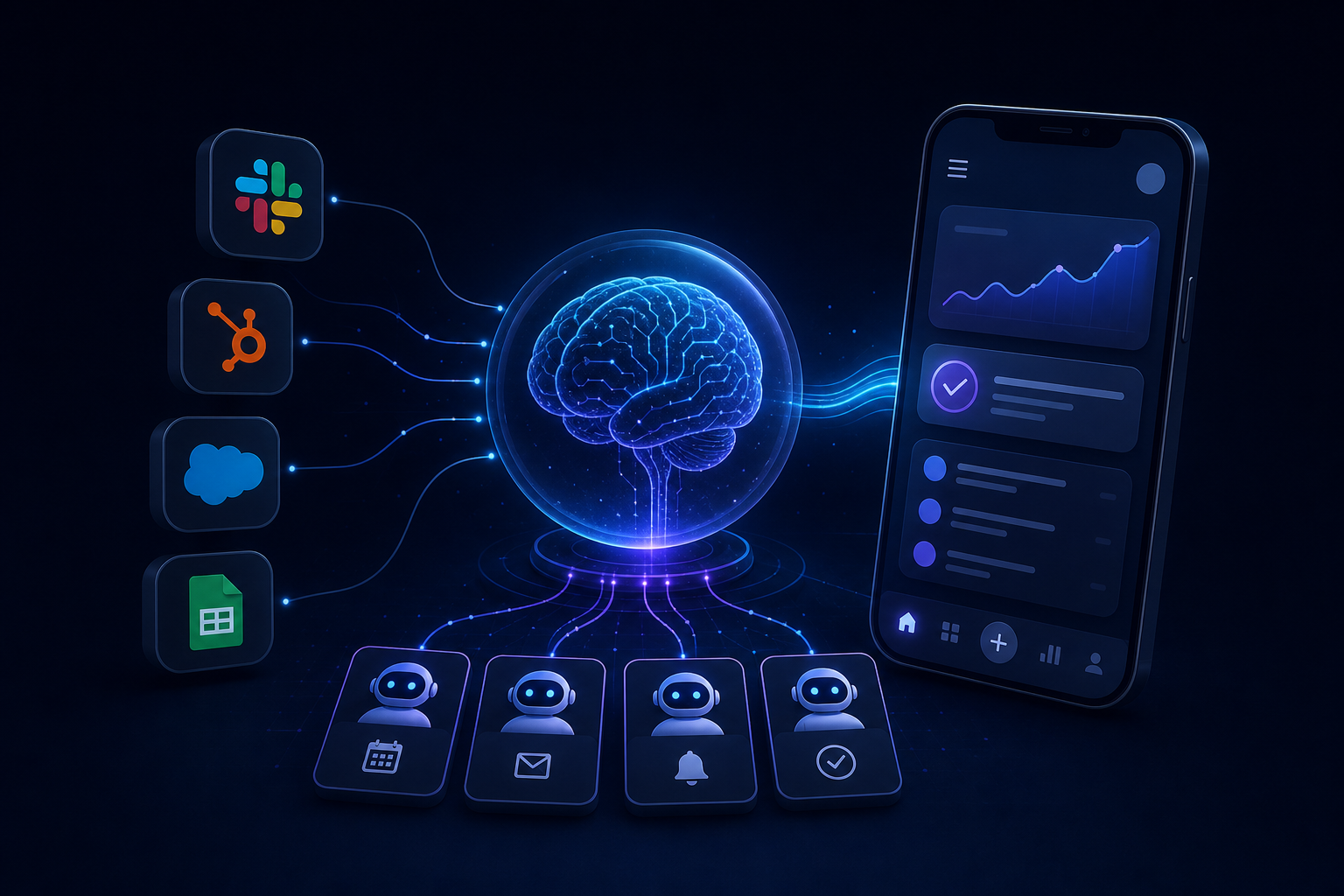
Singular Innovation builds what they call a Company Brain: a governed context layer that auto-indexes and unifies data from the tools a business already uses — Slack, HubSpot, QuickBooks, Airtable, CRMs, ERP systems, Google Sheets, Microsoft Teams — into one searchable source of truth with role-based permissions and audit logs built in.
When a FlutterFlow app connects to that layer, it stops being a display interface and starts being an intelligent one. A sales rep opening the app on their phone doesn't just see their pipeline. They see a briefing that reflects what happened in Slack overnight, what the CRM flagged, and what QuickBooks shows about that account's payment history — all surfaced without the rep pulling from three separate tools.
Singular is an official FlutterFlow Partner, meaning they've built and shipped production apps on the platform and know how to wire a front end to a governed AI backend without creating a fragile integration that breaks the next time a tool updates its API.
The build timeline matters here. Singular delivers a first working AI capability in 10 business days from signed MSA — a defined owner, scope, and delivery date. For a FlutterFlow engagement, that typically means the first intelligent screen or the first HyperAgent connected to the app is live and testable before the end of week two. Not a prototype. A working capability.
HyperAgents are custom AI workers Singular deploys inside a client's existing stack to handle recurring tasks on a defined schedule. In a mobile app context, they're what makes the app proactive rather than reactive.
Executive briefings on mobile. A COO opens the app at 7am and sees a structured briefing generated from the previous day's activity across Slack, HubSpot, and their ERP. The HyperAgent ran at 6am, pulled the relevant signals, and formatted a summary readable in two minutes. No manual aggregation. No logging into four tools.
Inbox triage. A customer success manager opens the app and sees their highest-priority tickets already ranked, with context pulled from the CRM about account health and contract value. The HyperAgent did the triage; the human makes the calls.
Dashboard generation. A weekly operations dashboard is generated automatically and pushed to the app every Monday morning. The data is current, the format is consistent, and no one spent Sunday afternoon pulling numbers from spreadsheets.
These aren't features you configure in FlutterFlow's visual editor. They're AI workers running on a schedule, connected to the Company Brain, surfacing outputs through the app interface. The app becomes the delivery mechanism for intelligence that's happening at the data layer.
Before committing to any AI build, most operators want to know: what happens if we stop working with the agency?
With Singular, the answer is straightforward. Clients own all workflows, prompts, automations, code, and documentation from day one — including the FlutterFlow project files, HyperAgent configurations, Company Brain architecture, and every integration built to connect them. There's no SaaS subscription that disappears when the engagement ends, no proprietary platform you're locked into.
That's a meaningful distinction compared to agencies that build inside their own platforms. If the relationship ends, you have working software and documented systems. Your team can maintain it, extend it, or hand it to another developer without starting over.
Singular's entry point is a free AI Readiness Audit. For a FlutterFlow engagement, this maps the tools the business already uses, identifies where the highest-value mobile interface would sit, and clarifies what data needs to flow into the Company Brain to make that interface worth opening.
From there, engagements run across three tiers: Core Operations, Growth (Full Team), and Enterprise (Autonomous Org). The right tier depends on scope, the number of HyperAgents needed, and how many tools need to be unified in the Company Brain. Pricing depends on scope — book a call to get a number.
Every AI worker includes role-based permissions, retrieval scopes, review gates, and audit logs. This isn't a chatbot bolted onto an app — it's a governed system with controls an operations team can actually manage.
Singular is also a Vercel partner alongside the FlutterFlow partnership, which matters for teams that need the web version of their app deployed with production-grade performance.
This fits a specific profile. You're running a business with $5M to $20M in revenue, somewhere between 10 and 200 people. Your data is spread across multiple tools and there's no single place where it becomes actionable. You've thought about building a mobile app before but couldn't justify the cost of a native dev team.
FlutterFlow removes the native dev team requirement. Connecting it to a Company Brain and HyperAgents removes the need for a data analyst to make the app useful. What you end up with is a mobile interface that reflects the actual state of your business — updated automatically, owned entirely by your company.
If that's the gap you're trying to close, the practical first step is understanding which of your existing tools would feed the most valuable intelligence into the app. That's exactly what the AI Readiness Audit is built to surface.
You can learn more about how Singular builds AI systems for growing businesses at singular-innovation.com.
What is FlutterFlow AI and how does it differ from standard FlutterFlow? FlutterFlow is a visual development platform for building cross-platform mobile and web apps. The AI layer uses natural language prompts to generate screen layouts, scaffold components, and accelerate the build process. Standard FlutterFlow requires manual visual configuration; the AI layer cuts the time spent on structural and repetitive build tasks.
Can FlutterFlow apps connect to tools like HubSpot, Airtable, or QuickBooks? Yes. FlutterFlow supports API and database integrations that allow it to pull from and write to external tools. Making those connections intelligent — meaning the app surfaces relevant context rather than raw data — requires an AI layer at the data level, not just the front end.
Do I need a developer to build a FlutterFlow app with AI capabilities? You don't need a native iOS or Android developer. FlutterFlow's visual environment handles cross-platform output from a single build. For the AI and data integration layer, working with a FlutterFlow Partner like Singular Innovation reduces the risk of building integrations that break or don't scale.
How long does it take to get a working FlutterFlow AI app? Singular Innovation delivers a first working AI capability in 10 business days from signed MSA. For a FlutterFlow engagement, that means the first intelligent screen or connected HyperAgent is live and testable in under two weeks — not a mockup, a functional build.
What does "client ownership" mean in practice for a FlutterFlow build? You receive the FlutterFlow project files, all integration code, HyperAgent configurations, prompts, and documentation from day one. You're not renting access to a platform. If you stop working with the agency, you have everything needed to maintain or extend the app independently.
What is a HyperAgent and how does it work inside a mobile app? A HyperAgent is a custom AI worker that runs on a defined schedule, pulling data from connected tools and pushing structured outputs — briefings, dashboards, triage summaries — to wherever they're needed. In a mobile app context, HyperAgents generate the intelligent content the app displays, so users see relevant, current information without manually querying multiple systems.
How do I know if a FlutterFlow AI build is the right fit for my business? The clearest signal: your team is pulling data from multiple tools to make decisions that could be automated, and you want that intelligence accessible on mobile. Singular's free AI Readiness Audit maps your existing tools and identifies where a connected app would deliver the most immediate value.
A FlutterFlow AI build without a governed data layer is a fast way to ship a good-looking app that doesn't change how your team works. Connecting it to a Company Brain and HyperAgents is what turns it into an operational tool — one people open because it tells them something useful, not one they stop checking after week two.
If you're ready to see what an intelligent mobile app looks like for your specific stack, book your free 30-minute AI Audit with the team at Singular Innovation.
Discover how enterprise ai search differs from a governed company brain and which knowledge approach your team actually needs to act on trusted data.
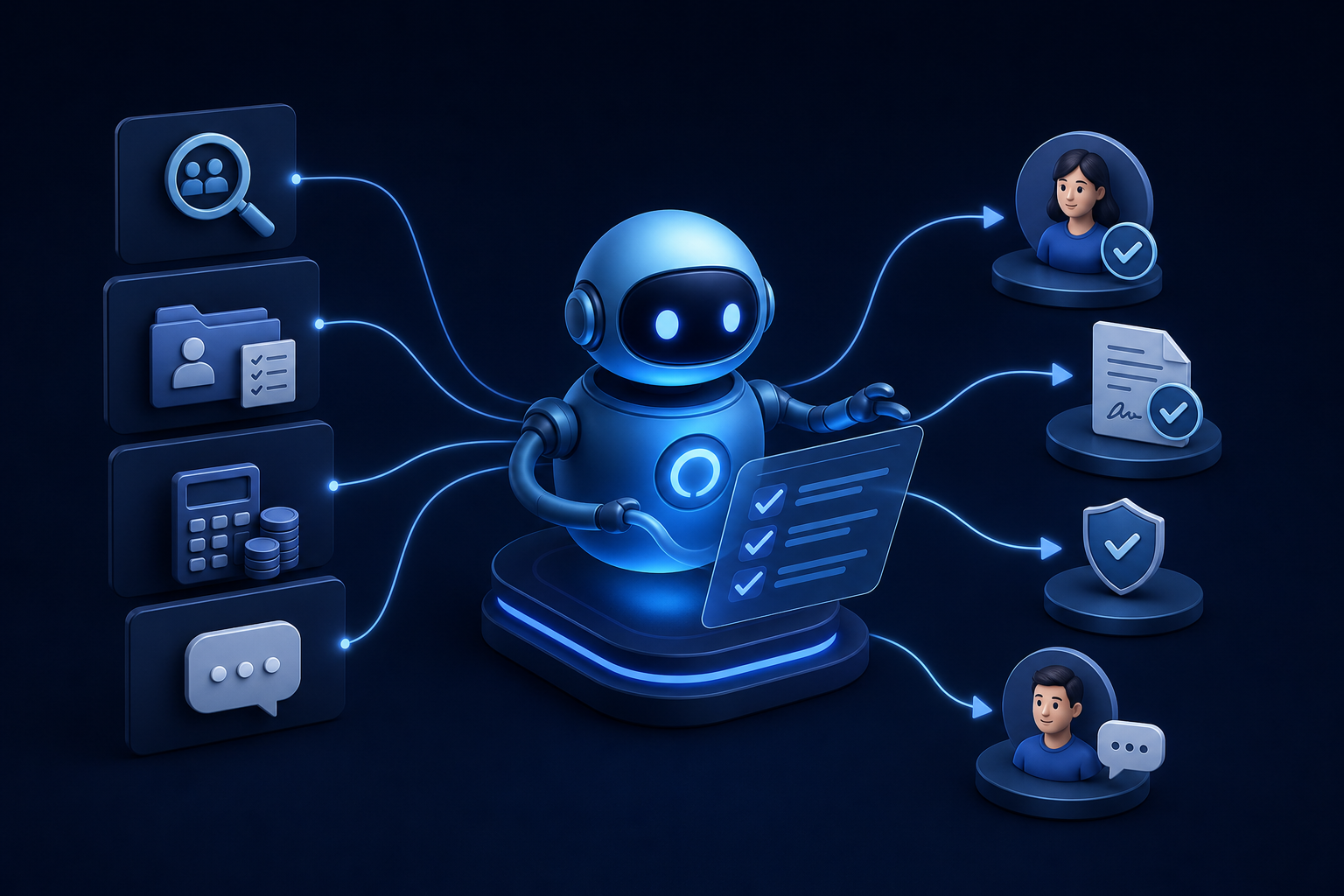
Discover how ai for hr automation handles recruiting, onboarding, payroll checks, and employee Q&A so your team can focus on work that matters.

Explore custom ai agent development paths: build in-house, buy pre-built, or partner with a specialist. Find the right fit for your team today.


