
ai-automation
Autonomous Workflows. AI That Runs Operations
Autonomous workflows allow AI to coordinate tasks, decisions, and actions across systems. This shift moves businesses from manual processes to intelligent, self-operating workflows.
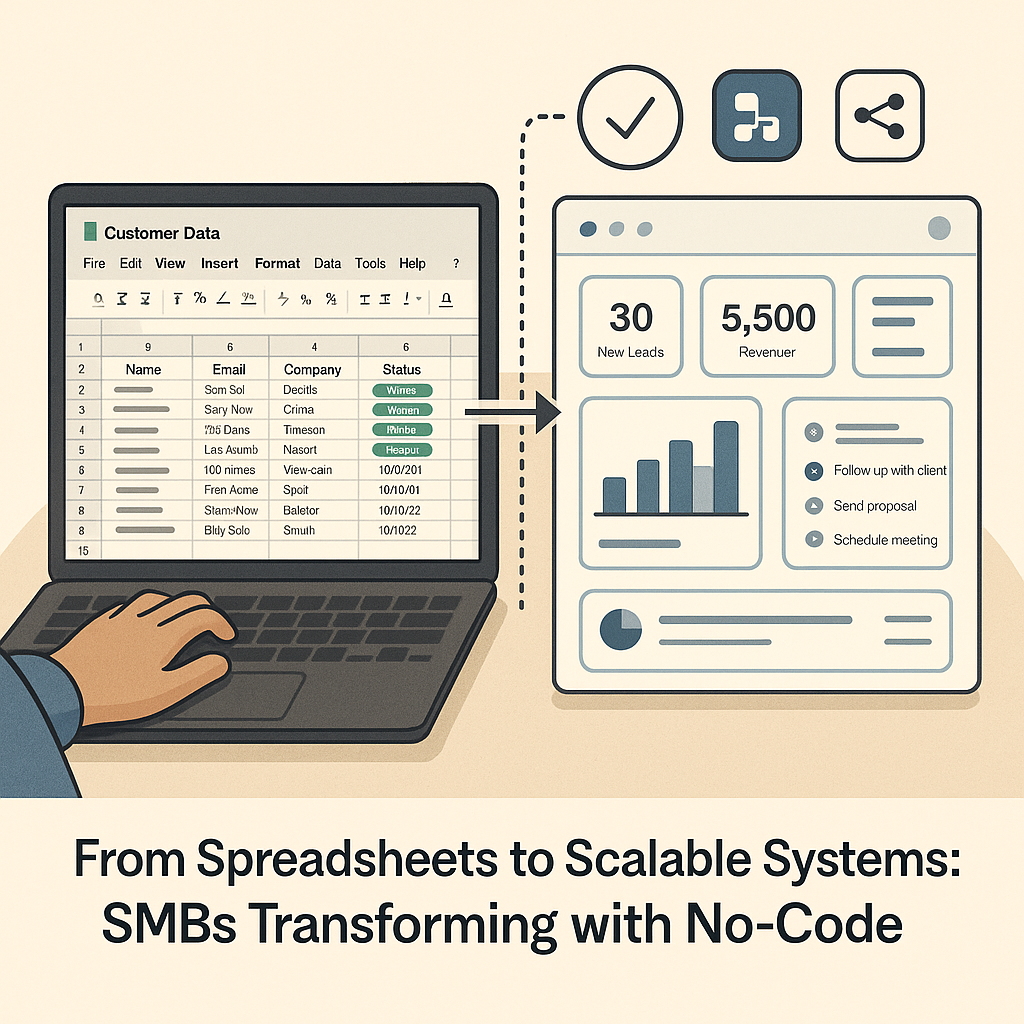
SMBs across the U.S. are moving from messy spreadsheets to scalable no-code systems. Discover how founders are streamlining workflows with tools like Airtable, Baserow, and Zapier—no engineers required.
For years, small and mid-sized businesses have relied on spreadsheets as their digital lifeline—tracking leads in Google Sheets, managing inventory in Excel, or handling client lists manually. It’s familiar, flexible, and cheap. But as operations grow, spreadsheets break:
Across cities like Miami, Atlanta, and Phoenix, SMBs are realizing that spreadsheets won’t sustain growth. The new approach? Transitioning to scalable no-code systems that preserve flexibility but add structure, automation, and resilience. This shift is supported by industry insights: SMBs are flocking to low-code / no-code platforms to scale smarter.
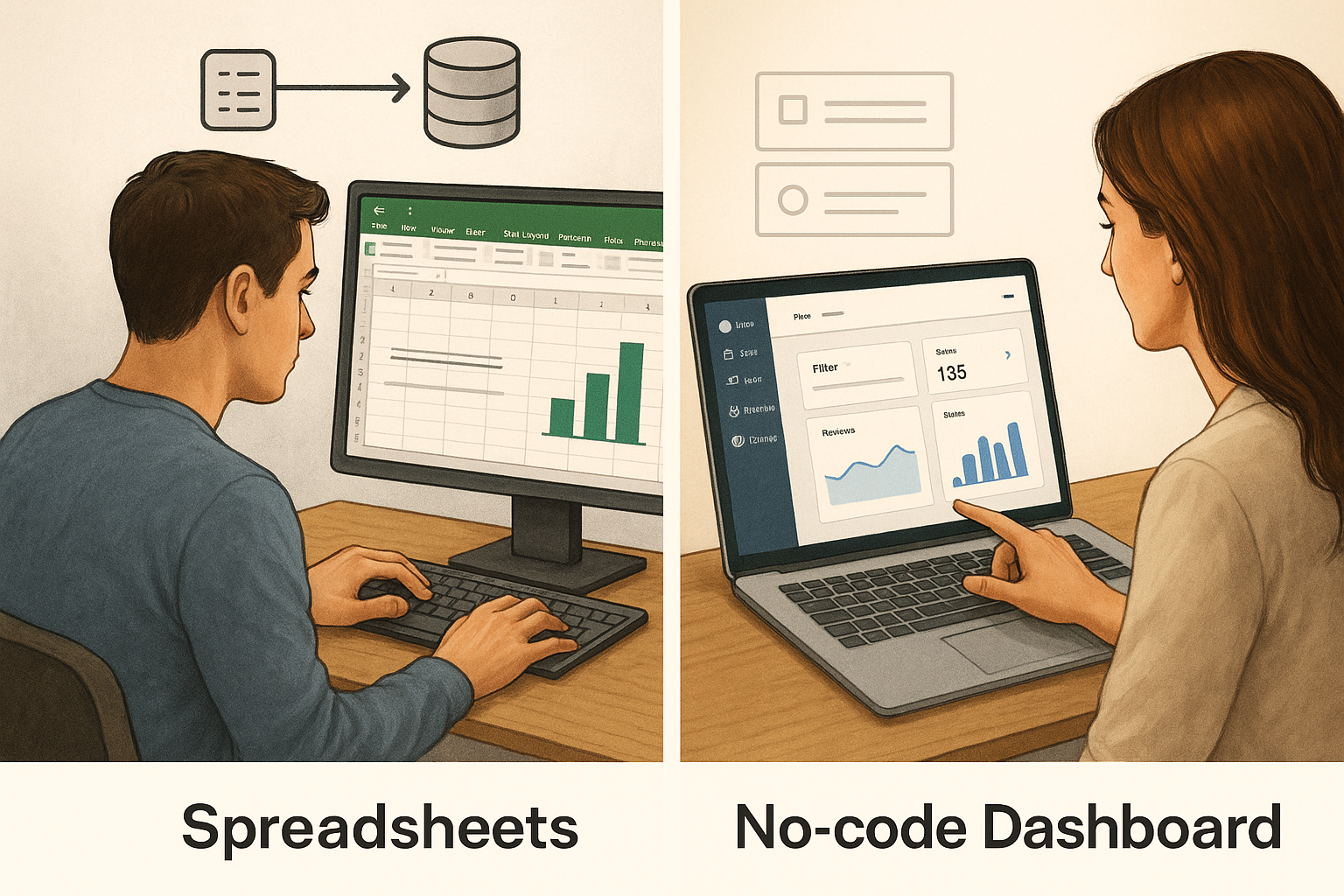
The trend is growing: more SMBs and midsize companies are turning to no-code/low-code platforms as part of their digital strategies. Venturebeat+1
A no-code system combines:
These systems let you build custom applications—client portals, internal dashboards, order systems—without writing traditional code.
To understand deeper, see comparisons of the low-code / no-code paradigm. Trisotech+1
A home services company tracked work orders, client notes, payments, and crew dispatch in spreadsheets. As new requests came in, data duplicated and errors grew.
Transition path:
Outcome: Their operations now run more reliably, with fewer mistakes and much less manual effort.
Consultants managed client tasks, billing, and deliverables across multiple spreadsheets and tools. Coordination broke down when one sheet went out of sync.
They switched to:
Within weeks, they reduced coordination time and improved client visibility.
No-code market growth statistics reflect adoption surges and ROI benefits. Adalo
Some also warn about infrastructure complexity as no/low-code evolves. Forbes
Step 1: Audit your spreadsheets
List your sources of truth, common tasks, pain points, and data dependencies.
Step 2: Define your workflows
What happens when a new lead comes in, a task is completed, or an invoice is overdue?
Step 3: Choose a no-code stack
Pick tools that match your complexity and scale. Start with Airtable or Baserow for data, then pick an automation engine.
Step 4: Prototype & test incrementally
Move one function (e.g. lead intake) first. Validate before migrating everything.
Step 5: Train team & iterate
Onboard your staff, collect feedback, and refine. Over time, add more modules.
If you’re ready to transition your business from spreadsheets to scalable systems, Schedule a free strategy call with Singular Innovation.
We’ll evaluate your current setup and recommend a no-code architecture that fits your goals and budget.
1. How much technical skill is required?
Minimal. Most no-code platforms require familiarity with spreadsheets; our guidance fills the rest.
2. Can these systems handle growth?
Yes. Many no-code platforms scale, or you can migrate to more robust infrastructure later if needed.
3. Is data secure and reliable?
Yes—as long as you set proper permissions, validation rules, and backups.
4. How does this compare to building custom software?
No-code is faster, cheaper, and less risky, with more control for founders.
5. How long will migration take?
It depends on complexity. Many SMBs move key workflows within 2–4 weeks.
Autonomous workflows allow AI to coordinate tasks, decisions, and actions across systems. This shift moves businesses from manual processes to intelligent, self-operating workflows.

LLMs are powerful, but prompts alone do not create business impact. Real value comes from embedding LLMs into workflows that connect data, decisions, and actions across systems.
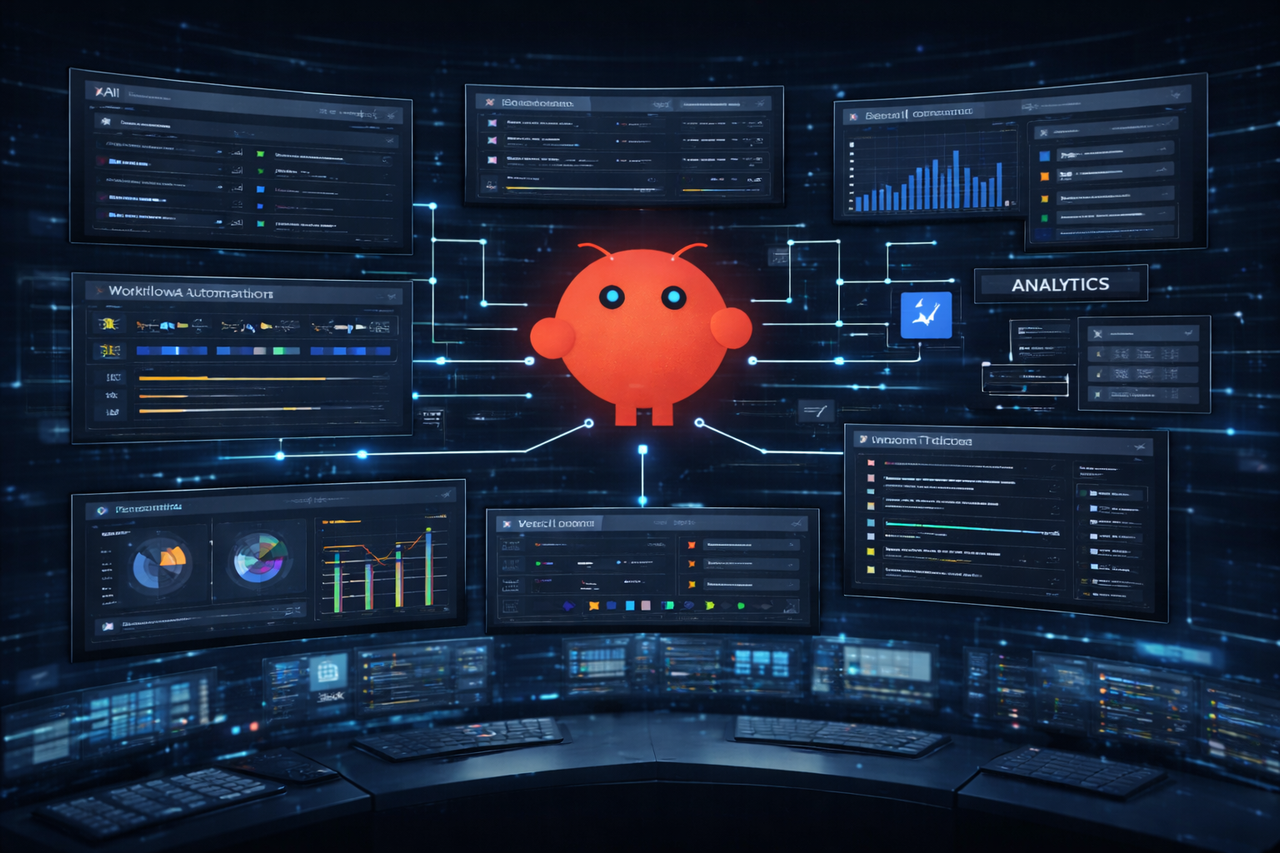
Most companies operate across disconnected tools. AI automation engines like OpenClaw unify systems, workflows, and data into one operational layer, enabling real automation, faster execution, and better decisions.


