
General
What Is an Agentic Workflow? How AI Agents Replace Manual Process Steps
An agentic workflow lets AI agents plan and execute tasks without manual triggers. See how SMBs use them to replace repetitive process steps.

A framework for calculating AI automation ROI before any code is written: baseline costs, build costs, payback, and how to stress-test it.
Most businesses don't fail at AI because they picked the wrong tool. They fail because they committed to a build without ever defining what success would look like in numbers.
Before you spend budget, time, or internal goodwill on an automation project, you need a clear way to estimate whether it will actually pay off. This article walks through a practical framework for calculating AI automation ROI — before a single line of code gets written.
Automation projects have a way of expanding. What starts as "automate our lead routing" quietly becomes a three-month integration touching five systems. Without a pre-build ROI estimate, there's no anchor to keep scope in check — and no honest answer to the question: "Is this actually worth it?"
A solid estimate also forces clarity on the problem itself. You can't calculate return without defining what you're measuring, and that definition almost always surfaces assumptions worth challenging before you're deep into a build.
Start specific. "Automate our operations" is not a process. "Manually reconciling invoices from three vendors every Monday morning, which takes two hours per finance team member" is a process.
For each candidate, document who does it and how many people are involved, how long it takes per instance and how often it runs, what it costs in labor time (hourly rate × hours), and what goes wrong when it's done manually — errors, delays, missed steps.
The more precisely you define the current state, the more accurately you can estimate the future one.
This is where most ROI calculations fall apart. People say "it saves time" without attaching a number. Push past that.
Labor cost: Take the hours spent on the process per week or month and multiply by the fully-loaded cost of the people doing it. Include time spent fixing errors, not just executing the task.
Opportunity cost: What would those people do with recovered time? If a sales rep spends six hours a week manually updating a CRM, and that time could go toward outreach, the opportunity cost is measurable in pipeline terms.
Error cost: Manual processes produce errors. Quantify what those errors actually cost: rework hours, customer churn from delays, compliance exposure, revenue lost to missed follow-ups.
Delay cost: Some processes are bottlenecks. A slow approval workflow can hold up deals or vendor payments. Estimate the cost of that delay in concrete terms.
Add these up. That number is your baseline — the problem you're solving.
This is where businesses tend to undercount. The cost of an automation build isn't just the development fee. It includes the build cost (agency, developer, or platform subscription), integration time connecting the automation to your existing systems, data preparation for cleaning or consolidating the data the automation needs, internal time your team spends on requirements, testing, and handoff, and ongoing maintenance when upstream systems change.
Be honest about internal time. A project that requires 40 hours of your team's attention has a real cost, even if no invoice is attached to it.
One thing worth noting: the faster a build reaches production, the lower the hidden costs tend to be. A project that ships in 10 business days accumulates far less internal overhead than one that drags across three months. Deployment speed isn't just a convenience — it's a genuine financial variable.
Once you have the baseline cost and the build cost, the model is straightforward.
Annual savings = (monthly cost of status quo) × 12
Total build cost = development + integration + internal time + first-year maintenance
Net ROI = (Annual savings − Total build cost) / Total build cost × 100
Payback period = Total build cost / Monthly savings
A payback period under six months is generally strong. Under three months is excellent. If it stretches past 18 months, revisit whether you're solving the right problem — or whether the build scope has gotten too large.
A two-person operations team spends 10 combined hours per week on a manual reporting process. At a fully-loaded cost of $60 per hour, that's $600 per week — roughly $31,200 per year.
The build costs $15,000 all-in, including integration and internal time. First-year maintenance is estimated at $2,000.
Net savings in year one: $31,200 − $17,000 = $14,200. ROI: 84%. Payback period: approximately 6.5 months.
That's a reasonable case for moving forward. Run the same math on a $50,000 build for a process that costs $20,000 per year to run manually, and the answer looks very different.
Every ROI model rests on assumptions. Before you commit, pressure-test the ones that matter most.
Adoption rate: Does the ROI depend on your team actually using the automation? What's the realistic adoption curve?
Process stability: Will this process change significantly in the next 12 months? Automating something that's about to be restructured is a poor investment.
Data quality: Many automation projects stall because the underlying data is messy. If your data isn't clean and consolidated, factor in the cost of fixing that first.
Integration complexity: "It connects to our CRM" sounds simple until you discover your CRM has custom fields, legacy data, and an API that hasn't been touched in two years.
If the ROI still holds after stress-testing these variables, you have a real case. If it falls apart under scrutiny, that's valuable information — and far cheaper to learn now than mid-build.
Not every process is worth automating. The best candidates tend to share a few traits: high frequency (the process runs daily or weekly, not once a quarter), rule-based logic (decisions follow consistent rules rather than requiring nuanced human judgment), clean inputs (the data feeding the process is structured and reliable), and measurable output (you can track whether the automation is actually working).
Processes that are rare, heavily judgment-dependent, or data-poor tend to produce poor ROI regardless of how sophisticated the automation is.
ROI is a financial metric. Value is broader. Some automation investments are worth making even when the direct labor savings look modest, because they create capabilities that compound over time.
A consolidated data infrastructure, for example, might not save 10 hours a week on its own. But it makes every subsequent automation faster, cleaner, and less friction-prone. That compounding effect is real, even if it's hard to put in a spreadsheet.
Similarly, AI agents handling customer-facing tasks can improve response times and consistency in ways that affect retention and reputation — outcomes that are harder to quantify but genuinely matter.
When evaluating a build, be honest about which parts of the return are hard numbers and which are softer value. Both count. Just don't let soft value carry a weak hard-number case.
Before you engage any AI agency or development team, run through this framework yourself. You don't need perfect numbers — you need directional clarity.
Know your baseline cost. Have a rough sense of build cost. Understand your payback threshold. That preparation makes every subsequent conversation more productive and protects you from scope creep and vague promises.
If you're working with a team that deploys AI systems directly into your existing stack, this groundwork also speeds up the engagement significantly. The more clearly you've defined the problem and the expected return, the faster a capable builder can move.
Singular Innovation works with SMBs that have already identified a process worth automating and want a functioning system deployed quickly — with full ownership — rather than a roadmap and a recommendation deck. The ROI framework above is exactly the kind of preparation that makes a first working capability in 10 business days realistic rather than rushed.
What is a good ROI for an AI automation project? A payback period under six months is generally strong for most SMB automation projects. ROI above 50% in year one is a reasonable benchmark, though the right threshold depends on your cost of capital and the strategic importance of what's being built.
How do I calculate the cost of a manual process? Multiply the hours spent on the process per week by the fully-loaded hourly cost of the people doing it, then annualize. Add the cost of errors, rework, and any downstream delays the process causes. That total is your baseline.
Should I include soft benefits in an AI automation ROI calculation? Yes, but label them clearly. Separate hard savings — measurable labor and error costs — from softer value like improved response times, better data quality, or team morale. Make the decision on the hard numbers first, and treat the soft benefits as additional upside.
What makes an automation project fail to deliver its expected ROI? The most common causes are poor data quality, low adoption, underestimated integration complexity, and automating a process that changes shortly after the build. Stress-testing these assumptions before committing significantly reduces the risk.
How long should an AI automation build take before ROI becomes a concern? Build duration is a real financial variable. Longer projects accumulate more internal overhead, delay the start of savings, and increase the risk of scope changes. Projects that deploy in weeks rather than months tend to reach payback faster, all else being equal.
Can I estimate ROI before I know the exact build cost? Yes. Use a range. If the process costs $40,000 per year to run manually, you can evaluate whether a build at $10,000, $20,000, or $30,000 makes sense before you have a firm quote. That range-based thinking helps you set a budget ceiling before entering any vendor conversation.
What's the difference between automating a task and deploying an AI agent? Task automation follows fixed rules to handle a specific, repetitive action. An AI agent can handle variable inputs, make decisions within defined parameters, and operate across multiple steps or systems. Agents generally carry a higher build cost but can address more complex, higher-value processes.
The math on AI automation doesn't have to be complicated. Define the problem precisely, quantify the current cost honestly, estimate the build cost completely, and stress-test the assumptions. If the numbers hold, you have a real case. If they don't, you've saved yourself from a build that was never going to pay off.
An agentic workflow lets AI agents plan and execute tasks without manual triggers. See how SMBs use them to replace repetitive process steps.
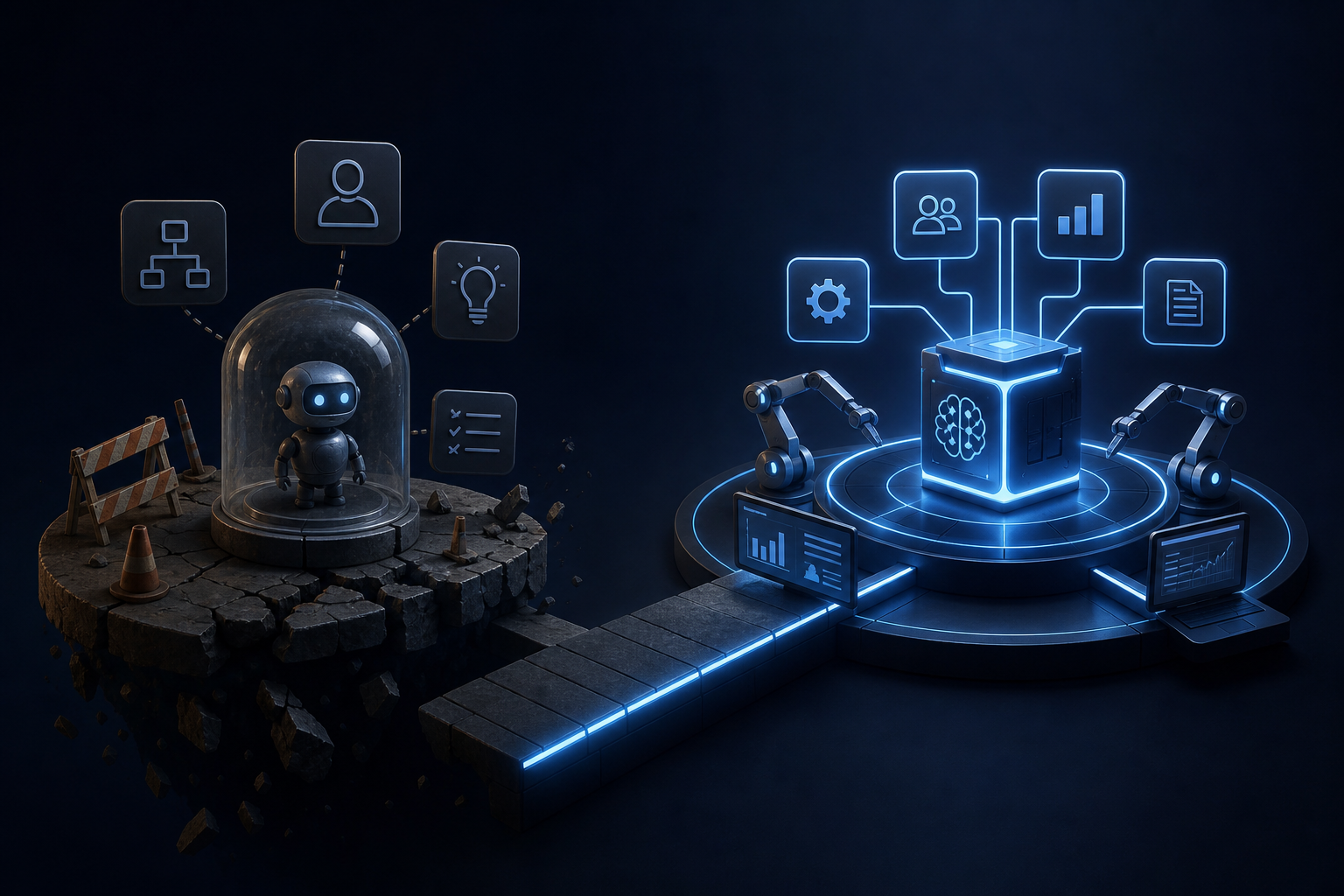
AI pilot program failure is almost always structural, not technical. Learn the four root causes and how embedded AI systems are built to avoid them.
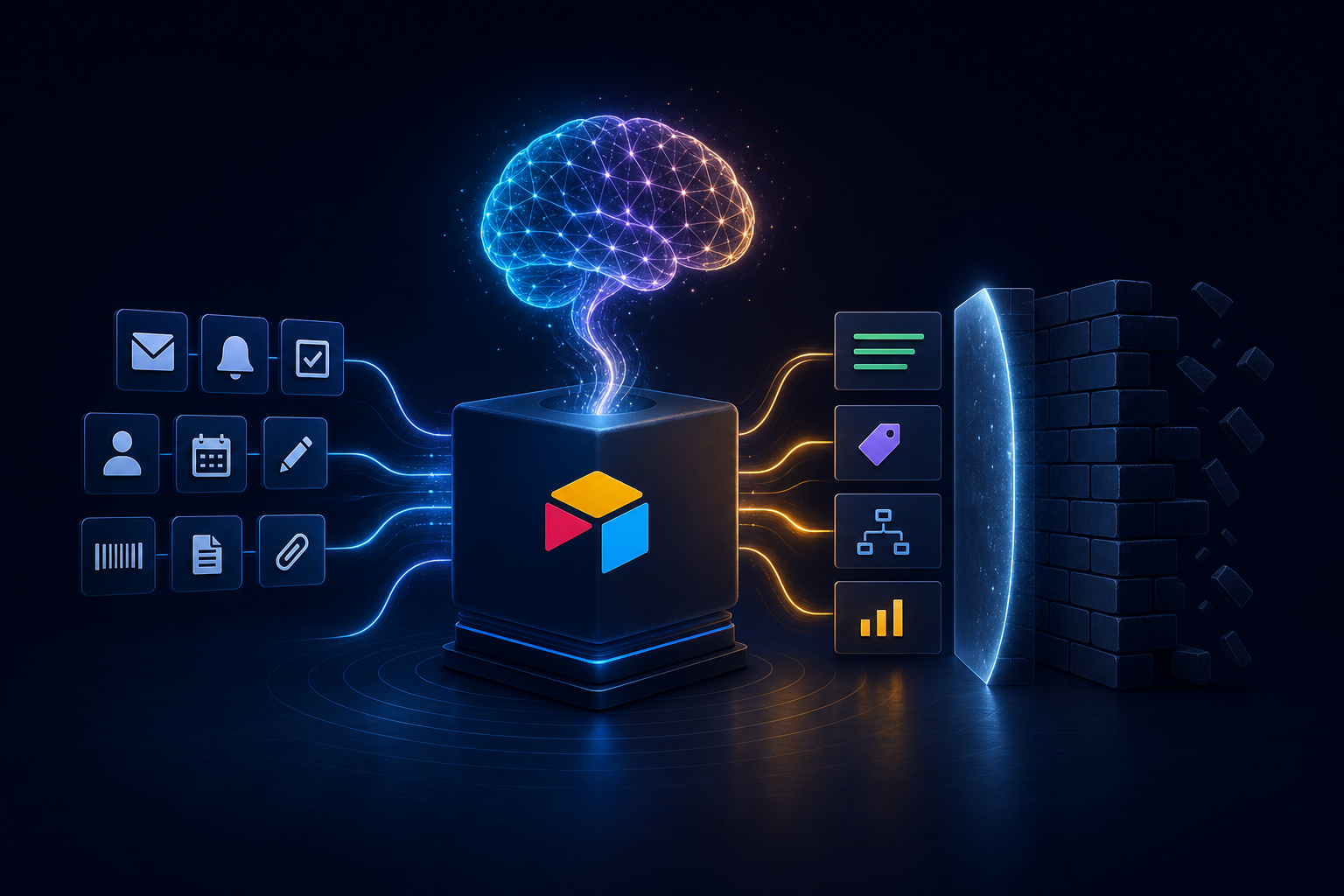
Airtable automation with AI can eliminate repetitive work — but it has real limits. Learn what's possible, where it breaks down, and how to plan around it.


