General
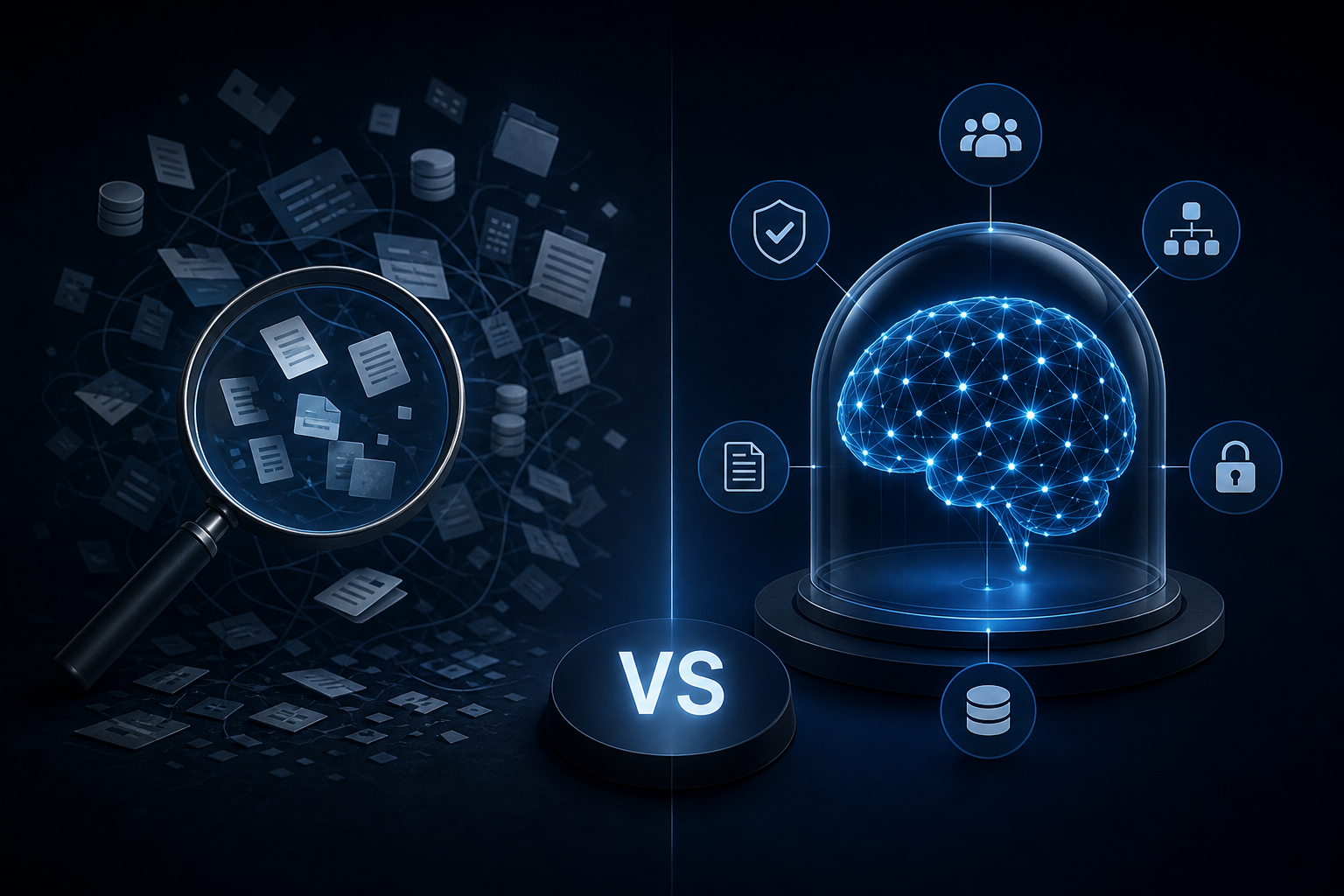
Enterprise AI Search vs. a Governed Company Brain: Key Differences
Discover how enterprise ai search differs from a governed company brain and which knowledge approach your team actually needs to act on trusted data.
AI agent orchestration lets multiple agents hand work to each other end-to-end. Learn how multi-step workflows run, fail, and scale in real business tools.
You built a Slack bot that summarizes meeting notes. It works fine. But it can't update the CRM, notify the right account manager, or flag the follow-up task in Airtable. So you still do those steps yourself.
That's the gap between a single AI worker and AI agent orchestration. One agent handles one task. Orchestration is what happens when multiple agents hand work to each other, check each other's outputs, and complete a workflow end-to-end — without a human in the middle.
This article explains how orchestrated multi-step agents actually work, what makes them fail, and what a real deployment looks like inside a business running on HubSpot, Slack, QuickBooks, and Airtable.
A single AI agent takes an input, processes it, and returns an output. Useful, but limited. The moment a task requires more than one decision point — or more than one tool — a single agent hits a wall.
Orchestration is the coordination layer that sits above individual agents. It decides which agent runs next, what context to pass between them, how to handle errors, and when to escalate to a human.
Think of it like a project manager who doesn't do the work themselves but knows which specialist to call, in what order, and what each one needs to do their job. Except this project manager runs in milliseconds and never loses context between steps.
Every multi-agent system has three functional roles, even if no one labels them this way.
The orchestrator. This agent holds the plan. It breaks a goal into subtasks, assigns them to specialist agents, and monitors completion. It doesn't execute the work directly.
The specialist agents. These are purpose-built workers. One reads your CRM. Another drafts a brief. A third pushes data to QuickBooks. Each one is scoped tightly so it stays reliable.
The context layer. This is the shared memory all agents read from and write to. Without it, agents operate in isolation and contradict each other. With it, every agent in the chain knows what the others have already done.
The context layer is where most DIY orchestration attempts fall apart. Agents can't coordinate without shared, governed memory. That's not a workflow problem — that's an architecture problem.
Here's a concrete example. A sales rep closes a deal in HubSpot. Without orchestration, someone on the ops team manually pulls the contract details, creates a project brief, notifies the delivery team in Slack, and opens a new record in Airtable. That sequence takes 20 to 40 minutes every time — and it depends on one person not being out sick.
With orchestration, the same trigger fires a chain:
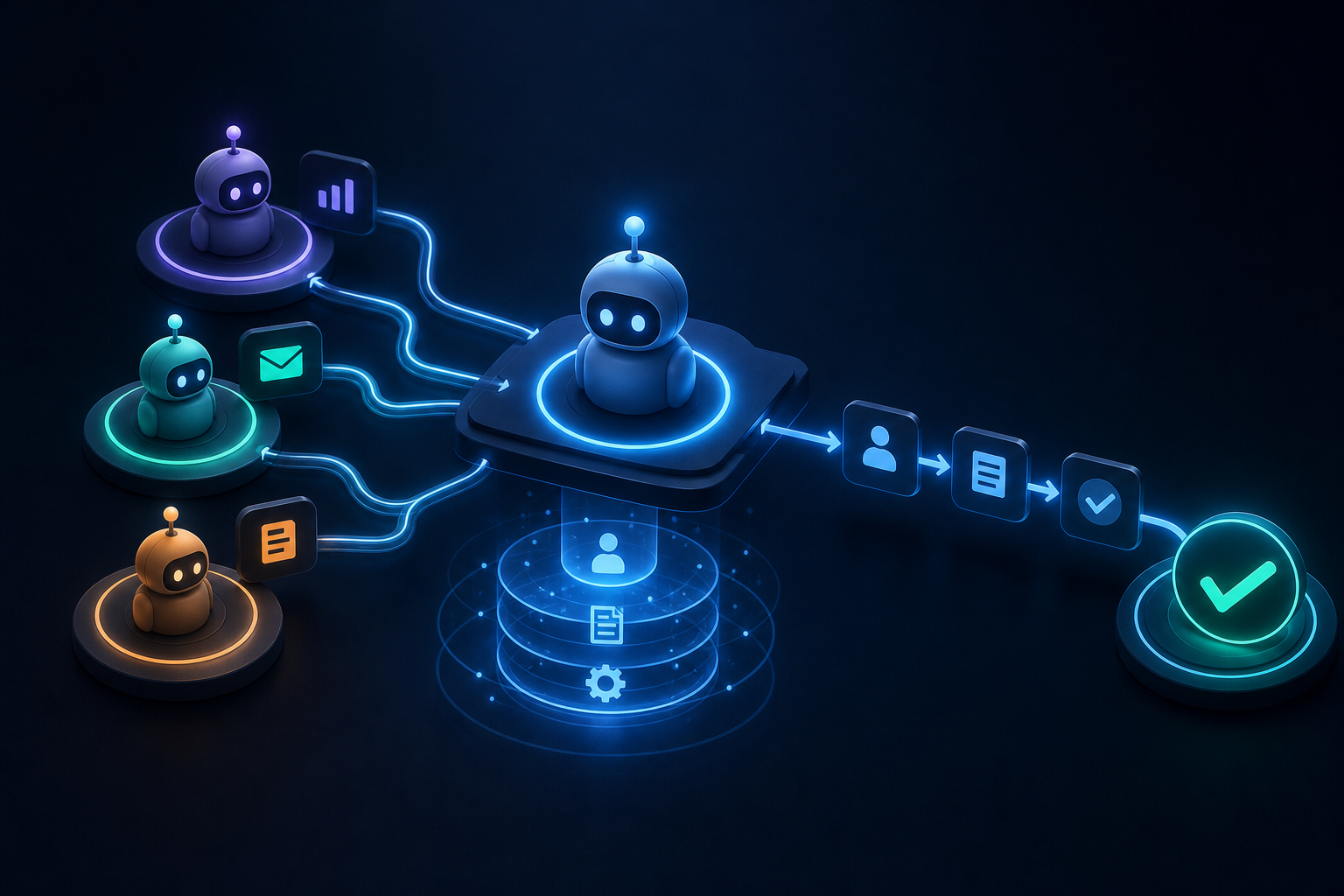
Step 1: The orchestrator detects the deal stage change in HubSpot and reads the relevant contact, contract value, and product line from the governed context layer.
Step 2: A specialist agent drafts the project brief using a pre-built prompt template, pulling in the deal data passed from the orchestrator.
Step 3: A second specialist agent posts the brief to the correct Slack channel, tags the delivery lead, and creates the Airtable record in the right base with the right field values.
Step 4: The orchestrator confirms all three steps completed, logs the action in the audit trail, and closes the loop.
The rep closes the deal. Everything else happens automatically. No one manually touches four tools.
This is what Singular Innovation calls a HyperAgent workflow. Each HyperAgent is a specialist. The Company Brain is the context layer. The orchestrator coordinates the sequence. The whole thing runs inside the tools your team already uses — nothing gets replaced.
Most teams that try to build this themselves hit the same three failure modes.
No shared context. Each agent gets its own prompt and its own memory. Agent A doesn't know what Agent B did. The workflow produces contradictions, duplicates, and errors that are hard to trace because no single agent is obviously wrong.
No error handling. When a step fails, the chain stops silently. No alert, no fallback, no human escalation. The ops team finds out three days later when a client asks why nothing happened.
No governance. Agents write to production systems without audit logs. Someone changes a prompt and the behavior shifts across every workflow that uses it. No version control, no permissions model, no way to know who changed what.
These aren't edge cases. They're the default outcome when orchestration gets bolted onto a stack that wasn't designed for it.
A governed orchestration architecture addresses all three. Shared context lives in a single, auto-updating knowledge layer. Error handling is defined per step, not assumed. Every agent action is logged with a timestamp, a user, and a reason.
The context layer is not a database. It's not a wiki. It's a governed, auto-updating single source of truth that all agents read from and write to in real time.
When your HubSpot data updates, the context layer reflects it. When a QuickBooks invoice changes status, the agents that need that information get it automatically. No manual syncing, no stale data, no agent acting on yesterday's numbers.
This is the architectural difference between a collection of AI tools and an AI operating system. Tools are siloed. A system is connected.
Getting your data layer ready before deploying agents matters more than most teams expect. Preparing Airtable as a business data hub is one of the most common first steps in a Singular engagement — because Airtable is often where the most operationally relevant data already lives.
Not every business needs a ten-agent system on day one. Orchestration scales with the complexity of the workflow, not the size of the company.
Two-agent workflows are the right starting point for most SMBs. One agent reads and classifies. One agent acts. The orchestrator is simple, the context layer is scoped to one data source, and the whole thing is deployable in days.
Three-to-five-agent workflows handle cross-functional tasks: a deal closes, a brief gets drafted, a project gets created, a notification goes out, a record gets updated. This is where most Singular engagements start delivering measurable operational change.
Multi-team orchestration involves agents coordinating across departments, with role-based permissions controlling which agents can read or write to which data. This is the right fit for companies with 50-plus employees where different teams own different tools and different data.
The right starting point depends on where your biggest manual bottleneck is — not on how sophisticated you want the system to eventually become. Singular delivers a first working capability in 10 business days from signed MSA, scoped to the highest-leverage workflow identified in the strategy call.
Orchestration is the execution layer. It needs a knowledge layer underneath it and a governance layer around it to work reliably at scale.
The knowledge layer is the Company Brain: governed, auto-updating, connected to HubSpot, Slack, QuickBooks, Airtable, and the other tools your team uses daily. The governance layer is role-based permissions, audit logs, and version-controlled prompts. The execution layer is the HyperAgents and the orchestrator that coordinates them.
Without all three, you have automation. With all three, you have a system.
If you're evaluating what this kind of engagement actually involves week by week, the week-by-week timeline for hiring an AI agency is worth reading before you commit to anything.
One question that comes up in almost every strategy call: who owns the system when the engagement ends? With Singular, all workflows, prompts, automations, code, and documentation transfer to you on day one. No SaaS subscription, no vendor lock-in, no ongoing dependency on the agency to keep things running. If ownership terms matter to you, this piece on getting full IP ownership from an AI agency explains exactly what to look for in a contract.
Automation executes a fixed sequence. If X happens, do Y. It's deterministic, brittle, and breaks the moment the input doesn't match the expected pattern.
Orchestration is adaptive. The orchestrator evaluates the situation, selects the right specialist, passes the right context, and adjusts when something unexpected happens. It handles variation. It escalates when it can't.
This is why Zapier workflows and simple trigger-action tools hit a ceiling for complex operations. They're automation — useful for simple, stable sequences, but not orchestration. They don't get smarter as your business changes.
If you want to know where orchestration would have the most impact in your current stack, the free 30-minute AI Audit maps that. Book it at singular-innovation.com.
What is AI agent orchestration? AI agent orchestration is the coordination layer that manages multiple AI agents working together on a multi-step task. An orchestrator breaks a goal into subtasks, assigns each to a specialist agent, passes context between them, handles errors, and confirms completion. The result is a workflow that runs end-to-end without a human managing each step.
How is orchestration different from a single AI agent? A single agent handles one task with one input and one output. Orchestration coordinates multiple agents in sequence or in parallel, with shared context passing between them. It's necessary when a workflow spans more than one tool, more than one decision point, or more than one team.
What is a context layer and why does it matter for multi-agent systems? The context layer is the shared memory that all agents in an orchestrated system read from and write to. Without it, agents operate in isolation — contradicting each other or acting on stale data. A governed context layer ensures every agent in the chain has accurate, current information from all connected tools.
What causes most multi-agent orchestration systems to fail? Three failure modes show up consistently: no shared context between agents, no error handling when a step fails, and no governance layer to control permissions and log actions. These problems don't surface immediately. They show up days or weeks later when the ops team discovers the chain stopped silently or produced inconsistent outputs.
How long does it take to deploy an orchestrated multi-agent workflow? Singular Innovation delivers a first working capability in 10 business days from signed MSA. That covers a scoped workflow with a named owner, defined inputs and outputs, and a tested first deployment. More complex multi-team orchestration takes longer, but the first working system ships in that window.
Do you need to replace your existing tools to use agent orchestration? No. Orchestration works inside your existing stack. HyperAgents connect to the tools you already use — HubSpot, Slack, QuickBooks, Airtable, Microsoft Teams — without replacing them. The orchestration layer sits on top of what you have, not instead of it.
What is the difference between workflow automation and AI agent orchestration? Automation executes a fixed if-then sequence. It's deterministic and breaks when the input varies. Orchestration is adaptive: the orchestrator evaluates the situation, selects the right agent, and adjusts when something unexpected happens. It handles the variation and complexity that simple automation tools cannot.
Discover how enterprise ai search differs from a governed company brain and which knowledge approach your team actually needs to act on trusted data.
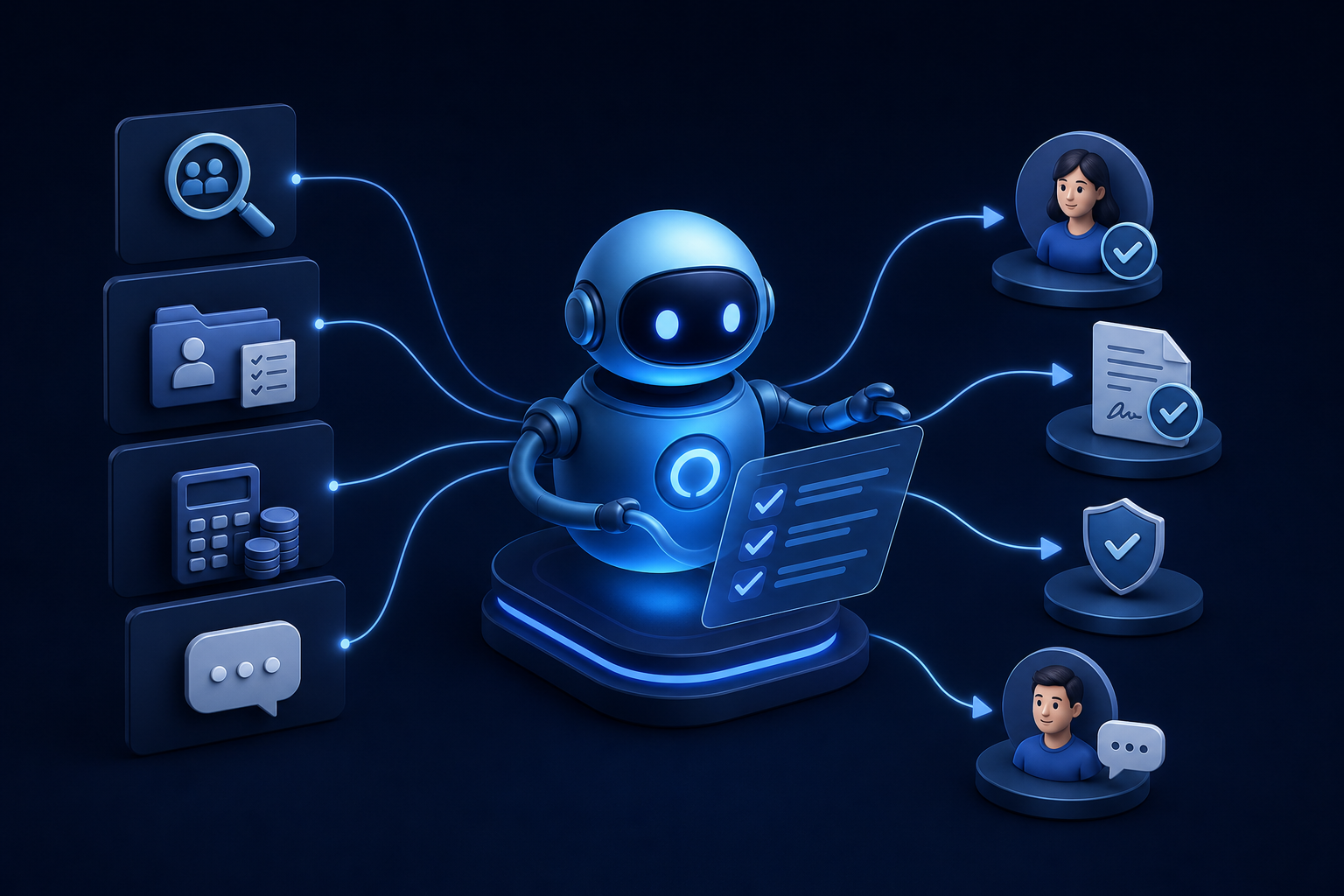
Discover how ai for hr automation handles recruiting, onboarding, payroll checks, and employee Q&A so your team can focus on work that matters.
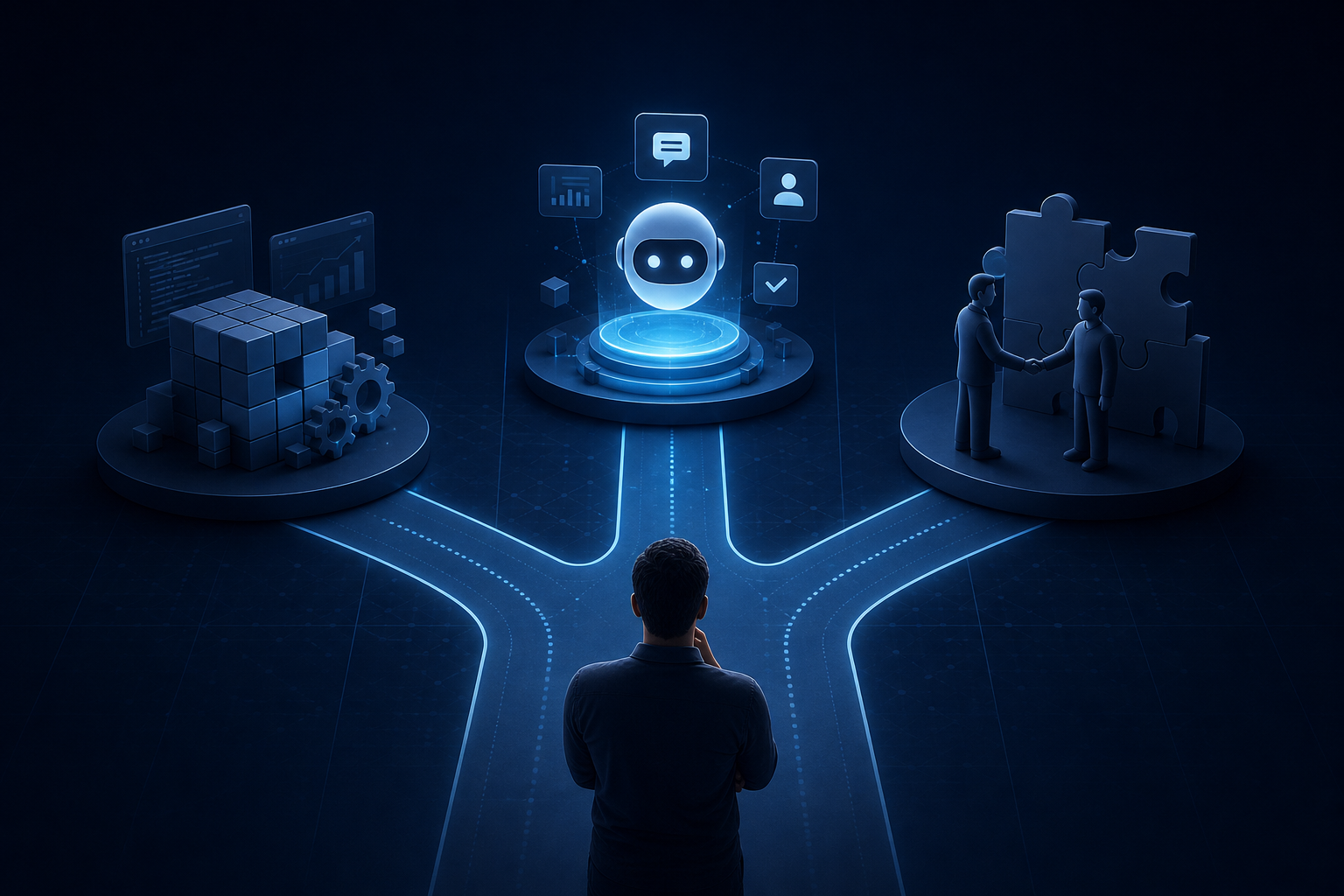
Explore custom ai agent development paths: build in-house, buy pre-built, or partner with a specialist. Find the right fit for your team today.


