General
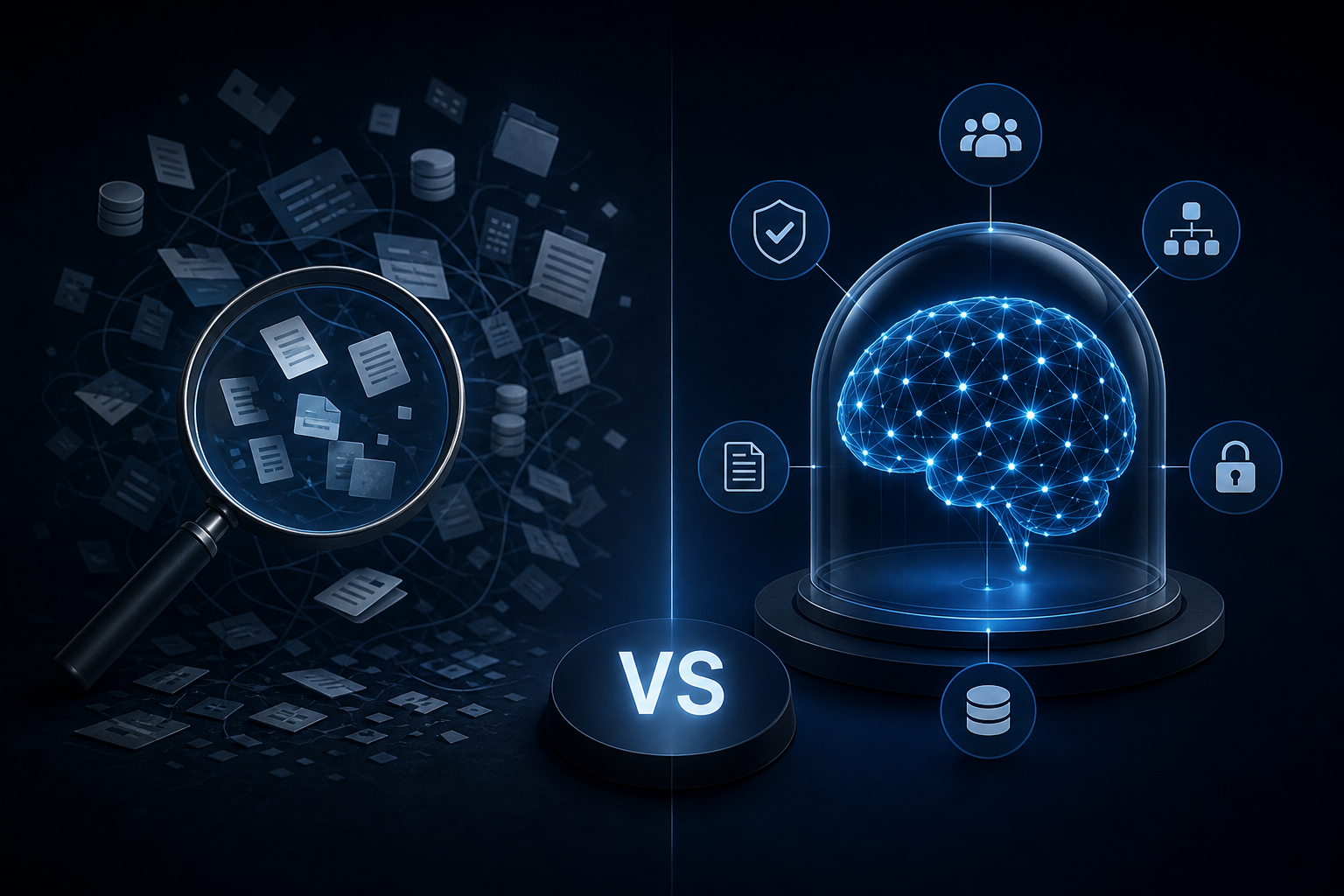
Enterprise AI Search vs. a Governed Company Brain: Key Differences
Discover how enterprise ai search differs from a governed company brain and which knowledge approach your team actually needs to act on trusted data.
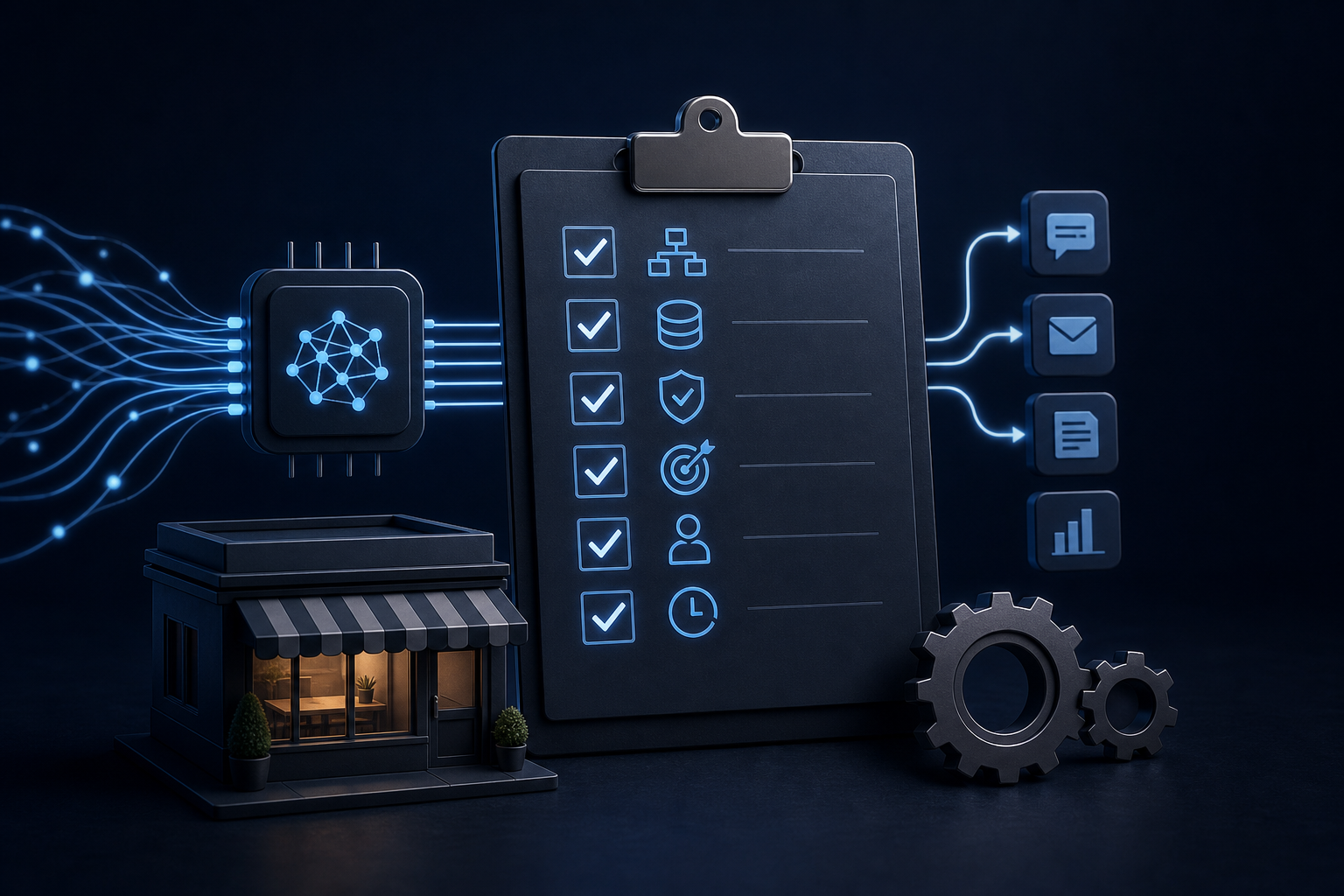
AI automation for small business only works when the first project is chosen well. Use this checklist to pick, prep, and ship one that actually runs.
You bought the ChatGPT subscription. Someone on your team spent three weeks "exploring AI." You got a few decent email drafts and a summary of a meeting you already sat through. Then it quietly stopped.
That's not an AI failure. That's what happens when you treat AI as a feature instead of a system. AI automation for small business only sticks when the first project is scoped correctly, connected to real data, and built to run without someone babysitting it.
This checklist gives you the exact criteria to pick the right first project, prepare your data, and ship something that actually works.
The adoption numbers tell a clear story. According to the Small Business & Entrepreneurship Council's 2026 technology survey, 82% of small business employers use at least one AI tool. But using a tool and integrating it into how the business runs are not the same thing.
That gap isn't a technology problem. More often, the blocker is not knowing which use case to prioritize first. Teams pick something too broad, too complex, or too dependent on data that doesn't exist in a usable format. The project stalls. Confidence drops.
The fix is a better first-project selection process — not a better AI tool.
The best first AI project is not the most impressive one. It's the most repetitive one.
Look for work that happens on a schedule, follows the same steps every time, and currently requires a human to kick it off. Good candidates include weekly status reports pulled from HubSpot, Airtable, or QuickBooks; new lead intake summaries drafted from form submissions; meeting notes formatted and routed to the right Slack channel; invoice status checks compiled from QuickBooks data; and onboarding checklists triggered when a deal closes in your CRM.
These aren't glamorous. They're also the processes that consume the most cumulative hours. Hand them to AI and those hours come back to the team every week.
If the process requires judgment calls, exceptions, or context that lives only in someone's head, it's not your first project. Put it on a later list.
Before writing a single prompt or connecting a single tool, score your candidate process against these five criteria. Be honest.
Is the input structured? AI works well when it reads from a defined source: a form, a CRM field, a spreadsheet row, a database record. It works poorly when the input is "whatever's in the email thread." If your data is unstructured, fix that first.
Does the output have a clear format? A good first project produces something specific — a drafted report, a routed notification, a populated record. If the output is "insights" or "recommendations" with no defined format, the project will drift.
Can you define done? You need a way to know whether the AI worker did its job correctly. That means a review gate, a human spot-check, or a measurable output. "It felt helpful" is not a success criterion.
Does it run at least weekly? One-off tasks don't justify the build time. The ROI on AI automation compounds through repetition. Daily or weekly processes stack time savings fast.
Does the data already exist in your tools? If the answer is yes — HubSpot, Slack, QuickBooks, Airtable, or some combination — you're in good shape. If the data lives in someone's memory, a shared Google Drive folder with no naming convention, or a spreadsheet three people maintain differently, you need a data layer before you need an AI layer.
Score each criterion as a yes or no. Three or more yeses means the process is ready. Fewer than three means you have preparation work to do first.
This is where most first projects fail. Not in the build. In the data.
If your Airtable base has inconsistent field names, your HubSpot contacts have missing lifecycle stages, or your QuickBooks categories mix personal and business expenses, the AI will produce unreliable output. Garbage in, garbage out isn't a cliché — it's the most common reason a first project gets abandoned.
Before connecting any AI tool to your data, audit the fields the process depends on to confirm they are populated consistently, standardize naming conventions across records, decide who owns the data going forward and document it, and remove or archive stale records that will confuse the output.
On a clean stack, this takes a day or two. On a neglected one, it takes a week or more. Do it anyway. A well-prepared data layer is what separates an AI worker that runs reliably from one that produces outputs no one trusts.
If you're using Airtable as a central data hub, Airtable as a Business Data Hub: How to Prepare It for AI Agent Access covers the specific preparation steps in detail.
Governance sounds like an enterprise word. For a small business, it means three things: who can see what, who approves the output before it acts, and how you know when something goes wrong.
Before your first AI workflow goes live, answer these questions.
Who reviews the output? Even a highly reliable workflow needs a human spot-check in the first two weeks. Build in a review gate.
Who has access to the data the AI reads? Role-based permissions matter. Not everyone on your team needs access to financial data or client contracts just because an AI worker does.
Where is the audit trail? If the AI drafted a report or routed a notification, you need a log — not for compliance theater, but because when something goes wrong, you need to trace it.
Skipping governance on a first project is how you end up with an AI worker running unchecked, producing an error, and destroying trust in the whole initiative. Build it in from the start, even if it feels like overkill on a small workflow.
The most common reason first projects take months instead of days is scope creep. You start with "automate the weekly report" and end up trying to automate the entire reporting function, the data collection behind it, and the distribution list management.
Pick one workflow. Define the input, the output, and the trigger. Set a ship date. Build only what that scope requires.
A working first project that ships fast beats a perfect system that never ships. The goal is proof of concept with real operational value — not a complete AI operating system on the first attempt. Singular's own delivery model is built on this principle: a first working capability ships in 10 business days from signed MSA with a named owner, a defined scope, and a hard ship date. Everything else gets scoped into subsequent phases.
For a deeper look at how to scope so you actually ship, How to Scope an AI Automation Project So It Ships in Days, Not Months walks through the framework in detail.
A workflow that runs in week one will break in week six if no one owns it. Data formats change. Tool integrations update. Business processes shift. AI workflows are not set-and-forget infrastructure.
Assign an owner before go-live. That person is responsible for weekly spot-checks of output quality in the first month, monitoring for errors or edge cases the original scope didn't anticipate, and updating the workflow when the underlying process changes.
This doesn't require a full-time AI manager. It requires 30 minutes a week from someone who understands what the workflow is supposed to do. Skip this step and the workflow quietly degrades — usually until someone notices the outputs are wrong, which is typically after those outputs have already influenced a decision.
A first AI project does not need a large budget when it is scoped correctly and built on tools the business already owns.
The mistake is spending that budget on software licenses before validating a workflow. Most of what you need for a first project already lives in your stack. HubSpot, Slack, QuickBooks, and Airtable can support a working AI workflow without adding a single new license.
If you're considering outside help, AI for Startups: How to Get a Working AI System Without a Data Science Hire covers what that engagement looks like and what you should expect to own at the end of it.
Before you start your first AI automation project, confirm you can check every box: the process runs on a repeatable schedule; the input comes from a structured data source; the output has a defined format; you can define what "done correctly" looks like; the data is clean and consistently populated; governance is defined with access controls, review gates, and an audit trail; scope is locked to one workflow with a ship date; an owner is assigned before go-live; and maintenance cadence is documented.
Nine boxes. If any are unchecked, fix that first. The project will go faster and the output will be more reliable.
A successful first project does two things. It saves real time on a real workflow. And it gives you a template for the second project, and the third.
The companies that get the most from AI automation aren't the ones who started with the biggest ambition. They're the ones who shipped something small, learned from it, and built a system that compounds over time.
If you want help identifying which workflow to start with and whether your data is ready, Singular Innovation offers a free 30-minute AI Audit that maps your current stack against automation-ready opportunities. Book your free 30-minute AI Audit at singular-innovation.com.
What is the best first AI automation project for a small business? The best first project is the most repetitive process your team handles manually on a weekly or daily basis. Look for tasks with structured inputs, defined outputs, and no judgment calls required. Weekly reporting, lead intake summaries, and invoice status checks are common starting points.
How long does it take to build a first AI automation workflow? A well-scoped first project can ship quickly. With Singular, the first working capability ships in 10 business days from signed MSA. Most delays come from unclear scope, unclean data, or trying to automate too many things at once. Lock the scope to one workflow before you start building.
Do I need new software to automate business workflows with AI? Not for most first projects. Tools like HubSpot, Slack, QuickBooks, and Airtable already support AI workflow integration. Adding new software before validating a workflow is a common and expensive mistake.
How much do small businesses typically spend on AI tools? It depends on scope, but a well-scoped first project built on tools you already own keeps spend modest. Budget for development and ongoing operation, not just subscriptions.
What is the biggest blocker to AI adoption for small businesses? For many small and mid-market businesses, the main blocker is not knowing which use case to prioritize. That's a scoping problem, not a technology problem.
How do I know if my data is ready for AI automation? Check whether the fields your target process depends on are consistently populated, whether naming conventions are standardized, and whether the data lives in a tool with API access. If the answer to any of those is no, data preparation comes before automation.
What happens after my first AI workflow is live? Assign an owner, run weekly spot-checks for the first month, and document when the underlying process changes. AI workflows degrade when no one maintains them. Thirty minutes a week from a designated owner keeps the output reliable.
Discover how enterprise ai search differs from a governed company brain and which knowledge approach your team actually needs to act on trusted data.
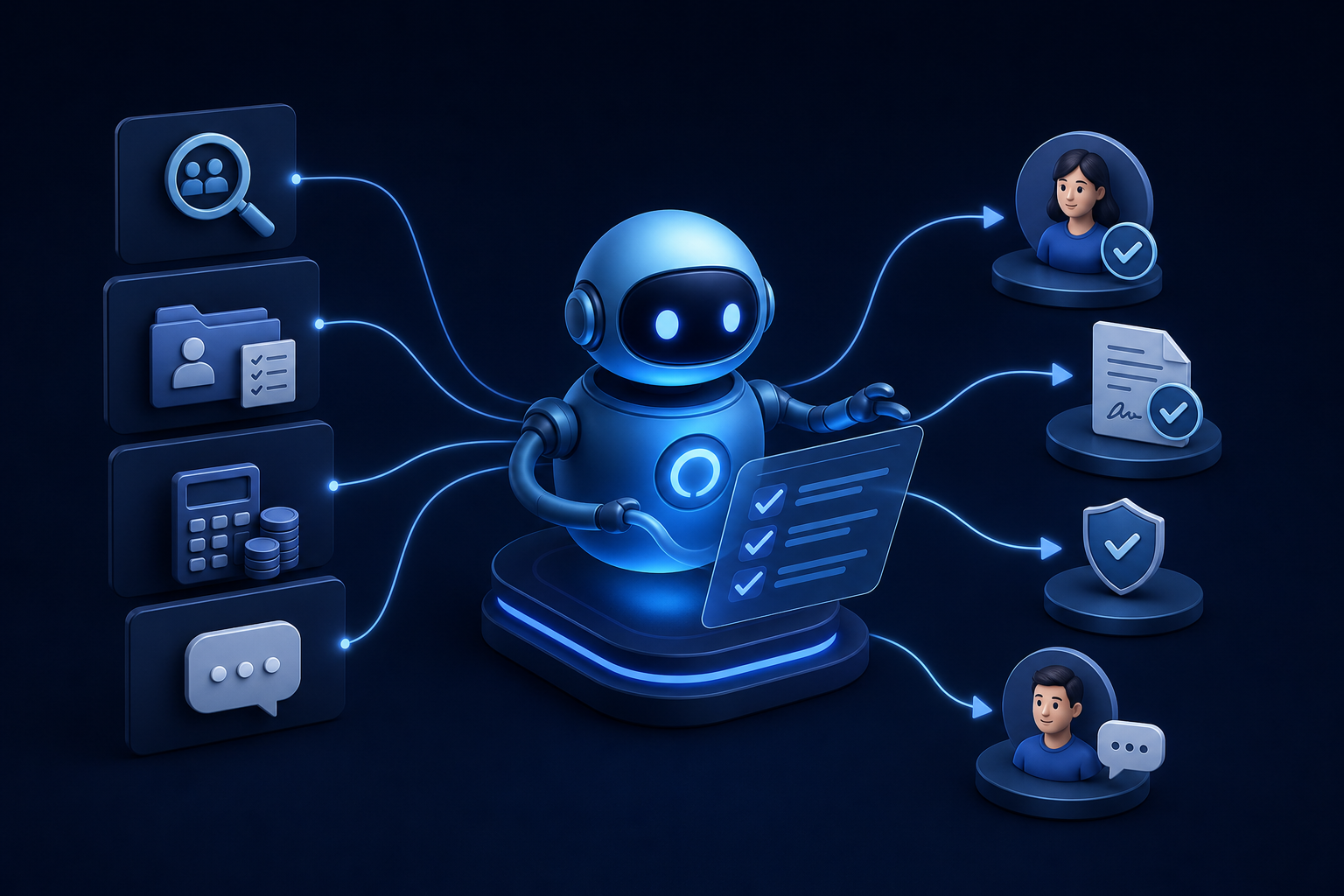
Discover how ai for hr automation handles recruiting, onboarding, payroll checks, and employee Q&A so your team can focus on work that matters.

Explore custom ai agent development paths: build in-house, buy pre-built, or partner with a specialist. Find the right fit for your team today.


