General
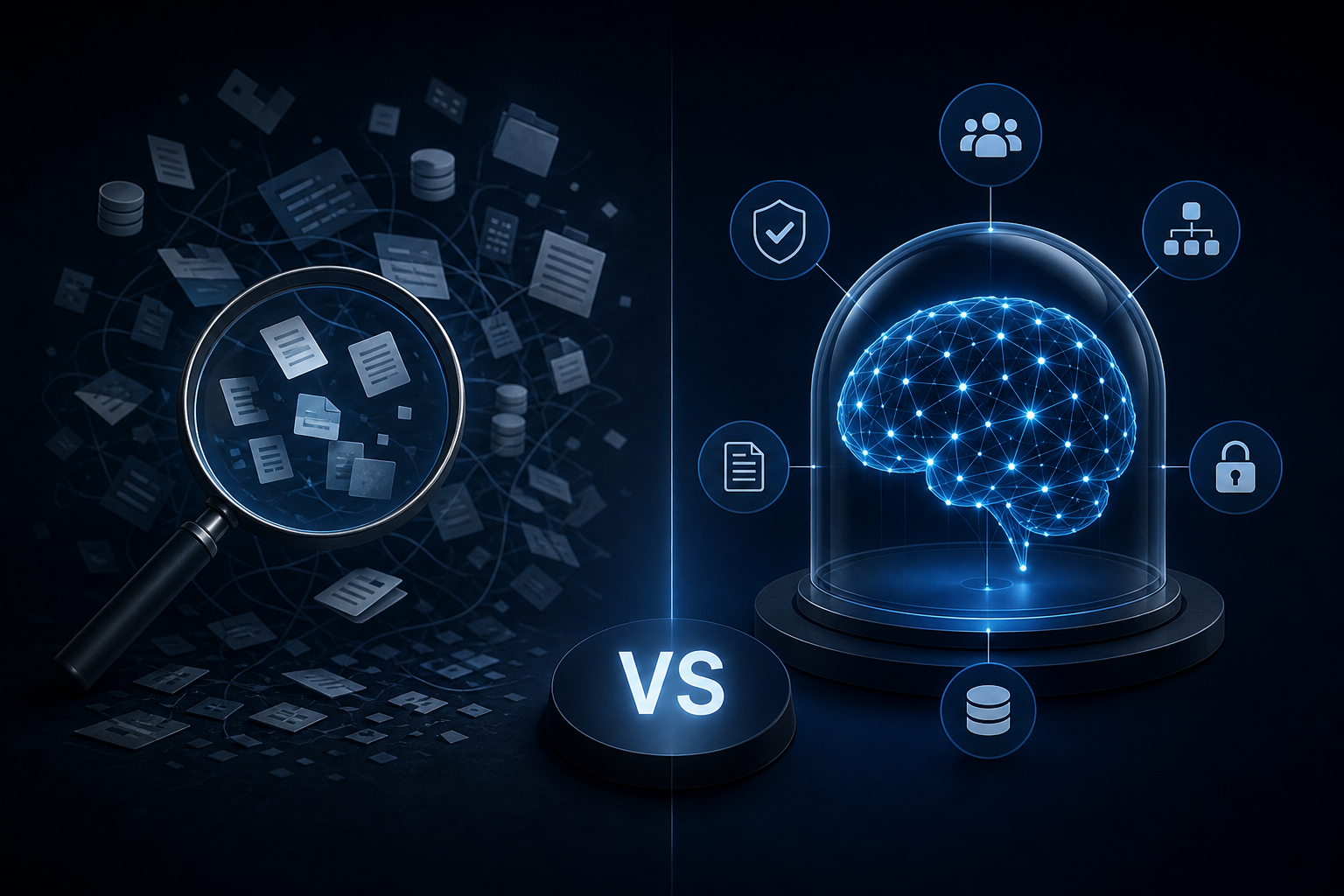
Enterprise AI Search vs. a Governed Company Brain: Key Differences
Discover how enterprise ai search differs from a governed company brain and which knowledge approach your team actually needs to act on trusted data.
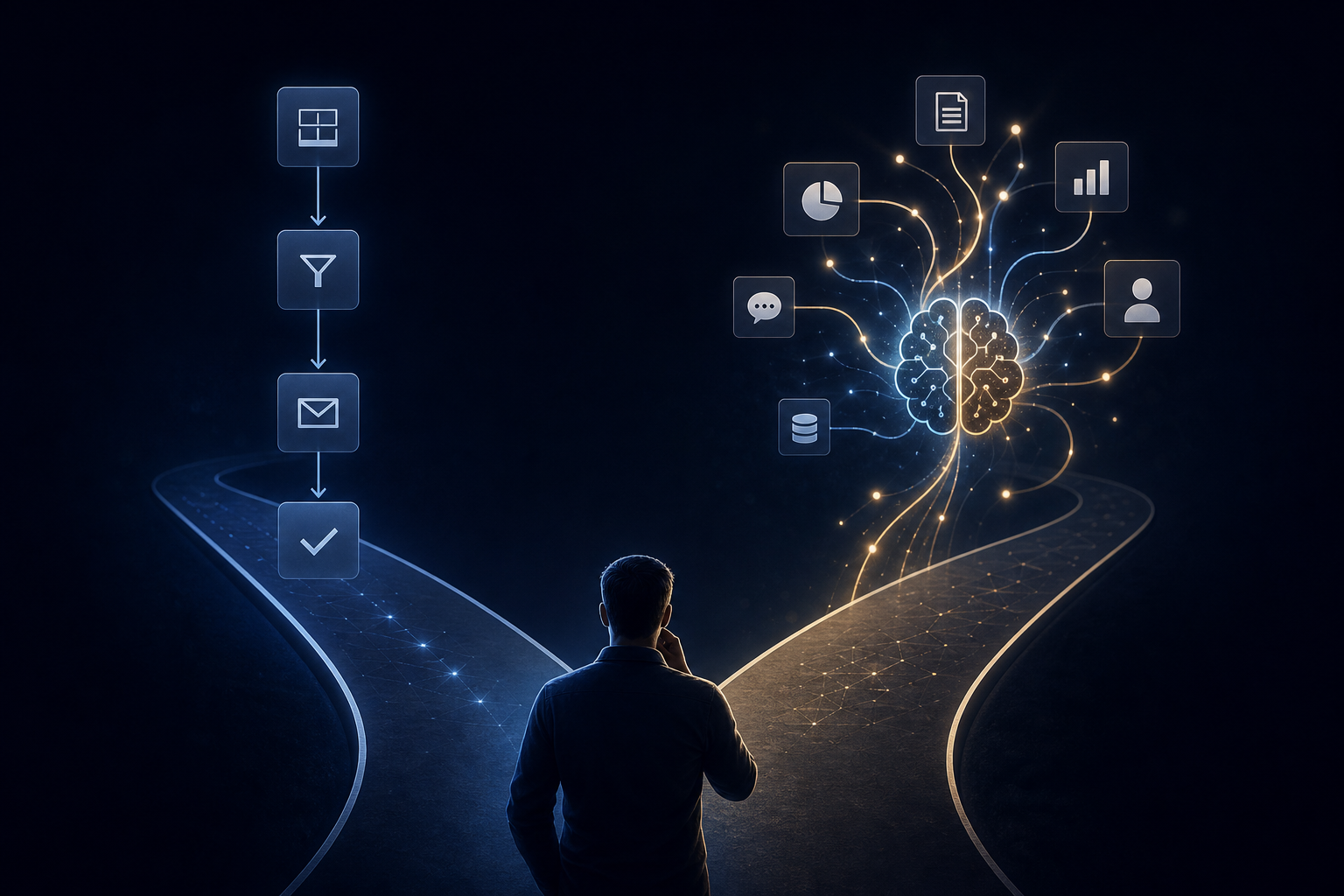
AI agent vs automation is not just a buzzword gap — it determines whether your stack can reason through exceptions or just execute rules.
You set up a Zapier workflow six months ago. It runs every morning, pulls data from HubSpot, drops a row in a Google Sheet, sends a Slack message. It works. Nobody touches it. You call it automation — maybe even AI — and move on.
Then a competitor mentions at a conference that their "AI agent" handles all inbound lead qualification without anyone on the ops team touching it. Same inputs. Very different outcome. That gap between what you built and what they built is the difference between an AI agent and automation — and it's the kind of distinction that determines whether your stack scales or just runs.
Here's what separates the two, where each one belongs, and why the choice matters more than most ops teams realize.
Automation follows rules. You define the trigger, the condition, and the action. If X happens, do Y. Every time, without deviation.
Zapier is the clearest example. A form submission triggers a HubSpot contact creation, which triggers a Slack notification, which triggers a follow-up email sequence. The logic is deterministic. The workflow does exactly what you told it to do — nothing more.
That's genuinely useful. Automations handle high-volume, repetitive tasks with zero ambiguity. They don't hallucinate. They don't make judgment calls. If the trigger fires and the conditions match, the action runs.
The ceiling, though, is hard. When the input changes shape — a lead fills out the form differently, a field is blank, an exception appears — the automation either breaks or skips the record. Someone on your team notices the gap three days later. You fix the rule. The next exception arrives two weeks after that.
Automations execute a defined process well. They can't adapt when that process changes.
An AI agent is a different category of system. It doesn't execute a fixed rule — it reasons about a goal and decides how to reach it.
Give an automation a task it wasn't built for and it stops. Give an AI agent the same task and it reads the context, selects from available actions, and works toward the outcome. It can handle ambiguity. It can ask a clarifying question. It can route a task to the right person when the answer isn't obvious.
The practical difference shows up fast. An automation can send a daily sales summary. An AI agent can generate that summary, flag the three accounts that went quiet this week, cross-reference their last activity in HubSpot against open invoices in QuickBooks, and surface the one most likely to churn — without anyone writing a rule for each of those steps.
That's not magic. It's a system with access to context, a defined goal, and the reasoning capacity to connect the two.
Most ops teams at growing SMBs have built a reasonable automation layer — Zaps, Make scenarios, native HubSpot workflows. These are legitimate tools. The problem isn't that they chose automation. It's that they're trying to use automation to solve problems that require reasoning.
Here's where the stack breaks:
Exceptions that require judgment. An automation can't decide whether a late invoice is a billing dispute or a slow-pay client. An agent can read the history, check the Slack thread, and flag it appropriately.
Cross-tool synthesis. Automations move data between tools. They don't synthesize it. An agent can pull from Airtable, HubSpot, and your ERP in the same reasoning step and produce a coherent output.
Recurring intelligence, not just recurring actions. Sending a report on a schedule is automation. Generating a briefing that reflects what actually changed this week — with context about why — is an agent.
The moment your team starts manually post-processing automation outputs, you've hit the ceiling. That's the signal you need an agent layer, not more rules.
This isn't an argument to rip out your Zapier workflows. Automation has a clear home in any well-built stack.
Use automation for data sync between tools where the mapping is fixed (HubSpot to Airtable, form to CRM), notification triggers with no decision required (new invoice created, deal stage changed), scheduled data pulls where the output format never changes, and high-volume, zero-ambiguity tasks where speed and reliability matter more than judgment.
These are real workloads. Automations handle them reliably and cheaply. The mistake is treating automation as a substitute for reasoning when reasoning is what the task actually requires.
AI agents earn their place when the task requires context, judgment, or synthesis across multiple data sources.
Use an AI agent for daily executive briefings that pull from Slack, HubSpot, QuickBooks, and your project management tool — and actually reflect what happened, not just what was logged. Use agents for lead qualification that weighs firmographic data, recent activity, and historical conversion patterns together. Use them for triage of inbound requests where the right routing depends on content, not just category, and for recurring reporting where the insight matters more than the format.
The key phrase is "on a schedule, without human initiation." That's what separates an AI agent from an AI assistant. An assistant waits for a question. An agent runs a job.
Here's what most teams miss when they try to deploy an AI agent: the agent is only as good as the context it can access.
A standalone GPT wrapper with a clever prompt is not an AI agent. It's a chatbot. It doesn't know what happened in your business last Tuesday. It can't see the open deals in HubSpot or the overdue invoices in QuickBooks. It answers in generalities because it has no specifics to work with.
A real AI agent needs a governed context layer — a unified, indexed source of truth built from the tools your business actually runs on. That's the infrastructure that makes the reasoning meaningful.
Singular Innovation calls this the Company Brain: a governed context layer that auto-indexes data from Slack, HubSpot, QuickBooks, Airtable, CRMs, ERP systems, Google Sheets, and Microsoft Teams into one searchable source of truth. Role-based permissions and audit logs are built in from day one, so the agent only accesses what it's supposed to access.
On top of that layer, Singular deploys HyperAgents — AI workers that execute recurring tasks on a defined schedule. A HyperAgent isn't a chatbot waiting for input. It runs a daily executive briefing, generates dashboards, coordinates tasks across tools, and surfaces what needs attention — without anyone asking it to.
That's the architecture that makes the agent vs. automation distinction concrete. You can read more about how Singular structures data access for this kind of system in Airtable as a Business Data Hub: How to Prepare It for AI Agent Access.
Before deciding whether you need agents, automations, or both, run this diagnostic against your most time-consuming recurring processes.
Step 1: Identify the decision point. Does the task require a judgment call, or is it always the same action given the same input? If it's always the same action, automation is the right tool.
Step 2: Count the data sources. If the task requires synthesizing information from more than two tools, automation will struggle. That's an agent use case.
Step 3: Measure the exception rate. How often does someone on your team manually intervene in an automated process? More than once a week for a given workflow means the automation is hitting its ceiling.
Step 4: Ask who initiates. If a human has to trigger the process every time, you have a tool, not a worker. An agent runs on a schedule.
Most teams running this test find that a meaningful share of their automation workload actually belongs in the agent category. The rest is fine where it is.
Your stack needs two distinct layers, not one.
The automation layer handles deterministic, high-volume, low-ambiguity work. The agent layer handles synthesis, judgment, and recurring intelligence. These aren't competing architectures — they're complementary ones.
The mistake Singular sees most often is teams trying to solve agent-class problems with automation tooling, then concluding that AI doesn't work for their business. It worked fine. They just used a screwdriver where a drill was needed.
If you're evaluating whether to build this kind of system internally or bring in outside help, the cost breakdown for AI automation agencies in 2026 is worth reading before you scope the project. And if ownership of what gets built matters to you — it should — this piece on full IP ownership of agency-built AI systems covers what to ask for before you sign anything.
Singular delivers a first working capability in 10 business days from signed MSA. Clients own all workflows, prompts, automations, and code from day one. No new SaaS licenses. No replacement of existing tools. The system runs inside the stack you already have.
Pricing depends on scope. Book a call to get a number.
Automation executes rules. Agents execute goals. Both belong in a mature operations stack, but they solve different problems.
If your team is manually cleaning up automation outputs, stitching together reports from three different tools, or running the same briefing process every Monday morning — that's agent work being done by humans. The fix isn't more automation. It's a system that actually reasons.
Book your free 30-minute AI Audit at singular-innovation.com to map where your current stack hits its ceiling and where an agent layer pays off first.
What is the difference between an AI agent and automation? Automation follows fixed rules: if X happens, do Y. An AI agent reasons toward a goal, selects from available actions, and handles ambiguity. Automation is deterministic; an agent is adaptive. Both have a place in a well-built stack, but they solve different categories of problems.
Can I use Zapier as an AI agent? Zapier is an automation platform. It executes predefined trigger-action sequences reliably, but it doesn't reason, synthesize across tools, or adapt to exceptions without a human rewriting the rules. Some Zapier workflows can call AI models as a step, but the orchestration logic stays rule-based, not agent-based.
When should I use automation instead of an AI agent? Use automation for high-volume, low-ambiguity tasks where the trigger and action are always the same: data sync, notification triggers, scheduled exports. Automation is faster, cheaper, and more predictable for these workloads. Bring in an agent when the task requires judgment, cross-tool synthesis, or recurring intelligence.
What does an AI agent need to work well? Access to relevant, structured context — not just a prompt. Without a governed data layer connecting the tools your business runs on, the agent answers in generalities. The context layer is what makes the reasoning specific and useful.
How long does it take to deploy an AI agent for a small business? With a defined scope and an existing tech stack, Singular Innovation delivers a first working AI capability in 10 business days from signed MSA. That includes the governed context layer and the first HyperAgent running on a schedule. The timeline depends on data access and integration complexity, not on building new software from scratch.
Do I need to replace my existing tools to add an AI agent layer? No. A well-built agent system runs inside your existing stack. The Company Brain indexes data from tools you already use — Slack, HubSpot, QuickBooks, Airtable — without replacing any of them or requiring new SaaS licenses.
What is a HyperAgent? A HyperAgent is an AI worker that executes recurring tasks on a defined schedule without human initiation. Examples include daily executive briefings, automated dashboard generation, and cross-tool task coordination. Unlike an AI assistant that waits for a question, a HyperAgent runs a job on a schedule and surfaces what needs attention.
Discover how enterprise ai search differs from a governed company brain and which knowledge approach your team actually needs to act on trusted data.
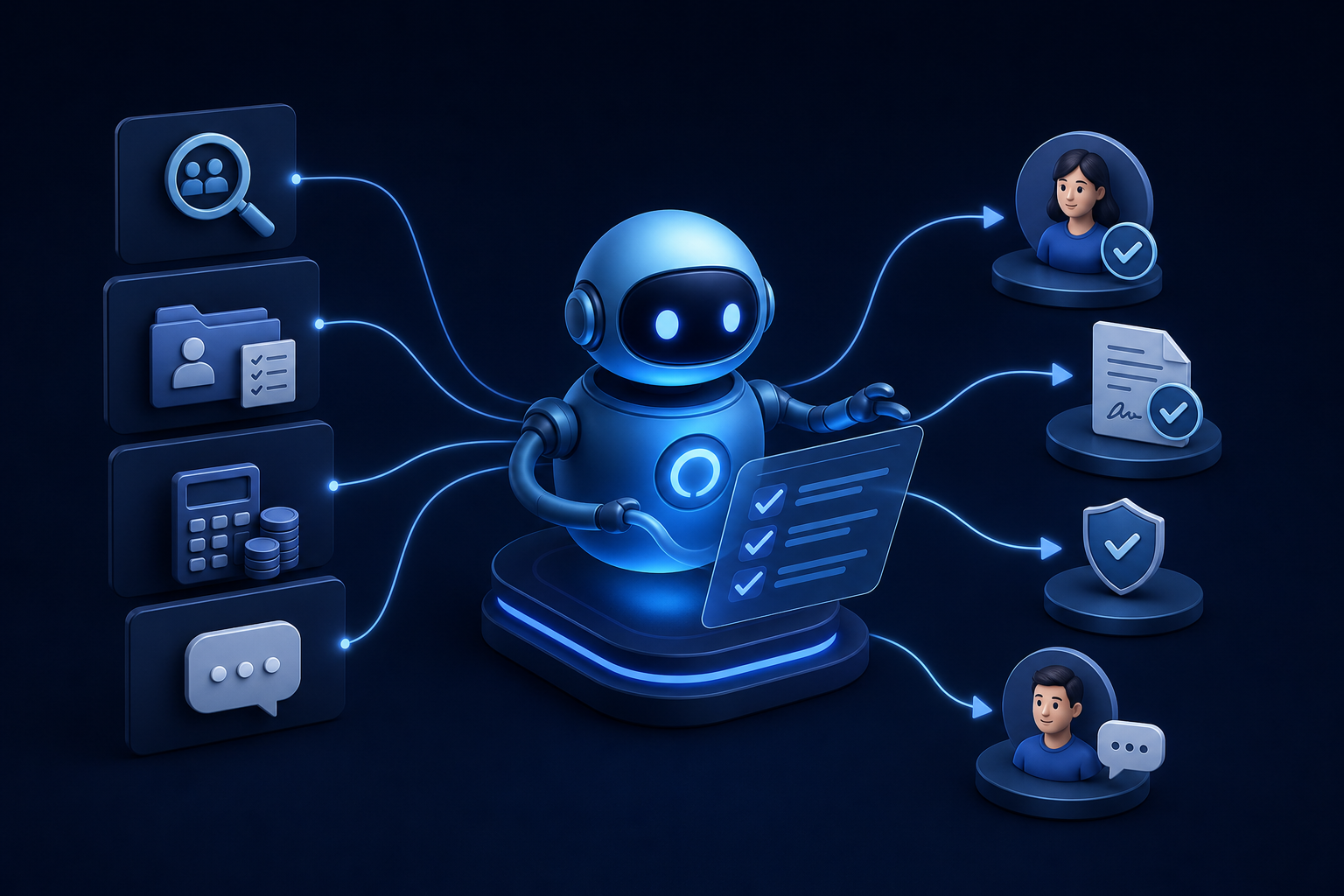
Discover how ai for hr automation handles recruiting, onboarding, payroll checks, and employee Q&A so your team can focus on work that matters.
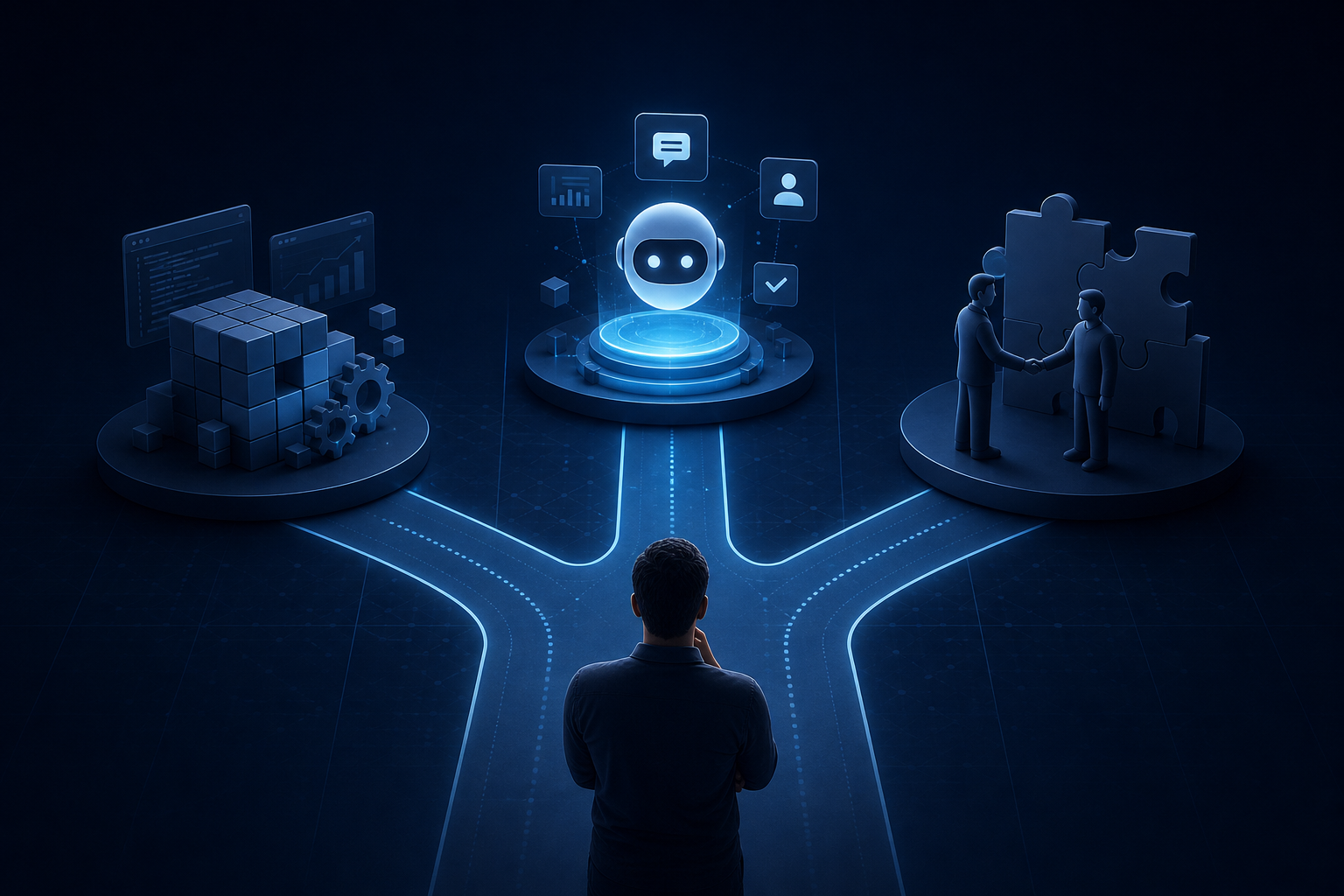
Explore custom ai agent development paths: build in-house, buy pre-built, or partner with a specialist. Find the right fit for your team today.


