General
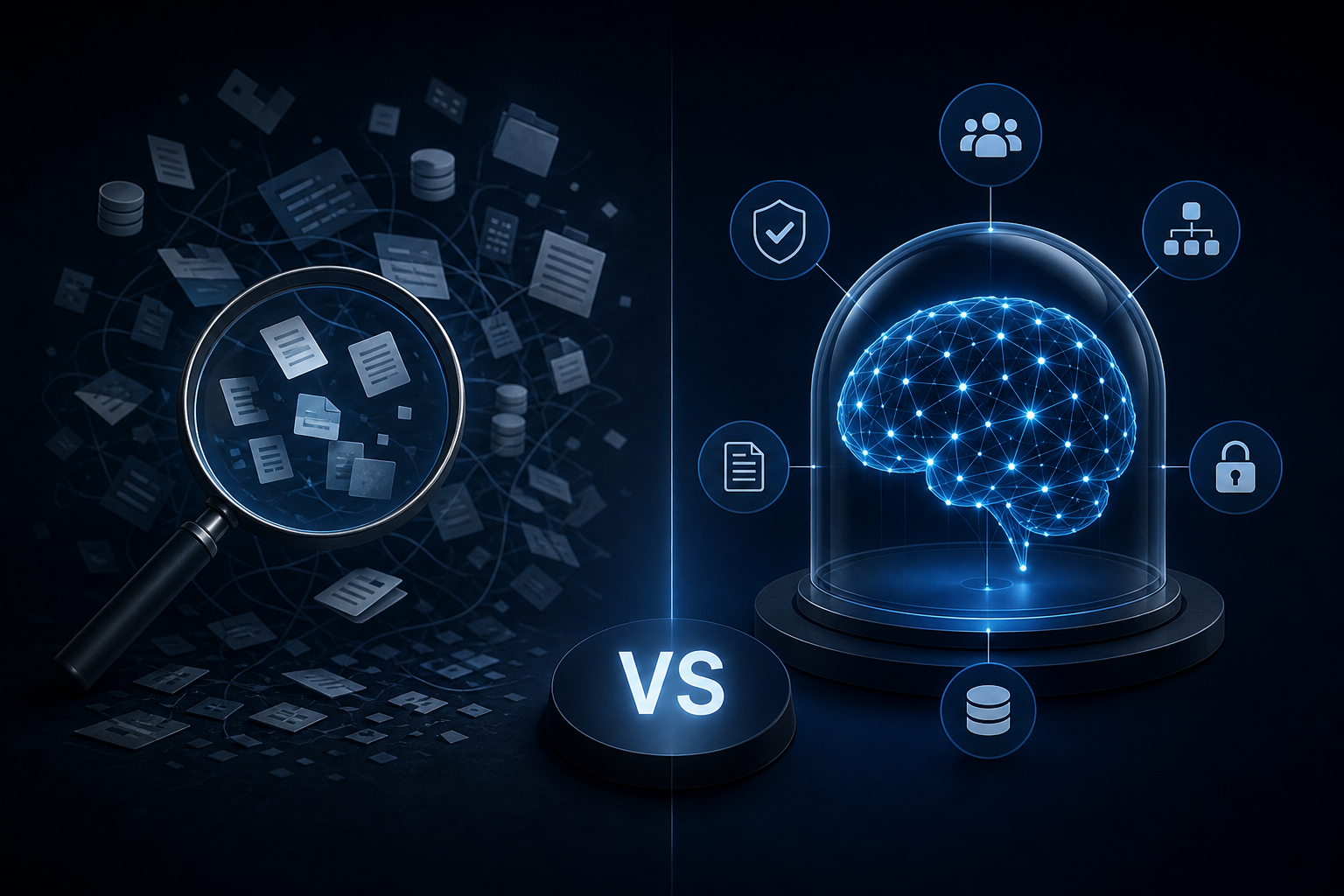
Enterprise AI Search vs. a Governed Company Brain: Key Differences
Discover how enterprise ai search differs from a governed company brain and which knowledge approach your team actually needs to act on trusted data.
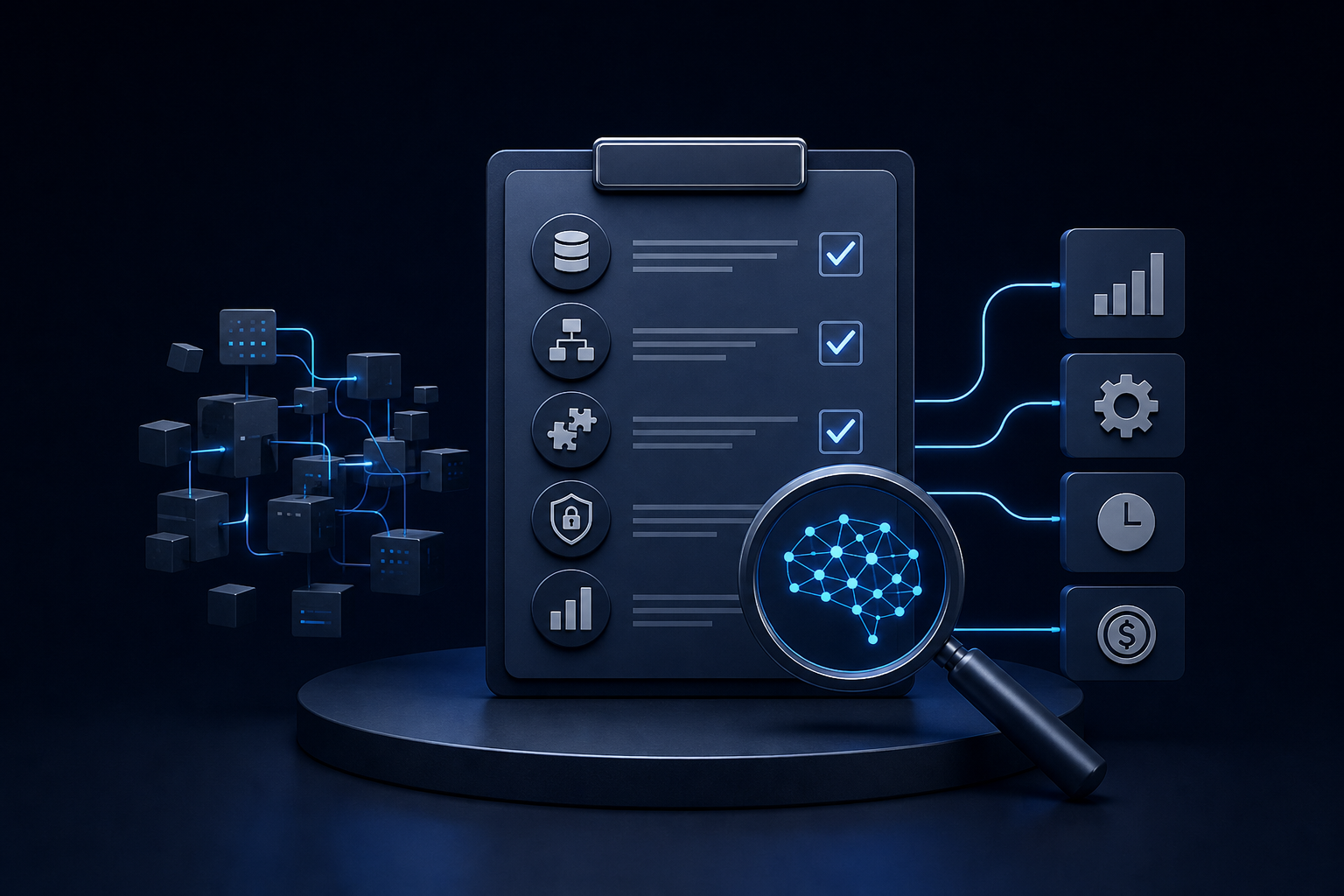
An AI readiness assessment shows exactly what your business can automate, what's blocking you, and what to fix first — before you spend a dollar building.
You hired a consultant six months ago. They delivered a 47-slide deck on your "AI opportunity." Nothing shipped. Your ops lead is still copying data between Airtable and QuickBooks by hand, and your competitor just announced they automated their entire onboarding flow.
That's the situation an AI readiness assessment is designed to prevent — not by adding another slide deck to the pile, but by giving you a clear picture of what your business can actually automate right now, what's blocking you, and what order to tackle it in.
Here's what a real assessment looks at, what it produces, and why skipping it is the fastest way to waste your first AI budget.
It's a structured audit of your operations, data, and tooling. One question drives it: where does your business sit between "running on spreadsheets and hope" and "running on systems that execute without you"?
It's not a technology survey. It's not a vendor pitch dressed up as a diagnostic. A useful assessment maps your actual workflows, identifies which ones are repetitive and rule-based enough to automate, and flags the data quality or integration gaps that would stop automation from working.
The output is a prioritized list: what to build first, what to fix before you build, and what to leave alone.
The first thing any assessment should surface is where your data lives and whether it's usable. Most SMBs have the same problem: customer data in HubSpot, financial data in QuickBooks, project data in Airtable, and operational context scattered across Slack threads nobody can find.
Before any AI worker can do useful work, it needs access to a single source of truth. The assessment maps your current data sources, identifies duplication and inconsistency, and determines whether the data is clean enough to act on.
If your Airtable base has three different naming conventions for the same client, an AI worker won't magically resolve that. The assessment tells you before you spend money building on top of it. For a closer look at the structural work involved, Airtable as a Business Data Hub: How to Prepare It for AI Agent Access covers exactly what makes data actually usable.
The second area is your recurring operations — not the big strategic processes, but the ones that run every day. The weekly reporting cycle. The client onboarding checklist. The approval handoff that always stalls in someone's inbox.
A good assessment walks through these step by step and asks: who does this, how often, how long does it take, and what breaks if that person leaves tomorrow?
That last question matters more than most founders expect. When a key hire walks out and takes the process knowledge with them, you find out fast which workflows were documented and which ones only existed in someone's head. The assessment surfaces those fragile dependencies before they become a crisis.
A common fear is that AI transformation means replacing everything. It rarely does. What it actually requires is that your tools can pass data to each other reliably.
The assessment checks whether your current stack — HubSpot, Slack, QuickBooks, Microsoft Teams, or whatever you're running — has the integration points needed to support automated workflows. It identifies where data moves manually because no integration exists, and where integrations exist but aren't being used.
This is where a lot of companies discover that much of their manual work is happening in the gap between two tools that could be connected in a day.
This area gets skipped most often. It's also the one that creates the most problems later.
When AI workers start accessing company data and executing tasks, you need to know who can see what, who approved which actions, and what happened when something went wrong. Role-based permissions, retrieval scopes, review gates, and audit logs aren't optional extras. They're the difference between a system you can trust and one you're afraid to run.
The assessment evaluates whether your current setup has any governance structure at all, and what needs to be built before you hand an AI worker access to live data.
The final output is a ranked list of automation opportunities. Not everything that could be automated should be automated first. The assessment scores potential use cases across three factors: how much time the task currently consumes, how rule-based and repeatable it is, and how much risk is involved if it runs without human review.
High-volume, low-risk, rule-based tasks go first. That's where you get fast results without introducing new operational risk. Tasks that require judgment, client relationships, or legal review come later, once the foundation is stable.
It's not a proof of concept. It doesn't build anything. It doesn't require you to commit to a vendor.
It's also not a multi-month engagement. A focused assessment of a company with 10 to 200 employees should take days, not weeks. If someone is quoting you eight weeks to tell you whether you're ready for AI, they're billing for time, not delivering a result.
And it's not a sales pitch in disguise. A useful assessment will tell you if you're not ready, what needs to change first, and why rushing to deploy before fixing your data layer will cost you more than waiting. If the assessment always concludes that you should buy something immediately, it's not an assessment.
The most common mistake is skipping the assessment and going straight to building. A use case gets picked, something gets built, and six weeks later the team discovers that the workflow they automated wasn't actually the bottleneck. The real bottleneck was three steps upstream. Now there's an automated process feeding a manual one.
The second most common mistake is building on bad data. An AI worker pulling from inconsistent, duplicated, or incomplete data doesn't produce bad results occasionally — it produces bad results consistently, and faster than a human would.
The assessment catches both before they happen. That's its entire purpose.
Once you know what you're working with, scoping the actual build becomes straightforward. How to Scope an AI Automation Project So It Ships in Days, Not Months covers that sequencing in detail.
A readiness assessment points to a starting place. What you do with it depends on your team, your budget, and your timeline.
Some companies take the output and build internally. Some bring in an agency to execute the first build. Some discover that one or two integration fixes unlock more value than any new AI deployment would.
If you do move to a build, the assessment output becomes the brief. It defines scope, sets expectations for what ships first, and prevents the scope creep that turns a short project into a months-long one. For companies without a technical team in-house, AI for Startups: How to Get a Working AI System Without a Data Science Hire covers how that works in practice.
Singular's assessment process feeds directly into its build methodology. The Company Brain, HyperAgents, and workflow automation layer are all scoped based on what the assessment surfaces — not on a generic template. That's why a first working capability ships in 10 business days from signed MSA rather than 10 weeks. The scoping work is already done.
Pricing depends on scope, and specific numbers come after a strategy call.
A lot of companies treat the assessment as the end of the process. They get the report, file it, and go back to doing things manually. That's the wrong way to use it.
The assessment tells you what's possible and what's blocking you. Acting on it is what changes the operation. If you want to know where your business actually stands and what to build first, the audit maps that.
Book your free 30-minute AI Audit at singular-innovation.com.
What is an AI readiness assessment? A structured audit of your operations, data, and tooling. It identifies which workflows are ready to automate, what data or integration gaps need to be resolved first, and which use cases to prioritize for the highest impact with the lowest risk.
How long does an AI readiness assessment take? For a company with 10 to 200 employees, a focused assessment should take days, not weeks. If a vendor is quoting you several weeks just for the diagnostic phase, they're billing for time rather than delivering a clear output.
What does an AI readiness assessment cover? Five areas: data consolidation and accessibility, workflow mapping and bottleneck identification, integration and stack compatibility, governance and permissions readiness, and use case prioritization.
Do I need to replace my existing tools to pass an AI readiness assessment? No. The assessment evaluates your current stack — HubSpot, Airtable, Slack, QuickBooks — and identifies how to build on top of what you already have. Replacing tools is rarely the answer and is almost never the first step.
What happens after an AI readiness assessment? You get a prioritized list of automation opportunities and a clear picture of what needs to be fixed before building. From there, you can build internally, bring in an agency, or address foundational data and integration issues first. The assessment output becomes the brief for any subsequent build.
Why do companies skip the AI readiness assessment, and what goes wrong? Most skip it to move faster. The result is usually an automated workflow built on the wrong process or on bad data — producing unreliable outputs consistently. The assessment costs less than fixing a build that was scoped without one.
How is an AI readiness assessment different from a consulting engagement? A consulting engagement produces a strategy document or roadmap. An AI readiness assessment produces a specific, actionable output: a ranked list of what to build first, what to fix before building, and what gaps exist in your current data and tooling. The goal is a build brief, not a slide deck.
Discover how enterprise ai search differs from a governed company brain and which knowledge approach your team actually needs to act on trusted data.
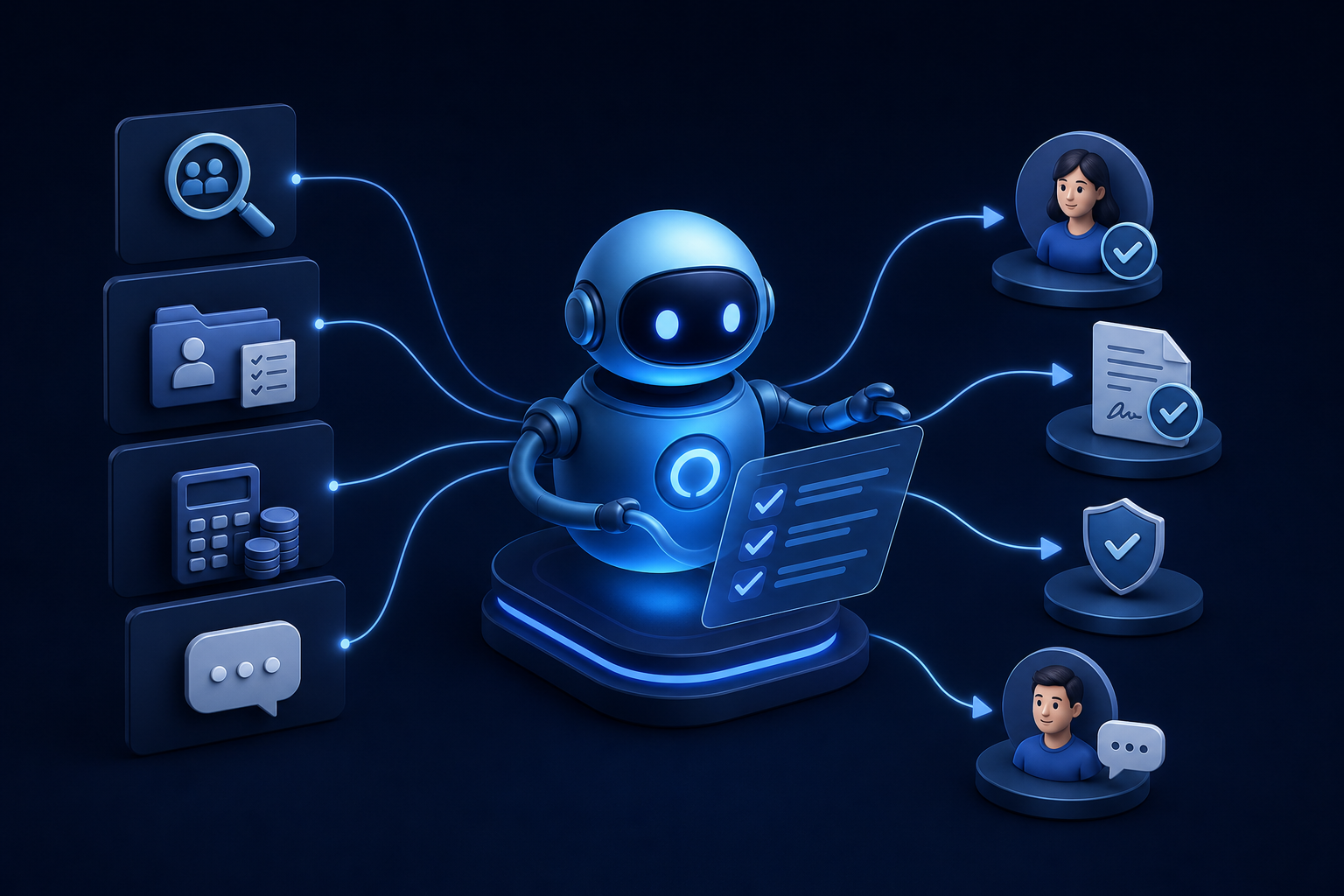
Discover how ai for hr automation handles recruiting, onboarding, payroll checks, and employee Q&A so your team can focus on work that matters.
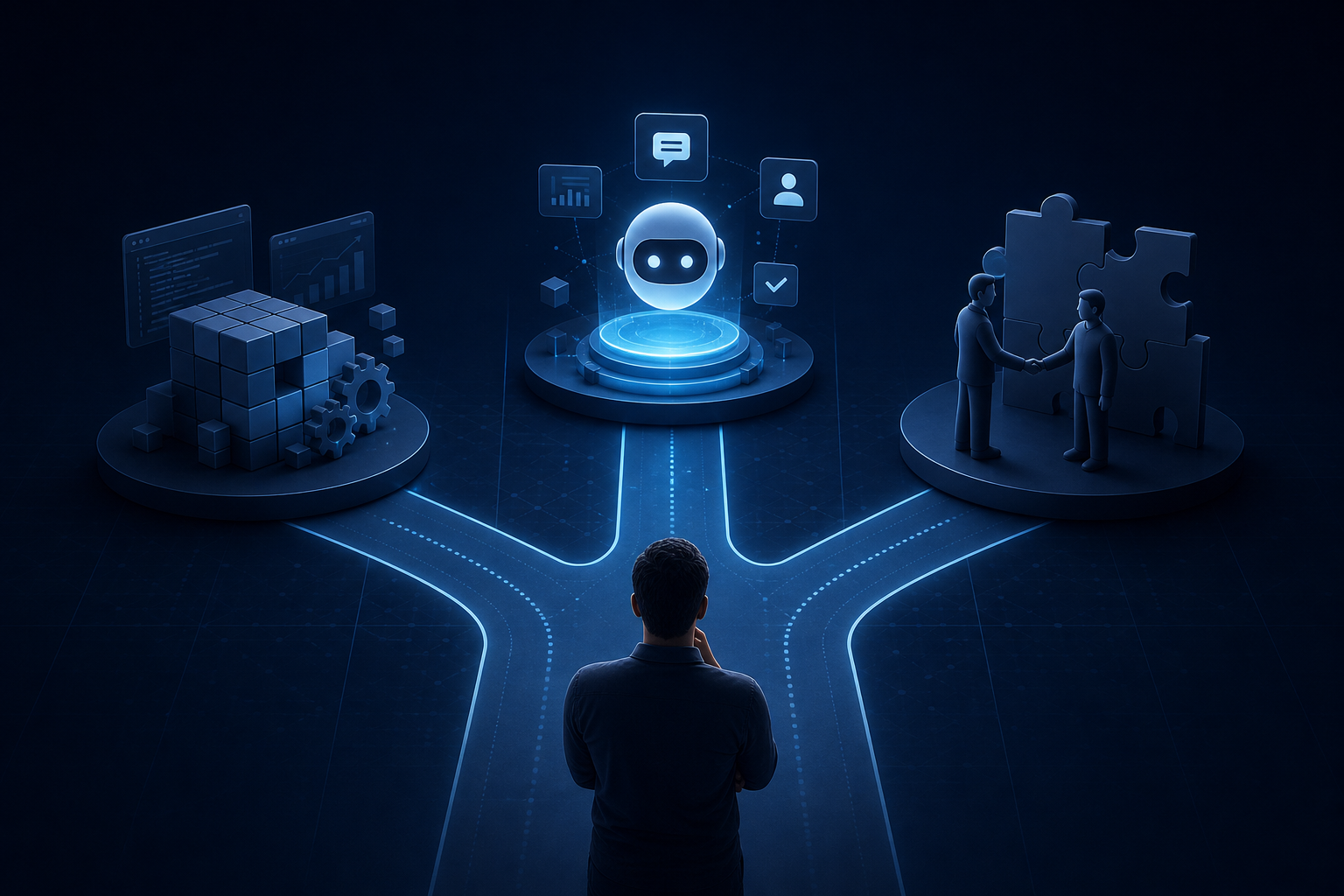
Explore custom ai agent development paths: build in-house, buy pre-built, or partner with a specialist. Find the right fit for your team today.


