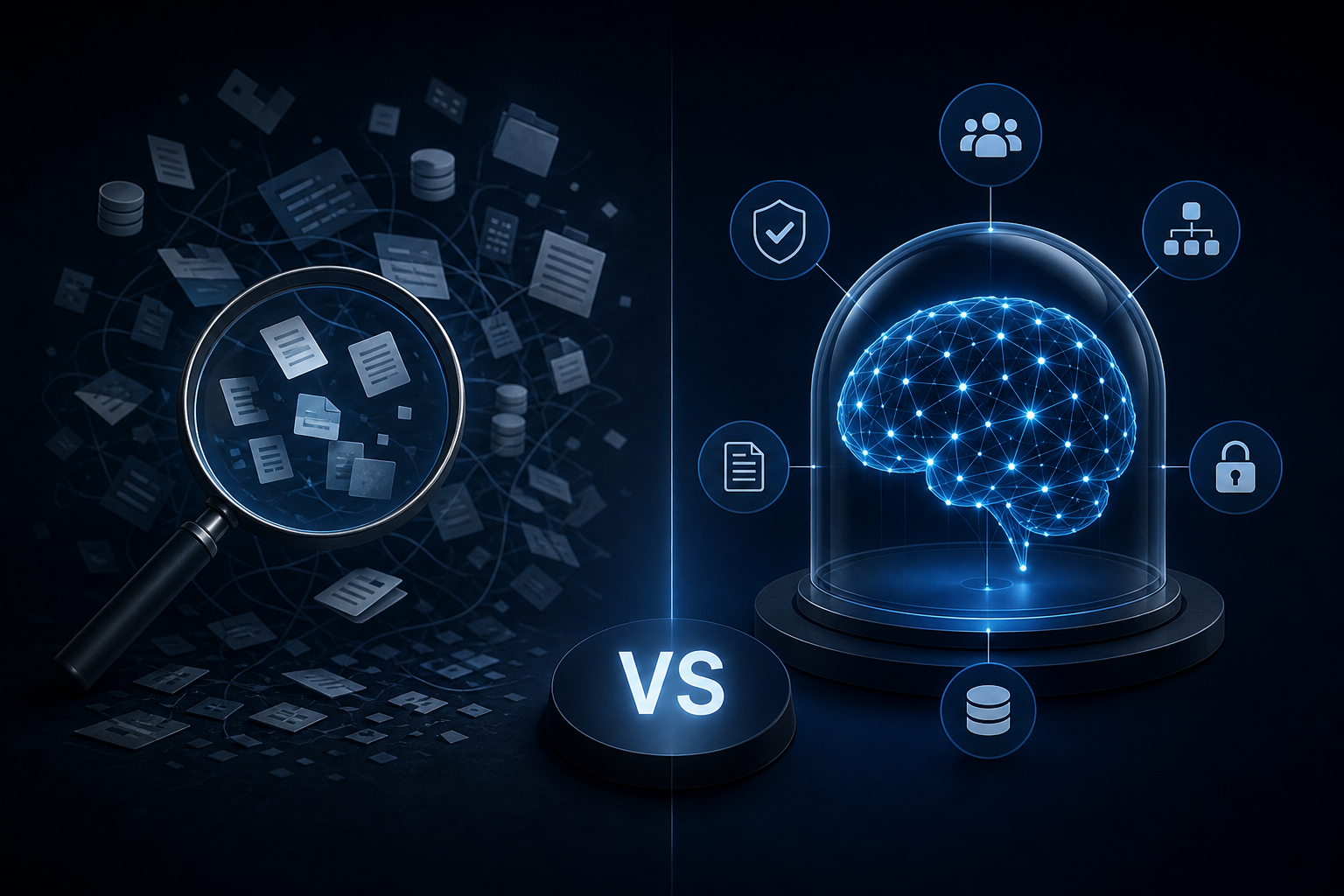
General
Enterprise AI Search vs. a Governed Company Brain: Key Differences
Discover how enterprise ai search differs from a governed company brain and which knowledge approach your team actually needs to act on trusted data.
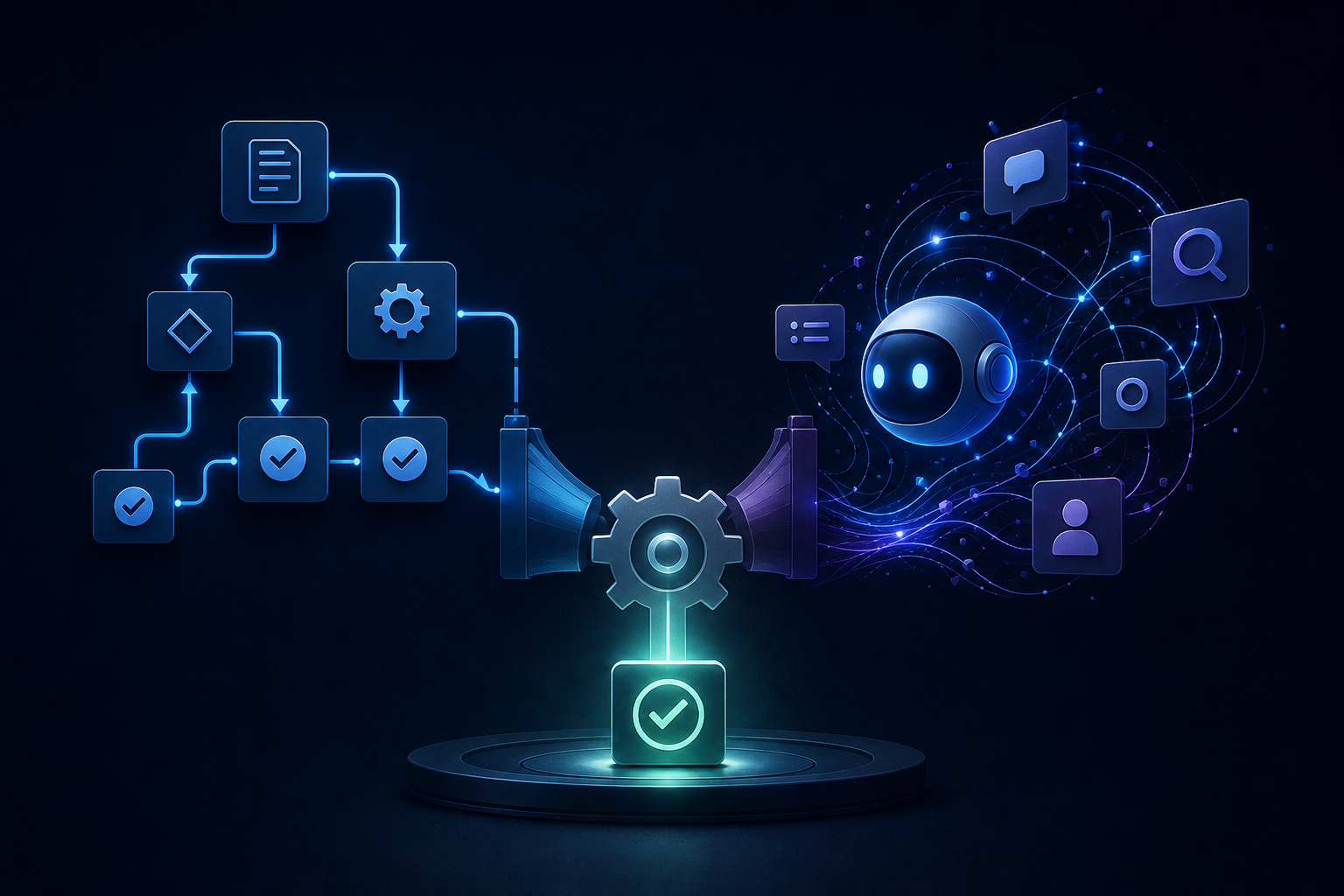
An AI workflow builder ships fast but breaks quietly. See how it compares to a custom agent so you can choose what actually reaches production.
You spent two weekends building a workflow. Triggers mapped, branches tested, edge cases handled. Then someone renamed a field in Airtable, and the whole thing broke silently for three days before anyone noticed.
That's the real question underneath the "workflow builder vs. custom agent" debate. Not which one has more features. Which one actually holds up when your business runs through it.
Here's a direct comparison: what each approach is built to do, where each one breaks, and how to decide which one belongs in your stack.
A workflow builder — visual or low-code — lets you string together a sequence of steps: trigger fires, data moves, condition branches, action executes. Tools like n8n and Make built their businesses on this model. The appeal is obvious. You can see the logic, test each step, and hand it off to someone who isn't an engineer.
Modern builders add an AI step that calls a language model — usually to classify input, draft text, or extract structured data. The workflow itself stays deterministic. The AI handles the fuzzy middle part, then passes control back to the sequence.
More and more builder templates now include an AI step. Builders aren't just automation tools anymore. They're becoming AI-first tools.
But a workflow is still a workflow. It follows the path you defined. If the input doesn't match what you anticipated, the sequence either fails or produces garbage output.
A custom agent doesn't follow a fixed path. It receives a goal, decides which tools to call, sequences its own actions, and adapts when something unexpected happens. That's the structural difference.
A workflow builder asks: What should happen next? A custom agent asks: What do I need to do to complete this?
That distinction matters in practice. A workflow handles the same situation the same way every time. An agent handles situations you didn't fully anticipate when you built it.
The tradeoff is observability. With a workflow builder, you can see every node, every branch, every failure point. With an agent, you're watching a reasoning process, not a flowchart. Debugging is harder. Governance is harder — which matters if you're operating in a regulated industry or handling sensitive data.
No-code and low-code builders are fast to start and brittle at scale. Here's where they tend to fail:
Schema drift. A field gets renamed in HubSpot. A column disappears in Airtable. The workflow doesn't know. It either errors out or continues with wrong data — neither is acceptable when it's running payroll summaries or client reports.
Missing error handling. Most builder-created workflows have no human approval gates or fallback logic. When something breaks, it breaks quietly. You find out when a client asks why their report never arrived.
Authentication rot. OAuth tokens expire. API keys get rotated. Credentials embedded by non-technical operators fail without warning.
Complexity ceiling. Simple automations work well. Multi-step processes with conditional logic, parallel branches, and cross-tool data joins become maintenance nightmares. The visual interface that made it easy to build makes it hard to debug when the logic is 40 nodes deep.
Custom agents have a different failure profile. More capable, but that capability introduces its own risks.
Hallucinated tool calls. An agent that decides which tools to call can decide wrong. Without tight constraints on available tools and accessible data, you get actions you didn't intend.
No audit trail. If a workflow produces a wrong output, you trace exactly which node caused it. If an agent produces a wrong output, you need logging infrastructure to understand why. Most SMBs don't have that infrastructure when they deploy their first agent.
Governance gaps. An agent operating across HubSpot, Slack, and QuickBooks without role-based access controls is a liability. It can surface data it shouldn't, or take actions that require human sign-off.
The research here is still early. A 2026 arXiv paper on MCPGen found that models reached 88.5% accuracy on workflow reconstruction tasks — which sounds high until you think about what the remaining 11.5% means in a production environment handling real business data.
Use a workflow builder when:
The task is deterministic — the same input should always produce the same output. The sequence is fixed and you know every step before you build it. Speed matters more than adaptability for a contained task. Non-technical team members need to understand and maintain it.
Use a custom agent when:
The task involves judgment — the agent needs to decide what to do, not just execute a defined path. Inputs vary significantly and you can't anticipate every scenario at build time. The task spans multiple tools and requires cross-tool reasoning across HubSpot, Slack, and your project management system. You have governance infrastructure: access controls, audit logs, and human review gates already in place.
Most SMBs need both. The mistake is treating them as alternatives rather than complements.
The gap between "I built a workflow" and "this workflow is running reliably in production" is larger than most operators expect.
Production-ready means: the workflow handles errors gracefully, has a human review gate for high-stakes outputs, logs every execution, has documented rollback steps, and has someone accountable for maintaining it when something changes upstream.
Most builder-created workflows have none of that. They work in the demo. They break in month two.
The same problem shows up with custom agents deployed without a governed context layer. An agent that doesn't know what it's allowed to access — or what the current state of your business data is — operates blind. Fast, confident, and frequently wrong.
The question isn't which tool is better. It's what it takes to make either one actually reliable.
The operators who get durable results aren't choosing between a workflow builder and a custom agent. They're building a system where each component does what it's suited for.
Deterministic tasks run as governed workflows. Judgment-heavy tasks run as agents with constrained tool access and clear approval gates. Both operate against a single, governed data layer so they're working from the same source of truth.
That's the architecture Singular Innovation builds for clients. The Company Brain consolidates data from HubSpot, Slack, QuickBooks, and Airtable into a governed knowledge layer with role-based permissions, approved retrieval scopes, review gates, and audit logs. HyperAgents run inside the client's existing tools — handling briefing, reporting, scheduling, and content drafting — without requiring any tool replacement. Automated workflows handle the deterministic layer.
A first working capability ships in 10 business days from signed MSA. Not a demo. Not a prototype. A working system with a named owner and clear scope. And everything — workflows, prompts, automations, code, and documentation — is owned by the client from day one. No SaaS subscription required to keep it running.
If you're evaluating agencies on delivery timelines and ownership terms, Singular Innovation vs LeewayHertz: Which AI Agency Actually Ships? breaks down what those differences look like in practice. For a realistic picture of what the engagement looks like week by week, What to Expect When You Hire an AI Agency: A Week-by-Week Timeline covers the specifics.
Pricing depends on scope. Book a call to get a number.
The workflow builder vs. custom agent debate is the wrong frame. Both can ship. Both can fail. What determines whether either one holds up is the infrastructure around it: the data layer, the governance model, the error handling, and the ownership structure.
A workflow without governance is fragile. An agent without a governed context layer is unpredictable. Either one built on a foundation you don't own is a liability the moment the vendor changes their pricing.
If you want to know which approach fits your current stack and where your biggest operational gaps are, the free 30-minute AI Audit at singular-innovation.com maps that out. Book your free 30-minute AI Audit and get a clear answer before you build anything.
What is the practical difference between an AI workflow builder and a custom agent? A workflow builder executes a predefined sequence of steps. A custom agent decides its own sequence based on a goal. Builders are better for deterministic, repeatable tasks. Agents are better for tasks that require judgment or vary significantly in their inputs.
When should I use a workflow builder instead of a custom agent? Use a workflow builder when the task is predictable, the sequence is fixed, and non-technical team members need to maintain it. Builders deploy faster for contained, repetitive processes and are easier to debug when something breaks.
Why do so many AI workflows fail in production? Most builder-created workflows lack error handling, human approval gates, and logging. When an upstream field changes in HubSpot or Airtable, the workflow fails silently. Production-ready workflows need documented rollback steps, execution logs, and a named owner accountable for maintenance.
Do I need a custom agent or a workflow builder for my business? Most SMBs need both. Deterministic tasks belong in governed workflows. Judgment-heavy, cross-tool tasks belong in agents with constrained access and clear approval gates. The two approaches work best as a system, not as alternatives.
What governance requirements matter before deploying a custom agent? At minimum: role-based access controls so the agent can only reach data it's authorized to use, audit logs so you can trace every action, and human review gates for high-stakes outputs. Agents without these controls introduce operational and compliance risk.
How much does it cost to have an AI agency build workflows and agents for my business? Costs vary by scope, complexity, and the agency's delivery model. For a detailed breakdown of what drives pricing, How Much Does It Cost to Hire an AI Automation Agency in 2026? covers the full range. For Singular, pricing depends on scope, and specific numbers come after a strategy call.
What does it mean to own the AI workflows an agency builds for you? Full ownership means you receive all workflows, prompts, automations, code, and documentation with no ongoing SaaS dependency or vendor lock-in. You can maintain, modify, and extend the system without paying the agency a recurring fee. How to Get Full Ownership of the AI Systems You Pay an Agency to Build explains what to look for in an agency contract.
Discover how enterprise ai search differs from a governed company brain and which knowledge approach your team actually needs to act on trusted data.
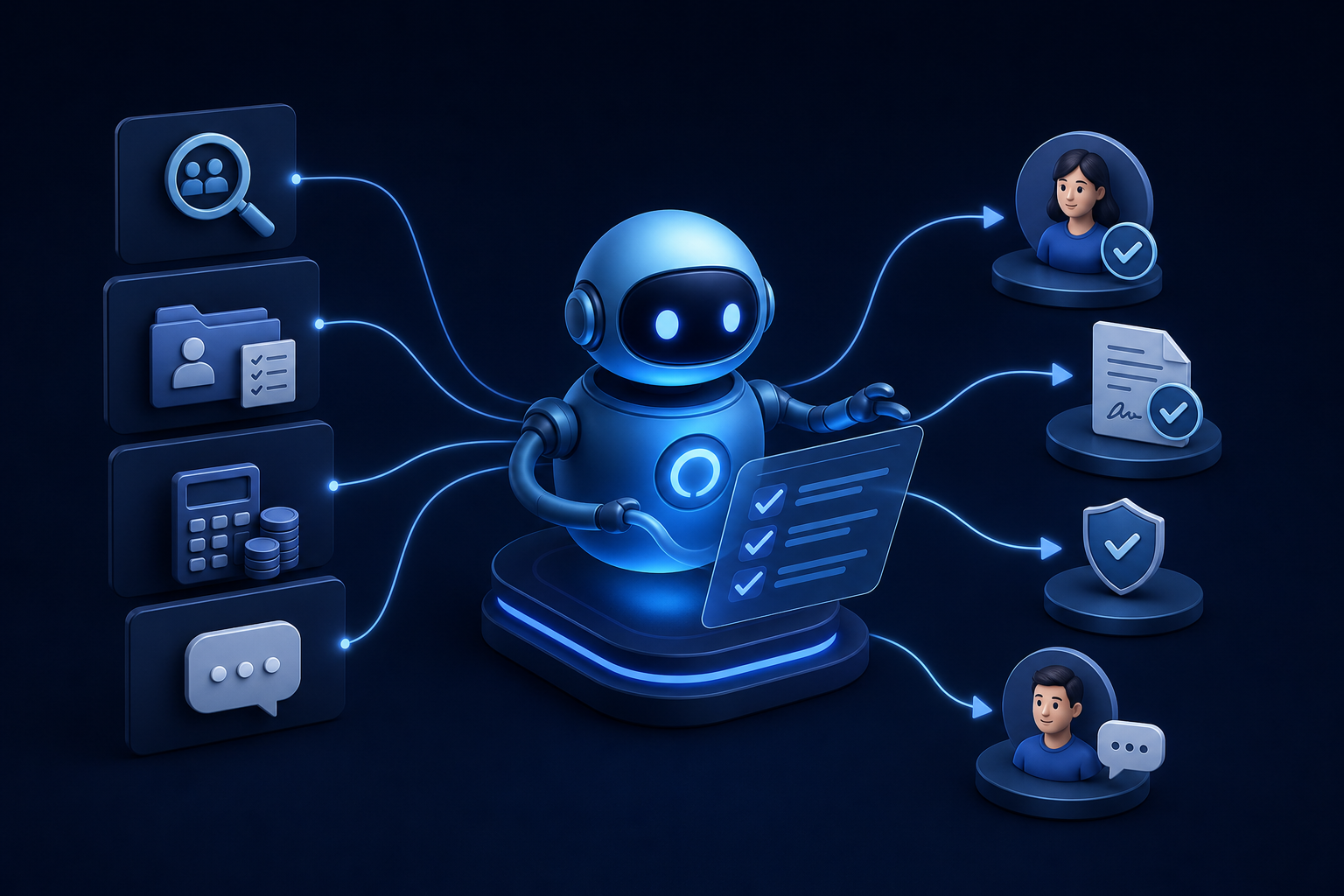
Discover how ai for hr automation handles recruiting, onboarding, payroll checks, and employee Q&A so your team can focus on work that matters.
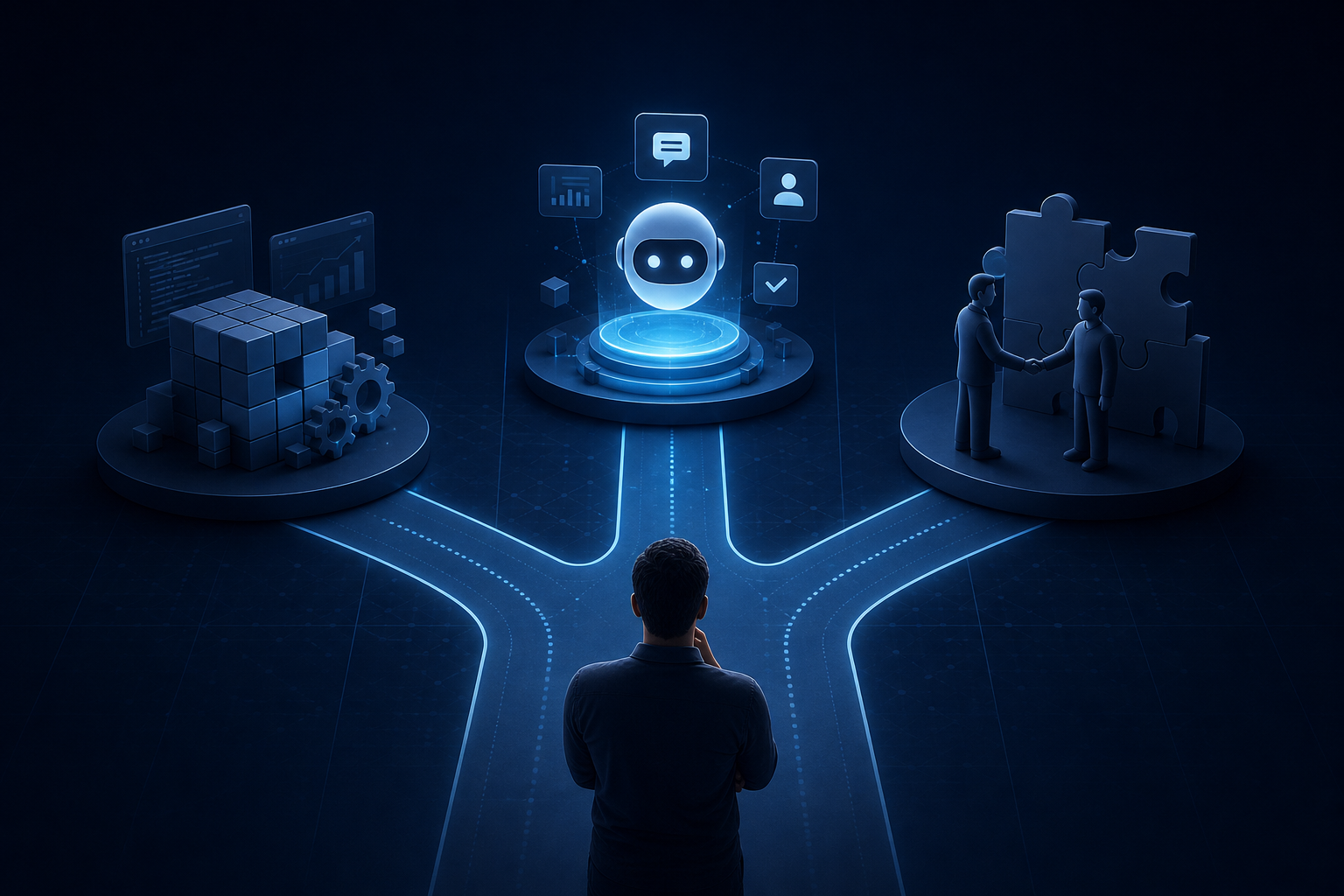
Explore custom ai agent development paths: build in-house, buy pre-built, or partner with a specialist. Find the right fit for your team today.


