
ai-automation
Autonomous Workflows. AI That Runs Operations
Autonomous workflows allow AI to coordinate tasks, decisions, and actions across systems. This shift moves businesses from manual processes to intelligent, self-operating workflows.
ClickUp offers features. Airtable offers flow. This blog breaks down which tool actually fits your team in 2026—based on real differences, strengths, and how to avoid a tool that slows you down. Read before you rebuild your stack.
In the ever-evolving landscape of productivity tools, ClickUp and Airtable have emerged as two of the most popular platforms for managing projects, organizing data, and collaborating with teams. As 2026 unfolds, many professionals, teams, and businesses find themselves asking: which tool is better suited for their needs? Both ClickUp and Airtable have grown significantly over the years, adding features, refining user experiences, and expanding integrations, making this comparison more nuanced than ever.
This article dives deep into the strengths and weaknesses of ClickUp and Airtable in 2026, helping you decide which platform aligns best with your workflow, team size, and project complexity.
ClickUp has positioned itself as a comprehensive productivity platform designed to replace multiple tools at once. It combines task management, document collaboration, goal tracking, time management, and even chat features into one unified workspace. By 2026, ClickUp has expanded its capabilities to include AI-powered automation, advanced reporting dashboards, and enhanced integrations with popular apps like Slack, Zoom, Google Workspace, and more.
Its flexibility allows teams to customize workflows extensively, making it a favorite for project managers, software developers, marketing teams, and even personal productivity enthusiasts. Whether you want to visualize tasks in a list, board, or Gantt chart, ClickUp offers a variety of views to suit different working styles. Additionally, ClickUp's robust mobile application ensures that users can stay connected and manage their tasks on the go, a feature that has become increasingly important in today’s remote work environment. The platform also supports time tracking, which helps teams monitor the time spent on various tasks, making it easier to analyze productivity and optimize workflows.
Airtable is best described as a hybrid between a spreadsheet and a database, offering a visually appealing and highly customizable way to organize information. It’s especially popular for managing complex data sets that require relational databases but with the simplicity of a spreadsheet interface.
By 2026, Airtable has evolved to include more powerful automation, improved AI-assisted data suggestions, and a wider array of templates tailored to industries like event planning, content creation, and inventory management. Its visual blocks and apps ecosystem allow users to build custom workflows and dashboards without needing to write code. Moreover, Airtable's collaborative features enable teams to work together in real-time, making it easy to share updates and insights. The platform's ability to integrate with other tools, such as Zapier and Integromat, further enhances its functionality, allowing users to automate repetitive tasks and streamline their processes. This combination of flexibility and power has made Airtable a go-to solution for teams looking to manage projects, track assets, and even conduct research—all within a single, user-friendly interface.
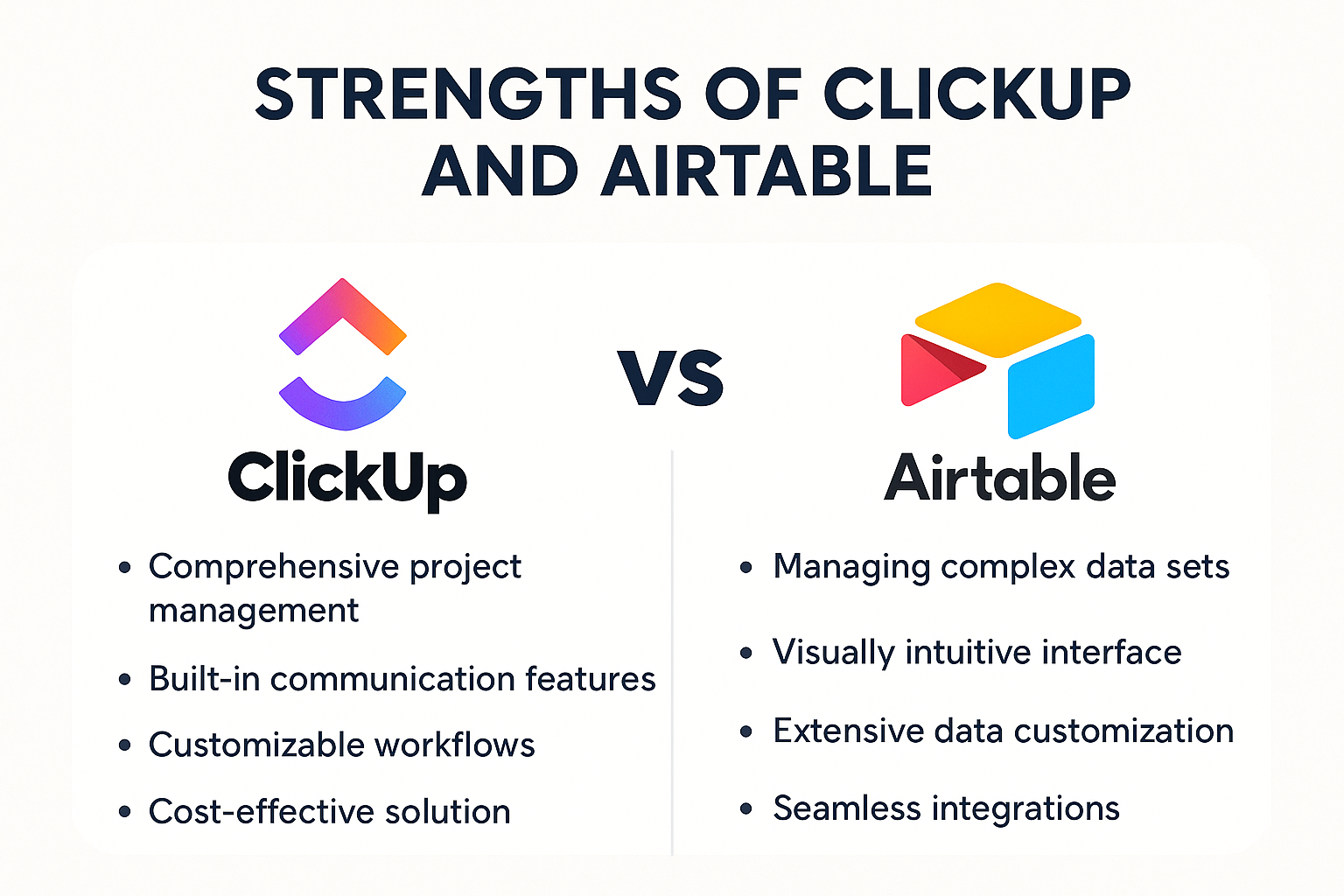
ClickUp shines in task and project management. It offers detailed task hierarchies, subtasks, dependencies, and recurring tasks, making it ideal for complex projects with many moving parts. The platform’s ability to assign multiple assignees, set priorities, and track time spent on tasks helps teams stay on top of deadlines and workload distribution.
Airtable, while capable of handling task lists, is not primarily designed as a task management tool. It can be customized to track projects, but it lacks some of the nuanced project management features found in ClickUp, such as native Gantt charts and workload views. However, Airtable’s strength lies in its ability to link tasks with other data types, like assets, contacts, or inventory, providing a holistic view of projects when data relationships matter. This flexibility allows teams to visualize their projects in a way that aligns with their specific needs, whether that be through a calendar view for deadlines or a kanban board for task progression.
Both platforms offer extensive customization, but in different ways. ClickUp provides customizable statuses, views, and dashboards that can be tailored to fit various workflows. Its automation capabilities have grown significantly, allowing users to create triggers and actions that streamline repetitive tasks. This means that teams can automate notifications for task updates or even create recurring tasks without manual input, saving valuable time and reducing the potential for human error.
Airtable’s customization is centered around its database structure. Users can create multiple tables with linked records, use different field types (checkboxes, dropdowns, attachments), and build relational databases that reflect complex real-world scenarios. Its scripting block and API allow for deeper customization, especially for users comfortable with coding. This level of flexibility can empower teams to create unique solutions tailored to their workflows, such as building a custom inventory management system or a project tracking dashboard that pulls in data from various sources, enhancing overall productivity and insight.
ClickUp integrates chat, comments, mentions, and real-time collaboration directly within tasks and documents. Its built-in chat feature reduces the need to switch between apps, fostering seamless communication within teams. Notifications are highly customizable, ensuring that users stay informed without being overwhelmed. This integration of communication tools helps to create a more cohesive team environment, where discussions can occur in context, directly related to the tasks at hand, thereby minimizing misunderstandings and enhancing accountability.
Airtable supports comments and mentions within records, but it doesn’t have a built-in chat function. Instead, it relies on integrations with communication tools like Slack or Microsoft Teams for real-time conversations. This approach works well for teams already embedded in those ecosystems but may add complexity for others. Additionally, Airtable’s collaborative features allow teams to leave feedback directly on records, ensuring that all input is captured in one place. This can be particularly beneficial for teams working on creative projects, where visual feedback and iterative changes are essential for success. The ability to tag team members and keep discussions tied to specific records fosters a collaborative atmosphere that can enhance project outcomes significantly.
ClickUp packs a lot into its interface, which can be both a blessing and a curse. New users may feel overwhelmed by the sheer number of options and settings. However, once familiar, many appreciate the platform’s ability to consolidate multiple productivity tools into one place.
The interface is highly customizable, allowing users to hide or show features based on their preferences. ClickUp’s mobile app has also improved considerably, offering most desktop functionalities on the go.
Airtable’s interface is often praised for its simplicity and visual clarity. It feels familiar to anyone who has used spreadsheets but adds layers of functionality that make data management more powerful. The drag-and-drop functionality, color-coded records, and easy switching between views (grid, calendar, gallery, kanban) create a smooth user experience.
For users who want a straightforward way to organize data without a steep learning curve, Airtable’s interface is a big plus.
ClickUp offers a free tier with generous features, including unlimited tasks and users, which is great for small teams or individuals. Paid plans unlock advanced features like goals, portfolios, custom permissions, and enhanced automation limits. Pricing is competitive, with options for monthly or annual billing, and enterprise plans available for large organizations.
Given the breadth of features included even in the free and lower-tier plans, ClickUp provides excellent value for teams looking for an all-in-one solution.
Airtable’s free plan allows for up to 1,200 records per base and essential features, suitable for light users or small projects. Paid plans increase record limits, add advanced features like custom branded forms, interface designer, and more automation runs. Enterprise plans provide enhanced security, support, and customization.
Airtable’s pricing can become costly as data volume and automation needs grow, but for teams that require its database capabilities, the investment can be worthwhile.
ClickUp supports integrations with hundreds of apps, including popular tools like Google Drive, Slack, Zoom, GitHub, and Zapier. Its native automation and API allow for custom workflows, making it adaptable to various tech stacks.
In 2026, ClickUp also introduced AI-powered features that integrate with other platforms to help with task prioritization, content generation, and data analysis, further enhancing productivity.
Airtable boasts a robust ecosystem with integrations ranging from Slack and Gmail to Salesforce and Shopify. Its marketplace features numerous “apps” that extend functionality, such as maps, charts, and pivot tables, allowing users to build tailored dashboards.
The platform’s API and scripting capabilities make it a favorite among developers and power users who want to create custom solutions.


Both ClickUp and Airtable have carved out strong niches in the productivity space by catering to different needs. ClickUp excels as a versatile project management and collaboration platform, while Airtable stands out as a powerful, user-friendly database solution. In 2026, the choice between the two largely depends on the nature of your work and the specific features you prioritize.
For teams seeking an all-encompassing task and project management tool with integrated communication, ClickUp is likely the better fit. Conversely, if your projects demand sophisticated data organization and you appreciate the flexibility of a spreadsheet-database hybrid, Airtable will serve you well.
Ultimately, many organizations find value in using both tools in tandem, leveraging each platform’s strengths to optimize productivity and data management.
While ClickUp and Airtable offer robust platforms for project management and data organization, the integration of AI can take your business's efficiency to the next level. At Singular Innovation, we specialize in crafting AI-enhanced apps and websites that revolutionize your workflow and give you a competitive edge. Embrace the future with our AI-powered solutions designed to make your business operations smoother and faster. Ready to transform your productivity?
Schedule a Call with us today and step into a world where technology meets innovation.
Autonomous workflows allow AI to coordinate tasks, decisions, and actions across systems. This shift moves businesses from manual processes to intelligent, self-operating workflows.
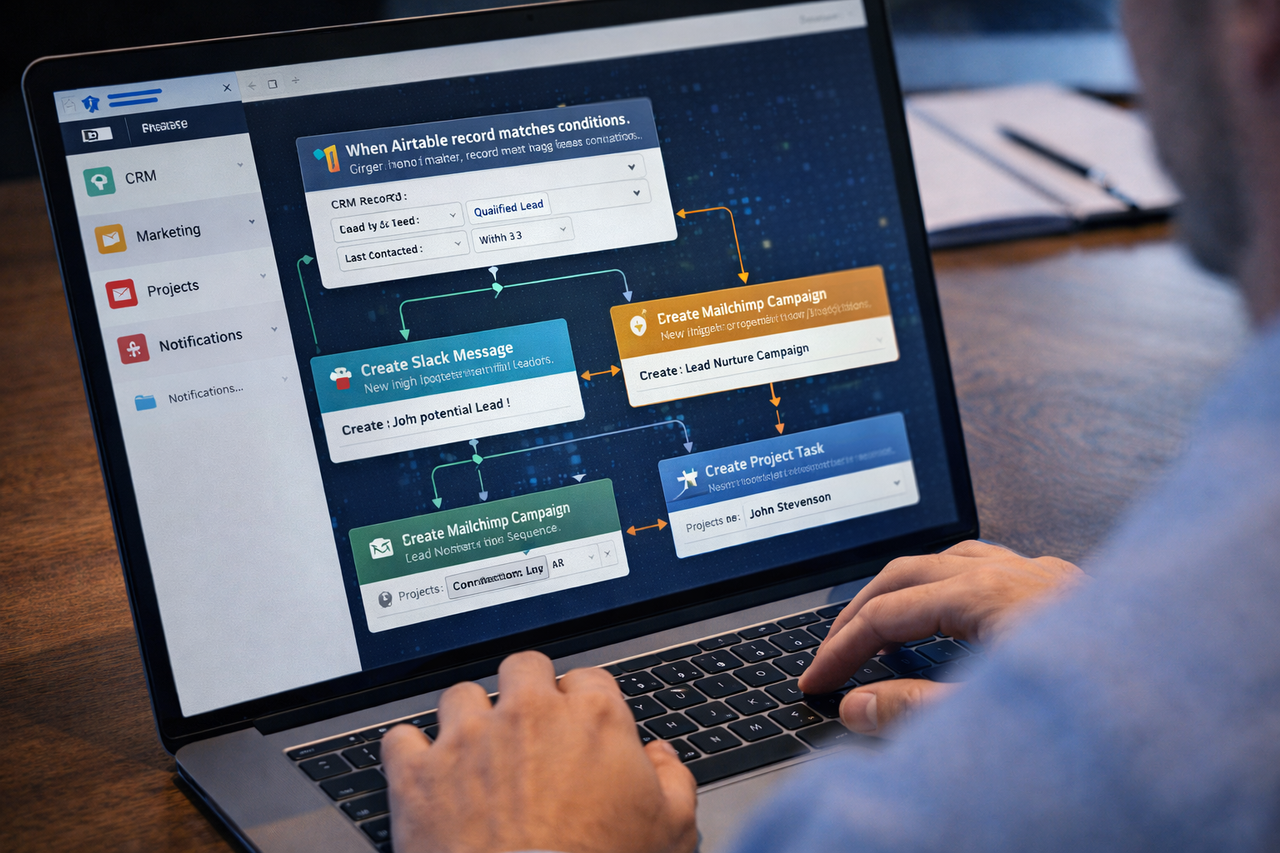
SMBs can now build AI workflows without engineering teams. No-code platforms like Airtable Omni allow companies to connect apps, automate processes, and deploy AI agents that manage operations across their digital systems.
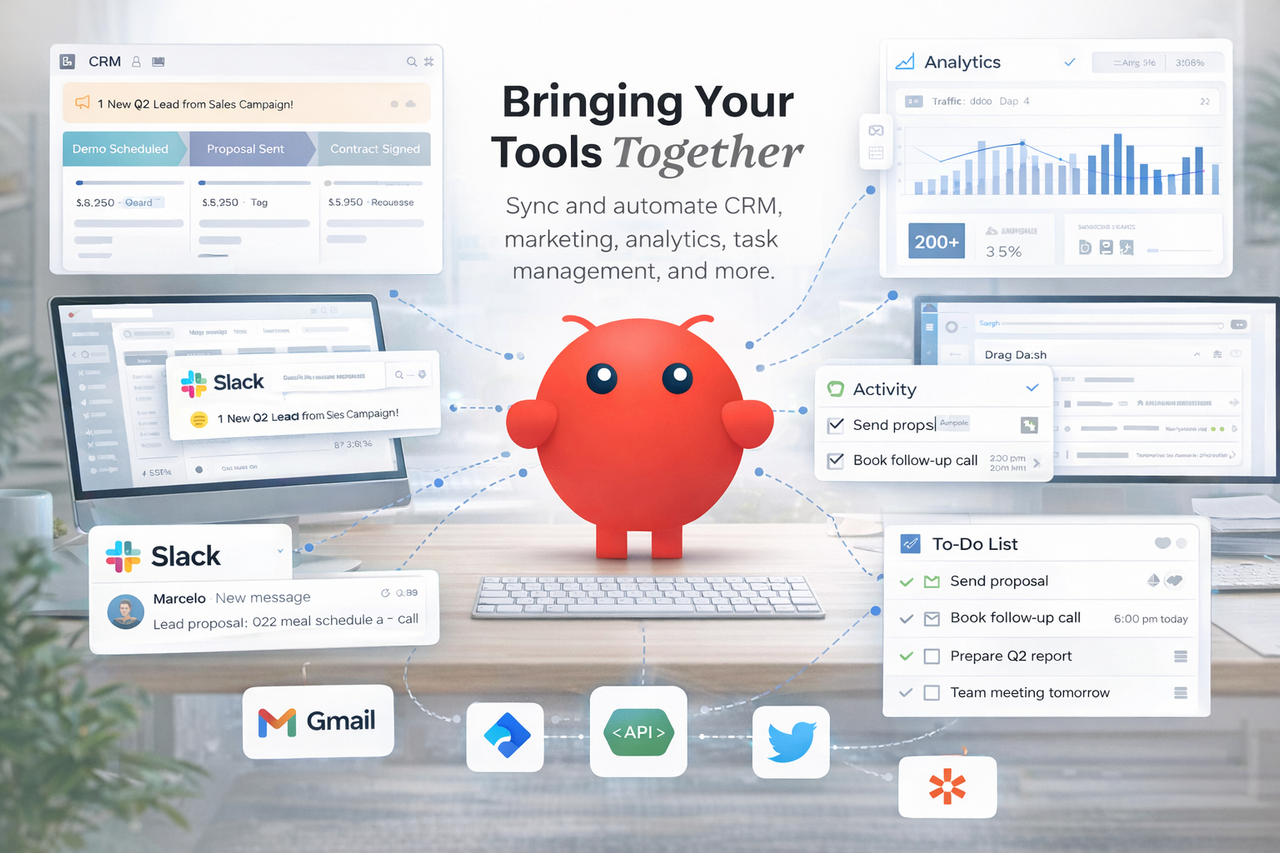
OpenClaw functions as a Second Brain and Agent OS for businesses, coordinating workflows, automating processes, and connecting operational systems into a unified AI-powered infrastructure.


